How to Use a Car's Trip Computer to Plan Stops
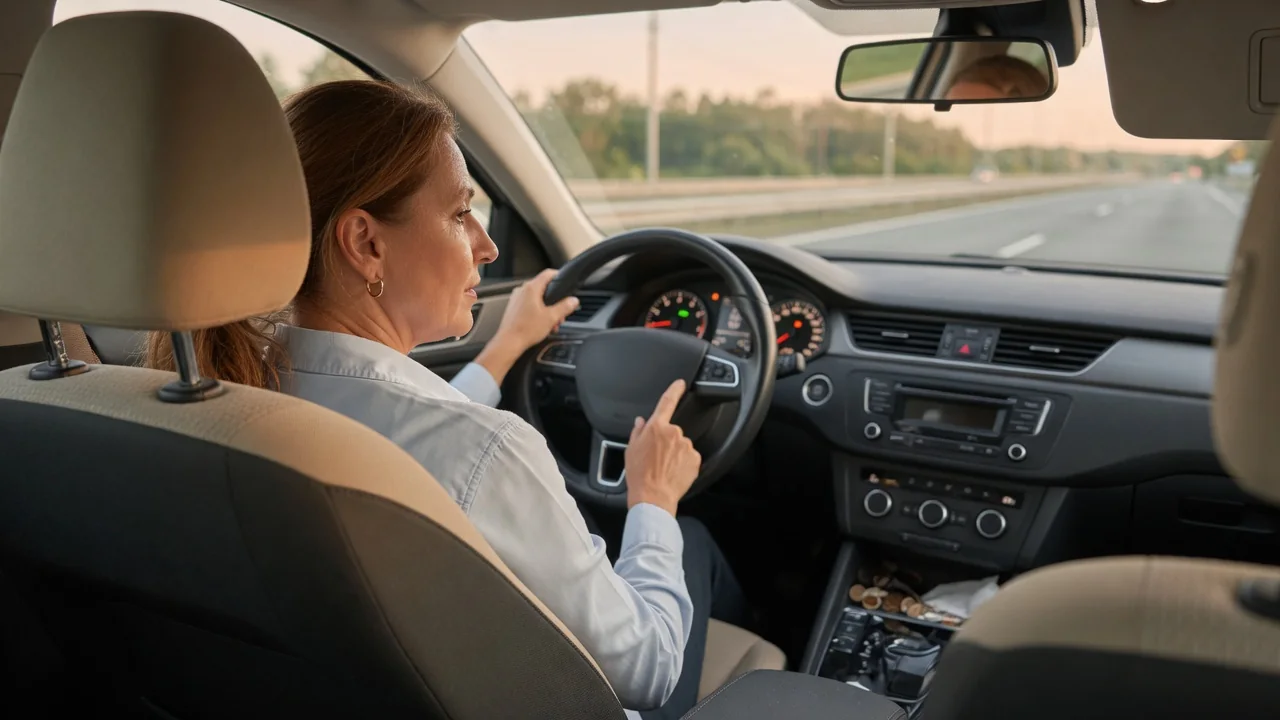
A trip computer turns fuel level, distance, and time into numbers a driver can act on. Learning how to use a car's trip computer to plan stops means treating remaining range and elapsed travel time as working estimates rather than promises. Read that way, the display helps decide when to refuel or recharge, when to rest, and how much cushion to keep in reserve.
Reset trip
Resetting a trip meter before departure gives every later reading a clean starting point. Most vehicles offer at least one resettable trip memory, often labeled Trip A and Trip B, that tracks distance, elapsed time, average speed, and average fuel or energy consumption since the last reset. Zeroing one at the driveway or at the first fill-up means the numbers describe this journey alone, not a blend of last month's commuting and today's highway miles.
The reset method varies by vehicle. Some use a stalk button or a stem on the instrument cluster, others a steering wheel control or a touchscreen menu, and certain models reset a trip automatically after the car sits parked for several hours or after refueling. The owner's manual explains which behavior applies. A useful habit is to dedicate one memory to the whole journey and reset the other at each stop, so the distance and time since the last break are always visible.
Watch range
The remaining range figure, sometimes shown as distance to empty, is a calculation rather than a measurement. The computer combines the fuel level or battery state of charge with recent consumption and projects how far the vehicle could travel if conditions stayed the same. Because that history may cover the last few miles or a much longer stretch depending on the manufacturer, two cars with identical tanks can display quite different numbers after the same drive.
Watching how range changes is more informative than any single reading. If the display drops thirty miles while the odometer adds twenty, consumption is running higher than the earlier estimate assumed, which is common when climbing grades, driving into a headwind, towing, carrying a roof box, or running climate control hard. The reverse happens on long descents or at gentler speeds. Comparing range lost against distance covered every half hour or so shows whether the projection is trending optimistic or cautious.
Plan margin
Planning a margin means choosing the next stop while there is still a comfortable buffer, not when the display approaches zero. A practical approach is to compare the distance to the intended station or charger, taken from navigation or road signs, with the range shown, then ask whether the difference would survive a detour, a closed station, or a stretch of heavier consumption. If the answer is uncertain, the earlier exit is the better choice.
The right cushion depends on the route. On a busy interstate with services at frequent exits, a smaller reserve may be reasonable; across rural or mountain stretches where stations are far apart, stopping with a larger share of the tank or battery remaining is the more sensible plan. Cold weather, night driving, and unfamiliar territory all argue for extra allowance. Many displays stop showing a number or switch to a low-range warning near the bottom, which removes guidance precisely when it would matter most.
Everyday Use and Observations
Elapsed travel time is the trip computer's most overlooked planning tool. Fatigue builds with hours behind the wheel regardless of how much fuel remains, so a timer reset at each stop gives an honest account of how long the current stint has lasted. Many drivers find a break every couple of hours keeps them alert, and matching rest breaks with fuel or charging stops reduces total time off the road. Some vehicles add their own break reminder based on drive time.
Average consumption and average speed add context on ordinary days as well. A commuter who resets a trip at each fill-up can learn the car's normal figure in miles per gallon or miles per kilowatt-hour, and a noticeable change from that baseline becomes easier to spot. Average speed, which includes slow traffic and on some cars idling time, helps turn remaining distance into a realistic arrival estimate. Drivers of plug-in hybrids may see separate electric and fuel readouts, depending on the model.
Limits and Next Steps
Every figure on the display rests on sensor inputs and assumptions. Fuel level senders can read unevenly across the tank on some vehicles, sloshing on hills can shift the reading, and the displayed average consumption may differ somewhat from a calculation made with pump receipts and odometer distance. Battery range estimates respond to temperature and recent driving style. None of this makes the trip computer unreliable; it simply means the numbers deserve the same skepticism as a weather forecast.
A sensible next step is to calibrate personal expectations against reality. Over a few tanks or charging sessions, compare the range shown at the start with the distance actually covered before refilling, and note how the car behaves once the low-fuel or low-charge warning appears, without deliberately running it close to empty. Check the owner's manual for how the specific model calculates and resets its values. With that experience, the display becomes a dependable guide for timing stops with room to spare.