What Data Does a Car's Trip Computer Store?
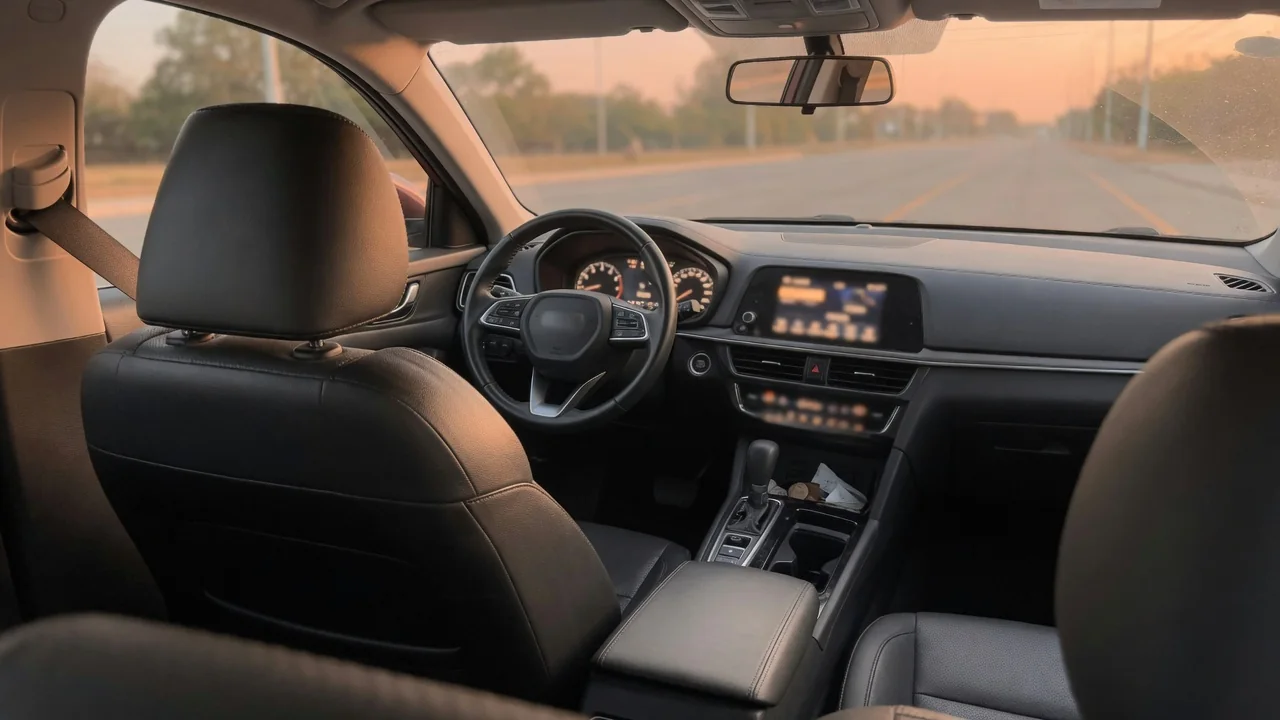
A trip computer is the part of the instrument cluster or infotainment system that keeps running tallies of how a vehicle has been driven. Drivers who ask what data does a car's trip computer store usually want to know which figures are kept locally, how long they persist, and what happens when a counter is reset. The answers depend on the vehicle's design.
Distance and economy
The core of any trip computer is distance. Alongside the permanent odometer, most vehicles keep one or two resettable trip meters, often labeled Trip A and Trip B, that count miles from the last time the driver cleared them. One might track a single tank of fuel while the other follows a long road trip or the distance since an oil change. These counters are derived from the same wheel speed or transmission output signals that feed the odometer, but clearing them never alters the legal mileage reading.
Economy figures are calculated rather than measured directly. The computer combines distance traveled with the fuel the engine controller estimates it has injected, producing average miles per gallon, instantaneous economy, and an estimated range to empty. Electric vehicles show comparable values in miles per kilowatt-hour. Many systems also store elapsed driving time and average speed for each trip. Because range estimates lean on recent driving history, the number can swing after a stretch of towing or highway cruising, and the exact weighting differs between manufacturers.
Driver profiles
On vehicles with driver profiles, trip data may be only one piece of what is saved under each name. A profile can tie seat and mirror positions, climate preferences, display layouts, and audio settings to a particular key fob or a selection made on the touchscreen. Some systems keep separate economy histories or driving scores per profile, so two people sharing one car can each see their own averages. Others keep a single set of trip counters for the vehicle regardless of who is driving.
What a profile holds beyond trip metrics is where vehicles diverge most. Infotainment units may save paired phones, synced contacts, recent navigation destinations, a home address, and garage door opener codes, and connected models can link a profile to an online account that mirrors some information away from the car. A simple way to see what applies is to browse the settings menus while switching between profiles and note which values change. The owner's manual usually explains whether the profile follows the key, the phone, or a manual selection.
Clear before transfer
Selling, trading in, or returning a leased vehicle is the moment when stored information matters most. Trip meters and average economy figures reveal little about a person, but the infotainment memory can reveal a great deal, including saved addresses, call logs, and linked accounts. Resetting the trip counters is usually done by holding a steering wheel or cluster button, while personal data typically requires a separate factory reset option within the settings menu. The two actions are independent, so clearing one does not clear the other.
A thorough handover also considers things outside the dashboard. Phones should be unpaired, built-in garage door transmitters cleared, and any connected-services account or companion app detached from the vehicle so the previous owner no longer has remote access. The steps and menu names vary by brand and model year, so the manual or a dealer is the reliable reference. Buyers of used vehicles benefit from the same routine in reverse, since a reset removes a stranger's profiles and gives the economy averages a clean starting point.
Everyday Use and Observations
In daily driving, the trip computer is most useful as a comparison tool. Resetting one trip meter at every fill-up lets a driver check the displayed average against a hand calculation from gallons pumped and miles covered, and a small gap between the two is common. Watching the long-term average over several weeks can reveal a gradual drop in economy that may be linked to tire pressure, cold weather, short trips, or a developing mechanical issue, though the display alone cannot say which.
Reset behavior is worth observing, because it is not uniform. Some vehicles clear a dedicated journey display automatically after the ignition has been off for a set period, while the manual trip meters keep counting until the driver intervenes. Certain models reset average economy at refueling if that option is enabled. Disconnecting or replacing the 12-volt battery can wipe trip values on some vehicles and leave them untouched on others, so it is sensible to note any figures that matter before electrical service is carried out.
Limits and Next Steps
A trip computer has clear limits. Its figures are estimates built from sensor signals and software assumptions, so displayed economy and range should be treated as guidance rather than precise measurements. It is also distinct from other memory in the vehicle: diagnostic trouble codes live in control modules and are read with a scan tool, and the event data recorder that captures crash-related information is a separate system that ordinary menu resets do not touch. Clearing a trip meter has no effect on either one.
For anyone wanting a complete picture of a particular car, the next step is vehicle-specific. The owner's manual lists which trip values are stored, how each one resets, and whether profiles or connected services retain additional records. The manufacturer's privacy statement describes what telematics data may be transmitted beyond the car. If a display seems inaccurate, such as an average that disagrees sharply with fill-up calculations, a technician can check for underlying faults instead of the driver assuming the readout itself is broken.