What Is a Head-Up Display in a Car?
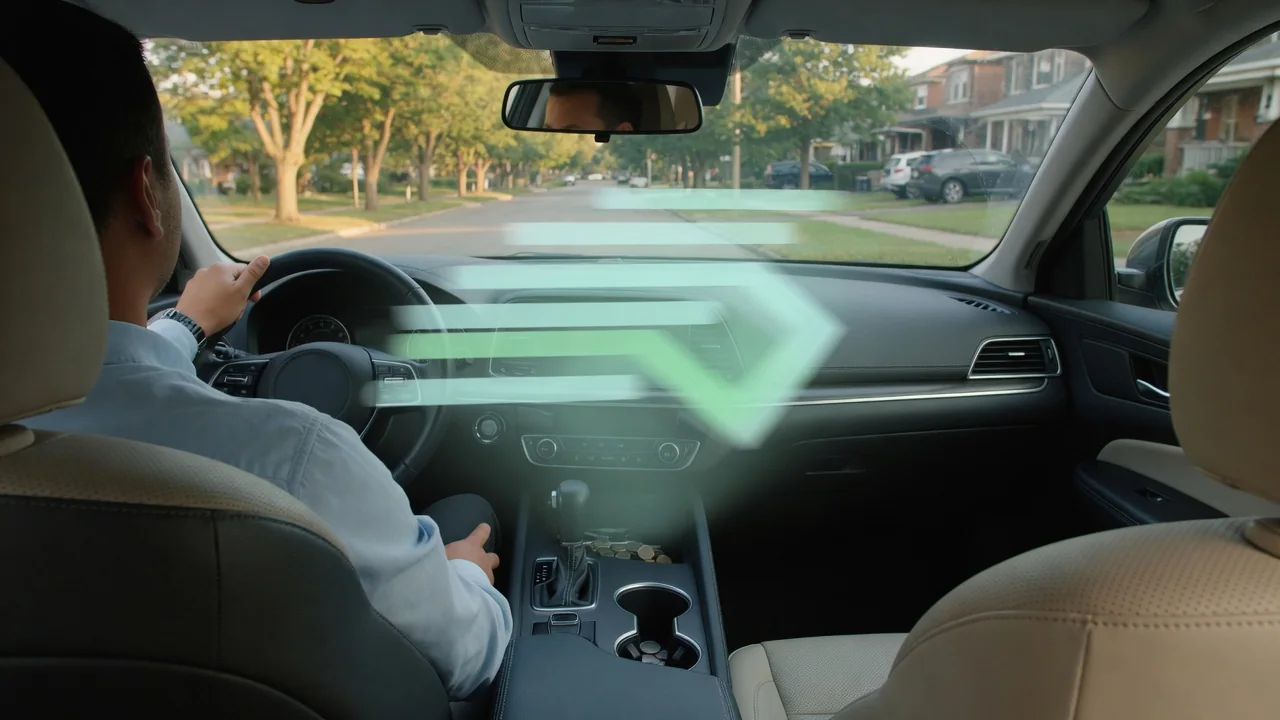
Anyone asking what is a head up display in a car is really asking about a simple idea: key driving information projected into the driver's line of sight, so the eyes stay closer to the road. This article explains what the projection shows, why it seems to float ahead of the vehicle, how to adjust it, and where the technology has practical limits.
Displayed data
A head-up display, often shortened to HUD, takes information normally found in the instrument cluster and projects it onto the windshield or a small transparent panel above the dash. Vehicle speed is the most common item, usually shown as a digital readout. Many systems add the posted speed limit from traffic sign recognition, turn-by-turn navigation arrows, cruise control set speed, and following distance indicators. The goal is to place the handful of things a driver checks most often where a short glance can capture them.
What appears depends heavily on the vehicle and trim level. Some displays are limited to speed and a few warning icons, while others show lane-keeping status, incoming call information, audio track details, or a tachometer in a sport mode. Systems marketed as augmented reality can overlay navigation arrows that appear to sit on the road itself. Most vehicles let the driver choose which items appear through a settings menu, so two identical cars may look quite different depending on how each owner configured the content.
Focus distance
The image is not actually focused on the glass. A projector unit hidden in the dashboard bounces light off mirrors and then off the windshield, creating what optical engineers call a virtual image. To the driver, the readout seems to hover out beyond the hood rather than sitting on the surface of the glass. That apparent distance is the whole point, because eyes already focused far down the road need less refocusing to read something that also appears to be some distance away.
Glancing down at a conventional gauge cluster requires the eyes to shift direction and refocus on something close, then reverse both steps when returning to traffic. A projected image reduces that effort, which many drivers notice as less eye fatigue on long trips. The apparent distance varies by design. Windshield-projected systems generally place the image farther out than compact combiner types that use a flip-up plastic panel, and augmented reality versions push it farther still so graphics line up with the road scene.
Brightness and alignment
Brightness matters because the projection competes with whatever is behind it. On a sunny day against a pale concrete road, a dim image washes out, while the same setting at night can be distractingly bright. Most factory systems use an ambient light sensor to adjust automatically, and they usually offer a manual brightness offset in the display menu or through a dedicated switch near the steering column. If the readout looks faint in daylight or glaring after dark, that setting is the first thing worth checking.
Alignment is tied to where the driver's eyes are. The image is only fully visible within a limited zone, sometimes called the eyebox, so a tall driver and a short driver need different vertical positions. A height adjustment moves the projection up or down, and some vehicles also provide a rotation setting to level an image that appears tilted. Set the seat and steering wheel first, then position the display so the whole readout sits just below the natural line of sight. Many cars store this with seat memory profiles.
Everyday Use and Observations
In daily driving, the display is most useful for speed awareness and navigation. Checking speed becomes a brief shift of attention rather than a look down at the cluster, which helps in areas with changing limits. Navigation prompts with lane guidance and distance to the next turn mean fewer glances at the center screen in unfamiliar areas. Drivers new to the feature sometimes find the floating image distracting for the first few days, then stop noticing it consciously, much like they do with mirrors.
A few observations surprise owners. Polarized sunglasses can dim the projection or make it vanish, because the reflected light is itself polarized; tilting the head slightly often changes how visible it is. Some drivers notice a faint double image, especially if the windshield has been replaced with glass not designed for projection. Vehicles built with this feature typically use a windshield with a special wedge-shaped inner layer that merges the two reflections into one. Dust or objects on the dashboard opening can also cast shadows into the image.
Limits and Next Steps
The technology has clear limits. The viewing zone is restricted, so slouching or changing seat position can cut off part of the image. Bright low sun, snow glare, and certain eyewear reduce legibility. The display also repeats only selected data, so the instrument cluster remains the complete source for warning lights and gauges. Aftermarket units that sit on the dash or reflect a phone screen exist, but they generally produce a closer, dimmer image and vary widely in quality and in what vehicle data they can read.
If a factory display is dim, tilted, cut off, or missing, start with the settings menu, since the feature can be switched off or shifted out of view by a previous driver's profile. The owner's manual shows the adjustment controls and available content for that specific vehicle. A projection that stays blank, flickers, or looks doubled after windshield work is worth having a dealer or qualified shop inspect, because the cause could be the glass, the projector unit, or a setting, and it needs vehicle-specific confirmation.