Kenworth Bluetooth Connection Setup
Pairing a phone or media device with a Kenworth truck improves hands-free calling and audio streaming, but the exact steps depend on the radio or telematics system installed in the cab. The process generally involves preparing the phone, making the truck’s audio unit discoverable, and confirming a passkey. Because Kenworth uses several infotainment and interface adapter suppliers across model years, software compatibility and menu labels can vary. Checking the connection settings on both the phone and the truck before pairing usually prevents failed attempts and dropped Bluetooth links.
Essential answer
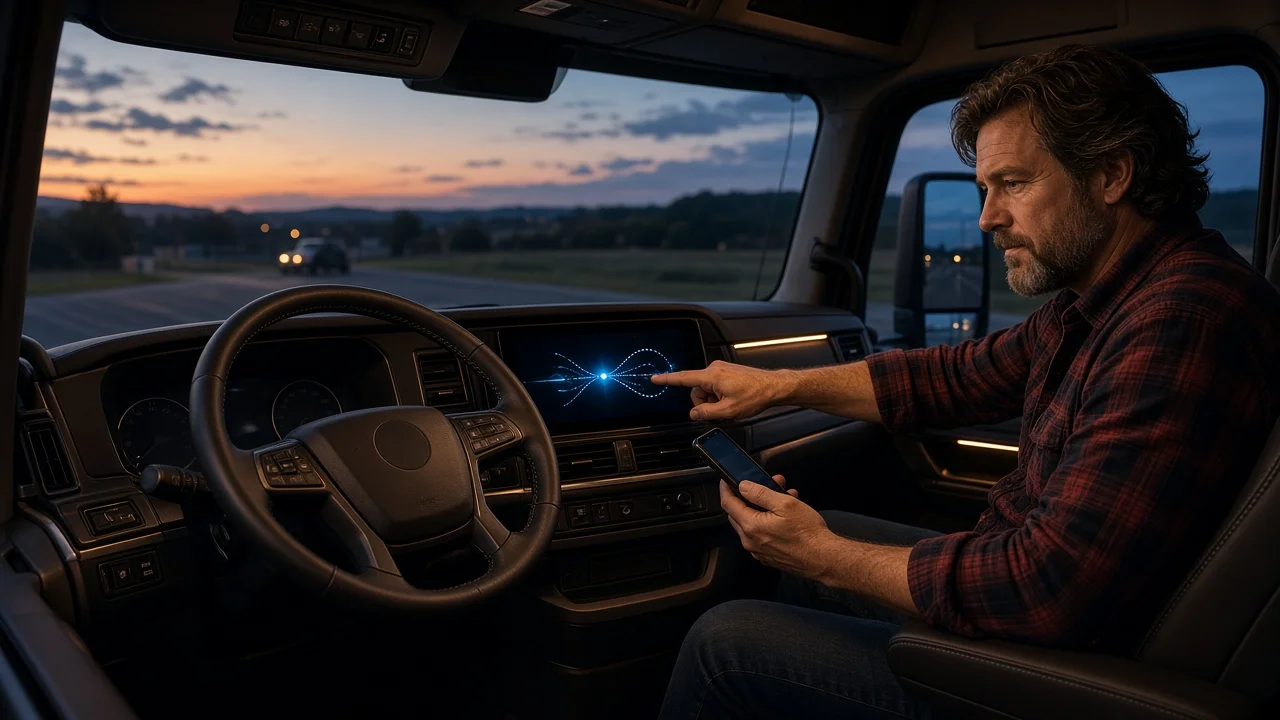
Connecting to Kenworth Bluetooth typically starts by turning on the ignition without starting the engine, or placing the key in the accessory position, so the radio or dash interface receives stable power. On many systems, you then open the phone or Bluetooth menu on the head unit and choose a pairing or add-device option. The display should show the truck as discoverable or begin searching for nearby phones. Keeping the phone within a few feet of the dash reduces interference during the initial handshake.
After selecting the truck on the phone, a numeric code may appear on both screens. Confirming that the code matches authorizes the device pairing and lets the radio store the connection profile. Some Kenworth models use a steering wheel interface button to answer calls, while others rely on the touchscreen or rotary controls. If the link fails, clearing old pairings and checking software compatibility between the phone operating system and the existing vehicle integration hardware often resolves the issue.