What Is a Driver Profile in a Car?
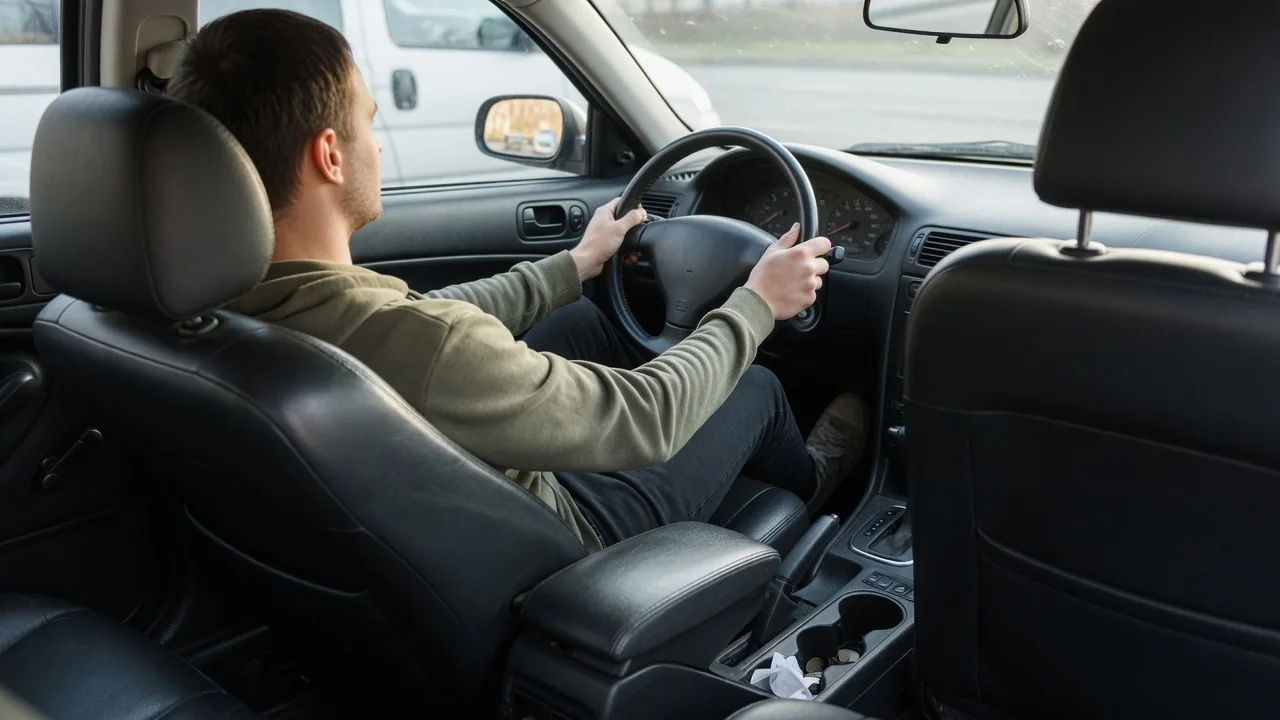
Anyone asking what is a driver profile in a car is really asking how a vehicle remembers people. A driver profile is a saved set of personal preferences, often tied to a key, a phone, or an online account, that the car recalls when a particular person gets behind the wheel. The details differ by brand, but the idea is consistent across modern vehicles.
Seat and media settings
The most visible part of a profile is the physical driving position. On vehicles with power-adjustable memory seats, the profile can store seat height, cushion angle, backrest recline, and lumbar support, and many systems add exterior mirror angles and a power steering column position. When the profile loads, you may see and hear the seat motors moving on their own before you set off. Cars with manual seat adjustment cannot do this, so their profiles are limited to electronic settings that need no motors.
Media and display preferences usually sit alongside the seating position. A profile commonly holds radio presets, favorite audio sources, equalizer and balance settings, paired phones, and the layout of the home screen or digital instrument cluster. Some vehicles also save climate temperature, ambient lighting color, navigation favorites such as home and work addresses, and preferred drive mode or driver assistance settings. Exactly which items are stored depends on the manufacturer, the trim level, and the infotainment software version fitted to the vehicle.
Switching
Cars choose the active profile in several ways. Many link each profile to a specific key fob, so unlocking the door with that fob calls up its owner's settings. Others recognize a paired phone used as a digital key, or show a selection screen on the center display at startup. A smaller number of vehicles use a fingerprint reader or an interior camera to identify the driver. The owner's manual or the settings menu will show which methods a particular vehicle supports.
Changing profiles manually is usually done through the infotainment settings menu or a profile icon at the top of the screen, and many cars also have numbered memory buttons on the door panel. Some systems restrict switching to when the vehicle is parked, because moving the seat and steering column while driving would be unsafe. A guest profile is often available for valets, friends, or rental drivers, letting them adjust things freely without overwriting the saved preferences of the regular drivers.
Data cleanup
Because profiles can hold contacts, call history, navigation destinations, garage door codes, and logins for streaming or connected services, they deserve attention before a car changes hands. Selling, trading in, or returning a leased or rented vehicle with profiles intact can leave a home address and synced phone data available to the next person. Individual profiles can normally be deleted from the settings menu, and most infotainment systems also offer a factory reset that erases stored personal data in one step.
Clearing the screen in the car may not finish the job. Where a profile is linked to a manufacturer account or companion phone app, the vehicle often has to be removed from that account separately, otherwise remote features such as location or lock control could remain connected to the previous owner. Buyers of used vehicles should check for leftover profiles and paired devices as well. The exact menu names and the steps for unlinking an account vary by brand, so the manual is the reliable reference.
Everyday Use and Observations
In a household where two or more people share one vehicle, profiles remove a daily round of readjustment. A shorter driver and a taller one can each open the door, wait a moment, and find the seat, mirrors, and steering wheel where they left them, along with their own radio stations and phone connection. A greeting with the profile name on the display, or a prompt asking who is driving, is the usual sign that the system has recognized someone.
A few behaviors are worth knowing. If two key fobs are within range at once, the car may load the profile of whichever it detects first, which explains a seat that moves to the wrong position when both drivers approach together. Many systems save changes automatically to the active profile, so adjusting the seat for a long trip can quietly replace the stored position, while others require a deliberate save. Watching how the car responds over a few drives reveals which approach it takes.
Limits and Next Steps
Profiles have boundaries. The number that can be stored is finite and differs between vehicles, and not every setting follows the driver. Some preferences apply to the whole car regardless of who is driving, and certain safety systems may return to their default state at each start no matter what the profile says. Cloud-linked profiles that can follow a driver to another vehicle of the same brand generally depend on an active account and a data connection, and sometimes a subscription.
A sensible next step is to open the settings menu, look for a section labeled profiles, users, or personalization, and see what the vehicle offers. Creating a profile for each regular driver, linking the correct key or phone, and saving a preferred position while parked covers most needs. If a profile refuses to load or keeps forgetting settings, a weak key fob battery or pending software update may be involved, and a dealer or the owner's manual can confirm what applies to that specific model.