How Do Driver Profiles Follow a User Account?
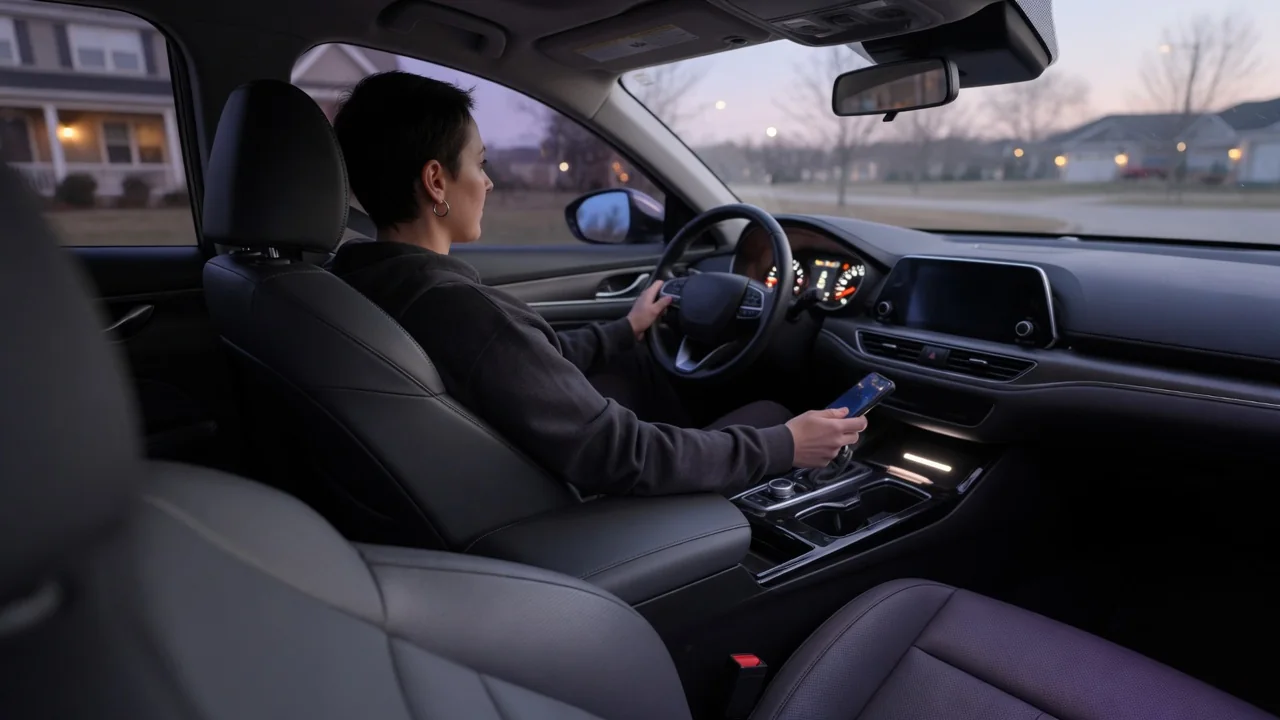
In many connected cars, a driver profile is more than a memory button. It can tie seat and mirror positions, climate preferences, infotainment layouts, and app logins to a user account rather than to the vehicle alone. Owners who switch vehicles, share a car, or change their login details will know what to expect once they understand how connected car driver profiles move between the cloud, the car's own memory, and the account itself.
Cloud Sync
When a profile is linked to an online account, the vehicle's telematics unit typically uploads a copy of selected preferences to the manufacturer's or service provider's servers. The account, not the car, becomes the reference point. The user might later sign in to another compatible vehicle, or to the same vehicle after a reset. In either case, the system can download the saved copy and apply the settings that car supports. This is the basic answer to how driver profiles follow a user account: the preferences travel as data tied to a login, and each car interprets that data locally.
Synchronization usually depends on three things: a working cellular or Wi-Fi connection, an active connected-services subscription where one is required, and the user's consent to data sharing. Uploads may happen when settings change, when the vehicle is switched off, or at intervals defined by the software. If the car is parked where coverage is poor, a change made in the cabin may not reach the cloud until the next successful connection. Meanwhile, a different vehicle may briefly show an older version of the profile.
Not everything in a profile is necessarily stored in the cloud. Some systems sync only infotainment items such as favorite destinations, radio presets, display themes, and linked media accounts, while physical adjustments remain in the car. Others include a wider range of comfort settings. Which categories sync is a design decision that varies by manufacturer, model, and software version. For any specific vehicle, the owner's manual and the connected-services app are the reliable references.
Local Settings
Even in a connected vehicle, the car keeps its own record of each profile. Memory seat modules, mirror controllers, and the infotainment head unit generally store positions and preferences in onboard memory. This lets them recall settings instantly, without waiting for a network response. The local copy is also what lets a profile work in an underground garage or a remote area with no signal.
The car typically identifies the local profile by something it can detect directly: a specific key fob, a phone acting as a digital key, a selection on the touchscreen, or a memory button on the door. On some systems, choosing a profile locally triggers a background check with the cloud to see whether a newer version exists. When the two copies disagree, the software has to decide which one to trust, and approaches differ. Some favor the most recent change, while others keep the vehicle's stored values until a sync completes.
Local settings also have physical limits. A seat position recorded in one vehicle may not translate exactly to another with a different seat design, adjustment range, or set of motors. Systems that do transfer comfort settings may adapt them, apply the closest available values, or skip them entirely. If the second vehicle lacks a feature, such as a heated steering wheel or a particular display layout, that setting cannot be applied, even though it is saved in the account.
Account Changes
Because the account is the anchor, changes to it affect every vehicle linked to it. After a password update or the addition of two-factor authentication, the user may need to sign in again on the vehicle's screen or through the companion app before syncing resumes. Changing the email address or username on the account usually keeps the stored profile intact. However, the vehicle may need to re-authenticate before it recognizes the updated credentials.
Deleting an account, or removing a vehicle from it, is a more significant step. Depending on the provider, cloud-stored preferences may be erased along with the account. The local copy in the car may remain until it is deleted manually or the vehicle is reset to factory settings. The reverse can also happen: a factory reset clears the car's memory, yet the cloud profile survives and can be restored when the user signs in again.
Ownership transfers are where account changes matter most. When a vehicle is sold, the previous owner generally needs to unlink it from their account and remove their profiles from the car. The new owner then links the vehicle to their own account. Manufacturers often provide a specific procedure for this, sometimes requiring confirmation in the app or at a dealer. The procedure exists so that personal data, saved addresses, and remote access do not pass to the next owner.
Practical Implications and Limits
For daily use, the main benefit is convenience in households with shared or multiple vehicles. It also helps with rental and fleet services that support account-based profiles. A driver can step into a compatible car and have familiar preferences applied with little setup. The trade-off is dependence on connectivity, compatible software, and the provider's continued support. Services change over time, and later software updates or revised service terms may modify or discontinue features available today.
Privacy deserves attention too. A synced profile can contain home and work addresses, contact lists, media accounts, and driving-related preferences. Owners should review which data categories they have agreed to share. They should also sign out of their profile on borrowed or rental vehicles and avoid leaving a personal profile active on a car that other people use. Where guest or valet modes are available, they can limit what another driver sees.
Finally, it helps to treat the cloud profile as a convenience rather than a guaranteed backup. Before a software update, battery replacement, or dealer service visit, take a moment to note key seat and mirror positions in case the restore does not work as expected. When a setting refuses to follow the account, check the sign-in status, the subscription, and the vehicle's sync options in the app. These checks usually narrow down the cause faster than repeated adjustments in the cabin.