What Is a Connected Vehicle Account? Vehicle Link, Features, and Privacy
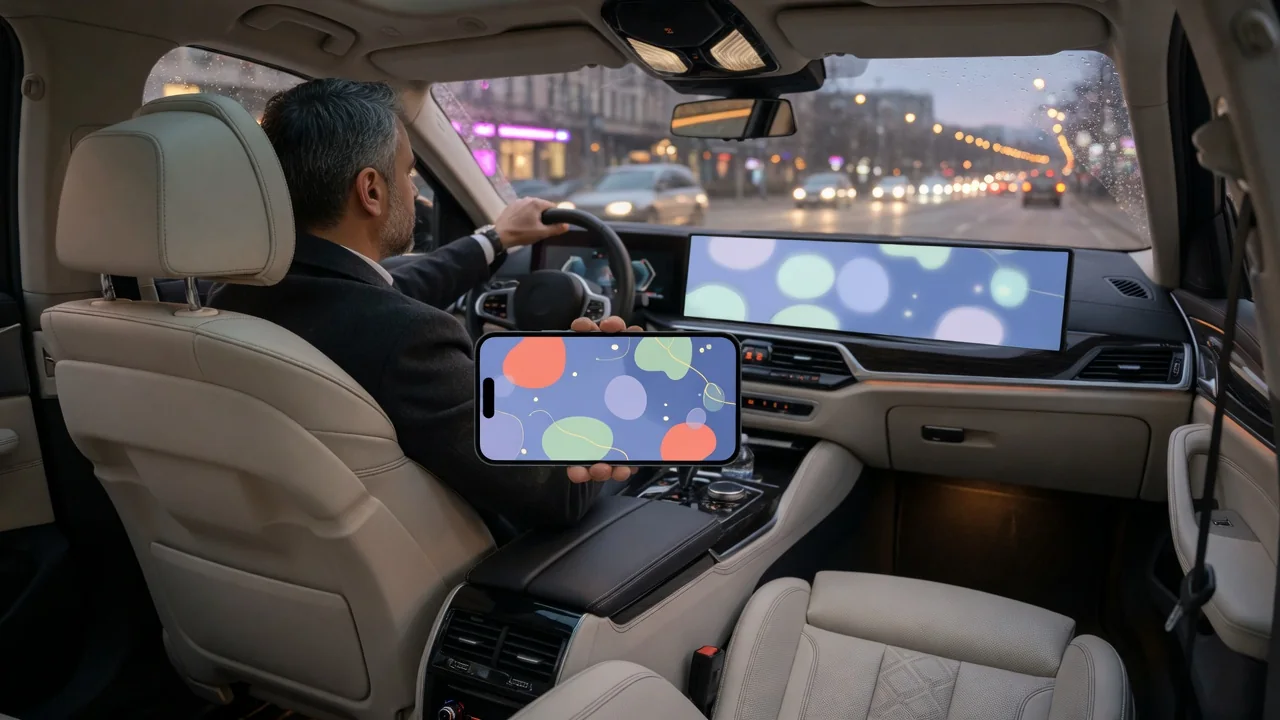
A connected vehicle account is the online profile that ties a specific car to its owner and any authorized drivers on a manufacturer's or service provider's platform. It is usually managed through a smartphone app or web portal and acts as the gateway to remote functions, vehicle status information, and service tools. Knowing how the account links to the car, what it typically enables, and what data passes through it helps owners set it up deliberately.
Vehicle link: how the account connects to the car
Most connected cars carry a telematics unit, a small onboard computer with its own cellular modem and usually a GPS receiver. In most designs this unit communicates with the manufacturer's or provider's servers rather than directly with your phone. The connected vehicle account lives on those servers and associates your identity with the vehicle, typically using the vehicle identification number (VIN) as the anchor. When you tap a command in the app, the request goes to the server, which checks that your account is authorized for that VIN and relays the command to the car over the cellular network. Status information travels the opposite way: the car reports data to the server, and the app displays it after you sign in.
Creating the link normally involves a check that you actually control the vehicle. Depending on the system, this may mean entering the VIN, confirming a code shown on the infotainment screen, pressing a button inside the car, completing verification at a dealership, or a combination of these steps. Many platforms distinguish a primary account holder from secondary users, letting the owner grant limited access to family members or other drivers and revoke it later. The link is also meant to be removable, so the car can move to a new account when it changes hands; the exact procedure varies by manufacturer.
The account is distinct from the cellular service the car uses, although the two are often bundled. Some features may be included for an initial period while others require a paid plan, and the terms and feature tiers differ by brand, region, and model year. Hardware also sets limits: a telematics module built for a cellular network generation that carriers have since retired may leave the account intact while remote functions stop working.
Features a connected account typically enables
The most visible purpose of a car connected account is remote control of basic functions. Common examples include locking and unlocking the doors, starting the engine or preconditioning the cabin, flashing the lights or sounding the horn, and showing the vehicle's last reported location on a map. Availability depends on the vehicle's hardware and software, and some functions, such as remote start, may only run when the car confirms certain conditions are met.
A second group of features reports vehicle status. Depending on the system, the app may show fuel level or battery state of charge, estimated range, odometer reading, tire pressure, open doors or windows, and active warning lights. Many platforms also use this data for maintenance reminders, service appointment scheduling, and recall notifications. For electric and plug-in hybrid vehicles, accounts commonly add charging status, charge scheduling, and charge limit settings.
A third group covers safety and convenience services. Some systems offer automatic crash notification, which can alert an emergency response center when sensors detect a collision, along with a manual assistance button. Others support stolen vehicle location assistance, roadside help requests, sending destinations from a phone to the navigation system, digital key sharing, and over-the-air software updates. These services are not universal, and some depend on an active subscription, so having the app does not confirm that every function is available for a given car.
Privacy: what data the account handles
Because the account connects a person to a vehicle that reports data, it can involve several categories of information. These may include account details such as name, email address, and phone number; location data from the car's GPS; vehicle health and diagnostic data; and usage information such as trip times, mileage, or driving events like hard braking. Some systems also process voice commands or data from paired phones. What is actually collected, how often, and how long it is kept depends on the specific system, your settings, and the provider's policies.
Collected data is used first to deliver the features themselves; a car cannot be located remotely without location data. Providers may also use data for product improvement, research, or marketing, and some programs share driving data with third parties such as insurers, usually subject to consent rules that vary by jurisdiction. The connected platform's privacy notice and terms describe these uses and may differ from a dealership's or website's general policy. The sections on data sharing, retention, and opt-out choices are usually the most informative.
Most platforms provide some controls. Owners can typically review which secondary users have access, adjust location or data-sharing permissions in the app or vehicle settings, and decline optional programs. Where privacy laws grant such rights, owners may also request a copy of their data or its deletion. Disabling connected services entirely is sometimes possible, but it usually removes remote features and may affect emergency functions. Separately, the infotainment system can store paired phones, contacts, and saved addresses locally, which an account setting alone may not erase.
Practical implications and limits
Every remote action depends on a chain of links: your phone's connection, the provider's servers, and the car's cellular reception. A vehicle parked in an underground garage or a remote area may not receive commands promptly, and server outages or sign-in problems can block access even when the car itself is fine. For these reasons, the app works best as a convenience rather than the only way to unlock or start the car, and carrying the physical key or fob remains sensible unless the manufacturer provides documented backup methods for a phone key.
Ownership changes deserve attention. A seller should remove the car from their account and reset the infotainment system as the owner's manual describes, and a used-car buyer should confirm that the previous owner no longer has remote access before linking a new account. Rental, leased, and fleet vehicles may have accounts controlled by someone other than the driver. Over time, services can be revised or discontinued, so the features listed at purchase are not guaranteed for the life of the vehicle.
Because the account can unlock and locate a vehicle, its security matters as much as a physical key. Using a unique password, enabling two-factor authentication where offered, keeping the phone locked, and reviewing authorized users periodically all reduce risk. For vehicle-specific questions, such as which features a particular car supports or how to unlink it, the owner's manual and the manufacturer's official support channels are the authoritative sources.