Why Does a Connected Car Send Diagnostic Status?
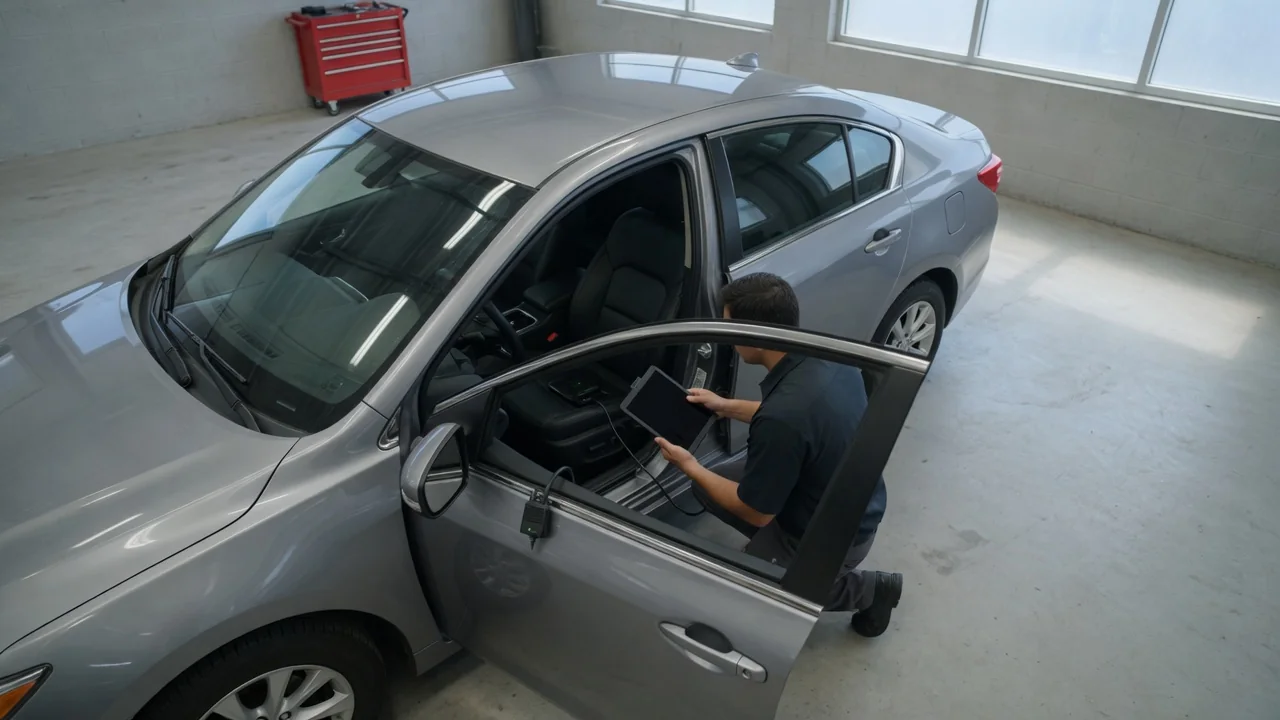
A connected car has a built-in cellular modem, often called a telematics control unit, that can send information about the vehicle to the manufacturer's servers. One common type of message is a diagnostic status: a short summary of fault codes, warning lights and basic system readings. Knowing why the car sends this data, what you will see in a service app and how privacy settings apply helps you decide how to use the feature and what it can and cannot tell you.
Fault summaries: what the car reports and why
Modern vehicles use many electronic control units. They monitor the engine, transmission, brakes, battery, emissions equipment and other systems. When a module detects a condition outside its expected range, it typically stores a diagnostic trouble code and may turn on a warning light. In a conventional car, that information stays inside the vehicle until someone plugs a scan tool into the diagnostic port. A connected car can collect selected codes and status values into a compact fault summary and send it over its cellular link. Nobody has to be physically present at the car.
Manufacturers use remote diagnostic data for several purposes. The summary can alert the owner when a warning appears, even if they missed the dashboard light. It can let a dealer or service provider see the reported issue before the visit. It can give roadside assistance basic context about the problem. It can also feed maintenance reminders based on items such as mileage, oil life estimates, tire pressure or battery condition. Aggregated across many vehicles, this data may help a manufacturer spot recurring problems that lead to software updates or service campaigns. Which of these purposes apply depends on the manufacturer, the vehicle and the connected services plan.
A fault summary is not the same as a full diagnostic session. It usually carries a limited set of information, such as active codes, a severity category and a few readings. It typically lacks the detailed snapshot data and live measurements a technician collects with dedicated equipment. Transmission timing also varies. Depending on the system, a summary may be sent when a new fault is stored, at certain ignition events, on a schedule or when the owner requests a health check.
Service app: how diagnostic status reaches the owner
Most connected-car services show diagnostic status through a smartphone app or web portal linked to the owner's account. A typical vehicle health screen lists active warnings and fuel or charge level. It may also show tire pressures, the odometer reading and upcoming maintenance items. Many apps can send a push notification or email when the car reports a new issue. The exact screens and alerts depend on the make, model year, equipment, region and subscription status. Two vehicles from the same brand may not offer identical features.
Service apps usually translate technical codes into plain-language categories. Instead of a raw code, you might see that an engine or emissions system needs attention, with a suggestion to schedule service. This is convenient, but it is a simplification. The app may tell you which system is affected without explaining the underlying cause or the repair needed. Some apps let you send the report to a chosen dealer or book an appointment. That forwarding step is generally something the owner initiates or approves.
Privacy: who receives the data and what you can control
Diagnostic status describes the vehicle, but it is linked to the vehicle identification number and the owner account, so it can be associated with a person. It typically goes to the manufacturer or a telematics provider working on its behalf. From there it may be shared with dealers, roadside assistance partners or other parties as described in the privacy notice and connected services terms. Location data may or may not accompany diagnostic messages, depending on the service. Features such as roadside assistance generally need location to work.
Read three sources to understand what your car sends: the privacy notice, the connected services terms and the data settings in the app or vehicle menu. Many systems let owners limit certain data sharing or switch off some connected features. Turning these off may also disable remote diagnostics, maintenance alerts and possibly other services. Some data may continue to be transmitted for safety, emergency or legally required functions, depending on the region and system. The documentation for your specific vehicle is the reliable guide here; do not assume one setting covers everything.
Ownership changes deserve attention. When a connected car is sold, the previous owner's account may stay linked to it unless the account is removed. That could let the previous owner keep receiving its status updates. Sellers should remove the vehicle from their account and reset connected settings where possible. Buyers should confirm the car is no longer linked to someone else before registering it themselves.
Practical implications and limits
Treat a remote diagnostic alert as a prompt, not a diagnosis. The warning lights and messages in the instrument cluster remain the primary source of information. The owner's manual explains what each indicator means and how urgently to respond. The reverse also holds: a quiet app does not prove the car is fault-free. Not every condition triggers a transmission, cellular coverage may be unavailable, and a lapsed subscription can stop updates. What the app displays may reflect the last successful upload rather than the car's current state.
Remote data does not replace hands-on inspection. A technician will still read stored codes directly, check related data and perform tests before recommending a repair. An independent shop may not have access to the manufacturer's remote reports. The standard diagnostic port remains the usual way for such a shop to retrieve fault information.
Deciding how to use the feature comes down to priorities. If early alerts and maintenance reminders matter most, keep the relevant services active and make sure notifications reach a device you check. If limiting data sharing matters more, first find out which features depend on that sharing, then adjust the settings. In either case, review the account, linked devices and consent choices from time to time. Software updates and ownership changes are good moments to check that the settings still match your preferences.