What Is a Connected Car App?
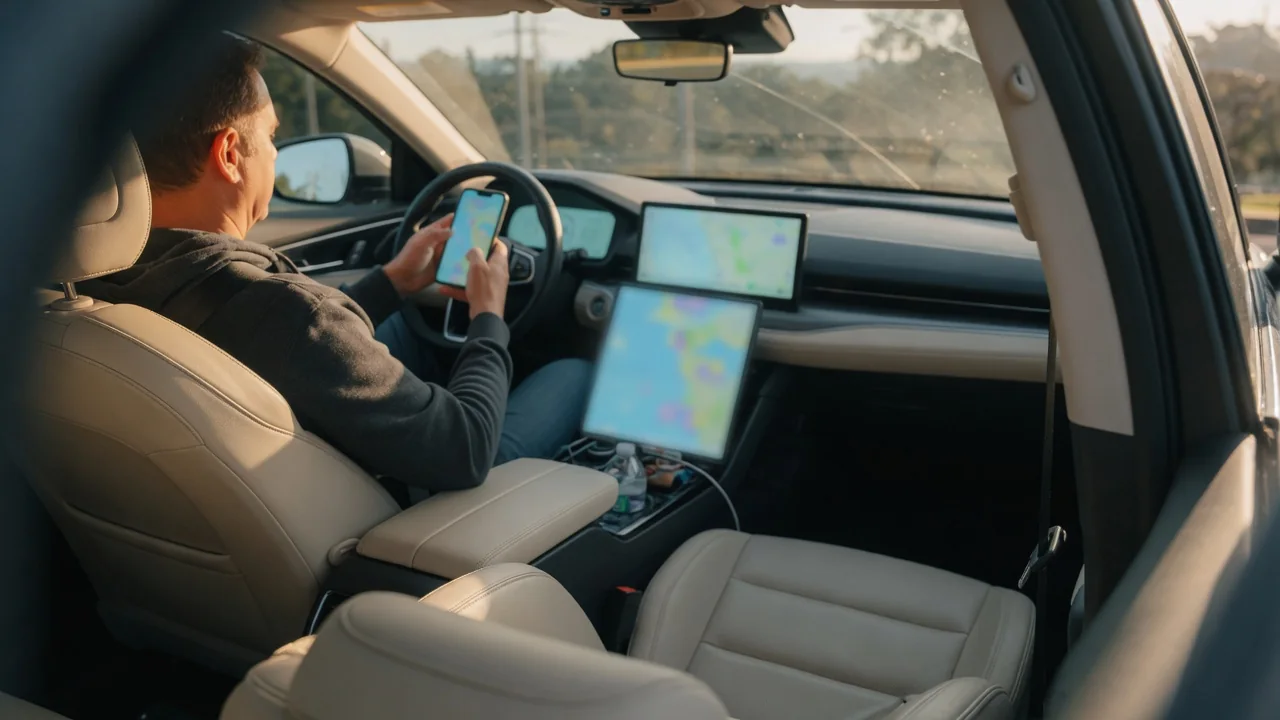
Anyone asking what is a connected car app is really asking how a phone can talk to a vehicle parked miles away. In short, it is a smartphone program from the automaker that links to the car's built-in cellular modem through the manufacturer's servers, letting an owner check status and send a handful of remote commands without standing beside the vehicle.
Account pairing
Pairing begins with an owner account, usually created with an email address and password in the automaker's app. The vehicle is then added using its vehicle identification number, which may be typed in or scanned from the label on the driver's door jamb or the base of the windshield. Because the car communicates through an embedded telematics unit rather than the phone's Bluetooth, this step tells the manufacturer's servers which account is allowed to see and command that particular vehicle.
Most brands add a proof-of-possession step so a stranger cannot claim a car by copying its number through the glass. Owners may be asked to confirm a code shown on the infotainment screen, press a button inside the cabin, or complete activation at the dealership. Details differ by make, model year, and trim, and some vehicles need an active trial or subscription before pairing finishes. Used-car buyers should confirm the previous owner's account has been removed, since an old link can block a new one.
Typical functions
Status reporting is the foundation. The app commonly displays fuel level or battery state of charge, estimated range, odometer reading, and whether doors are locked and windows closed. Many also show tire pressure readings, oil life estimates, and warning notices that mirror lights on the instrument cluster. These figures come from the car's own sensors and control modules, relayed at intervals or when the vehicle is switched off, so the screen reflects the last report rather than a continuous live feed.
Remote control builds on that link. Typical commands include locking and unlocking doors, sounding the horn or flashing lights to find the car in a crowded lot, and starting the engine or climate system to warm or cool the cabin ahead of a drive. Electric and plug-in hybrid models often add charging start, stop, and scheduling. Availability depends heavily on the vehicle's equipment; a car built without factory remote start hardware, for instance, generally will not gain that feature through software alone.
Privacy settings
A connected vehicle can generate location history, trip records, speed and braking patterns, and charging or fueling habits. Privacy settings determine how much of that leaves the car and who receives it. Controls typically appear in two places: within the app's account menu and in the infotainment system's connectivity or data-sharing screens. Some manufacturers offer tiered choices, such as keeping emergency calling and safety services active while switching off location tracking or driving-behavior analysis used for marketing or insurance-related programs.
Readers can often spot the current state from an icon on the dashboard display indicating whether location sharing is on. Turning sharing off usually has visible consequences, such as the vehicle finder map going blank or remote commands becoming unavailable until it is restored. Shared households deserve attention too, because secondary drivers invited to the account may see where the car is parked. Before selling or returning a leased vehicle, removing it from the account and performing the factory reset offered in the infotainment menu helps clear personal data.
Everyday Use and Observations
In daily life the app tends to answer small questions quickly. Did the doors lock after that rushed walk into the office? Is there enough range for tomorrow's commute? On a freezing morning, a remote climate request sent from the kitchen means clear glass and a warm seat a few minutes later. Electric vehicle drivers frequently rely on charge-complete notifications, while owners of gasoline models may appreciate reminders when scheduled maintenance approaches or a tire reading drops overnight.
A few behaviors are worth noticing. Commands rarely execute instantly, because the request travels from phone to server to car, and the vehicle may need to wake from a low-power sleep state, so a response can take anywhere from a few seconds to noticeably longer. The status screen normally carries a timestamp showing when data was last refreshed. If a reading looks odd, such as a low tire alert that vanishes after driving, comparing it with the instrument cluster and a handheld gauge gives a more trustworthy picture.
Limits and Next Steps
The whole arrangement depends on cellular coverage at the vehicle, not just at the phone. A car parked deep in an underground garage or at a remote trailhead may not receive commands or report status at all. Vehicles left unused for extended periods can also suspend their modem to protect the twelve-volt battery. Service continuity is another limit: features may sit behind a paid plan after an introductory period, and older cars built around retired cellular networks can lose connectivity entirely.
App alerts should be treated as prompts for further checking, not diagnoses. A warning notification or stored fault code indicates that a system reported something outside its expected range; it does not prove a specific component has failed, and its meaning can differ between manufacturers. The sensible next steps are to read the owner's manual section on connected services, confirm which features the specific vehicle and plan support, and have persistent warnings evaluated by a qualified technician with proper diagnostic equipment.