How to Check a Car's Connected-Service Subscription
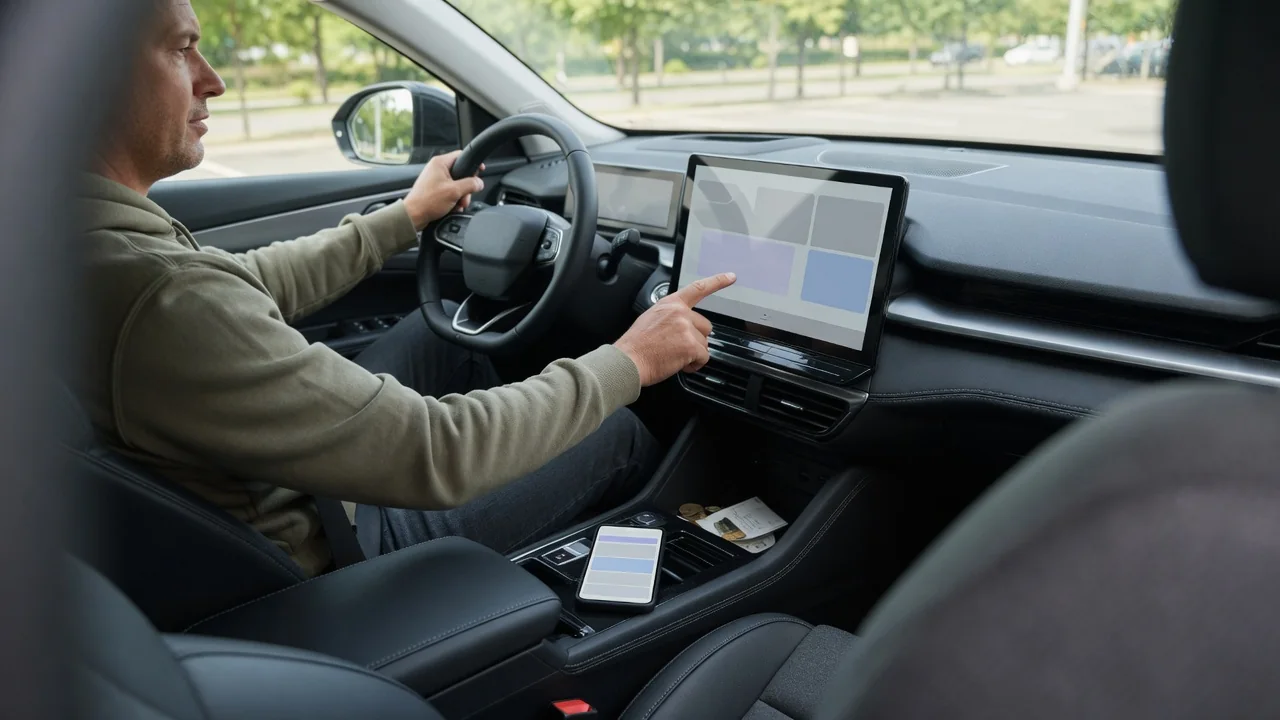
Many modern vehicles come with remote start, live traffic, emergency calling and other connected features that depend on an active plan. Knowing how to check a car's connected-service subscription helps you see what is running, what is on trial and what has lapsed. The status usually appears in two places: the infotainment screen and the automaker's owner account or companion app.
Vehicle menu and account
Start in the vehicle itself. Most infotainment systems group connected features under a settings, connectivity or services menu, and many include a subscription or account page that lists each plan with a status such as active, trial, expired or not enrolled. Some screens also show an expiration date and the profile the vehicle is linked to. Menu names and depth differ between brands and even between model years of the same vehicle, so the owner's manual or the system's search function can shorten the hunt.
The owner account usually gives the fuller picture. After signing in to the automaker's website or phone app and selecting the vehicle, typically matched by its vehicle identification number, you can often see each plan, its start and end dates and whether automatic renewal is switched on. If the car was bought used, the account may still belong to a previous owner, which explains a screen that shows services as active while your own app shows nothing. In that case the vehicle needs to be linked to your profile before the status is meaningful.
Feature list
A single subscription label rarely describes everything. Connected services are commonly sold in bundles, so one package may cover safety functions such as automatic crash notification and roadside assistance, another remote commands like locking, unlocking and climate preconditioning, and another navigation data, in-car Wi-Fi or streaming. Reading the feature list under each plan tells you which functions belong together and which ones would stop working if a particular package ended, which is far more useful than a simple active or inactive badge.
Pay attention to how each feature is labeled. Some items are marked as included for the life of the vehicle or for a long complimentary period, while others carry a trial end date. Hardware matters as well: a feature can appear in the list yet be unavailable because the trim level lacks the necessary equipment, or because the service is not offered in your region. Electric vehicles often add charging-related items such as charge scheduling and station data, which may sit in a separate package from the entertainment features.
Renewal decision
Once you know what each plan contains, the renewal question becomes practical rather than abstract. Compare the list against what you actually use. A driver who preconditions the cabin every winter morning from a phone gets real value from remote commands, while someone who mirrors a phone for maps may not miss built-in live traffic. Pricing and plan structure vary by automaker and change over time, so rely on the figures shown in your own account rather than on general assumptions.
Check the renewal settings before the end date arrives. A trial may end quietly, or it may convert into a paid plan if a payment method is stored and automatic renewal is enabled; the account page normally states which applies. Look also at whether packages can be renewed individually or only as a bundle, and whether monthly and longer terms are both offered. If you plan to sell the vehicle soon, ask whether the remaining term transfers to the next owner, since policies differ.
Everyday Use and Observations
Daily driving often reveals subscription status before any menu does. Grayed-out icons, a remote start request in the app that returns an error, traffic overlays missing from the navigation map or a hotspot that no longer broadcasts can all point to a lapsed plan. Many vehicles also display a reminder on startup as an expiration date approaches, and the account's email address usually receives notices as well, which is worth knowing if those messages go to an address you rarely open.
Not every hiccup means the plan has ended, though. Connected features rely on the vehicle's built-in cellular modem, so an underground garage, a remote area or a temporary server outage can make a working subscription look inactive. A car parked for a long stretch may also put its communication module into a low-power state to protect the battery, delaying remote commands until the next drive. Comparing what the screen shows with the status in your account helps separate a coverage problem from an expired service.
Limits and Next Steps
There are limits to what an owner can confirm alone. The status page reports what the automaker's system believes, and it can lag after a purchase, an ownership transfer or a software update. Older vehicles may lose connected features entirely when the cellular network their modem relies on is retired, regardless of subscription status, and whether an upgrade exists depends on the manufacturer. A persistent mismatch between the screen and the account may also reflect a hardware or antenna issue rather than a billing one.
When the screens disagree or a paid feature will not respond, gather the basics first: the vehicle identification number, the email on the account and a note of exactly what each display shows. The automaker's connected-services support line or a dealership can then verify enrollment on their side and reset the link if needed. Buyers of used vehicles should also ask for the previous owner's profile to be removed, both to protect privacy and to ensure the subscription status shown truly belongs to them.