How to Read a Home EV Charger Status Light
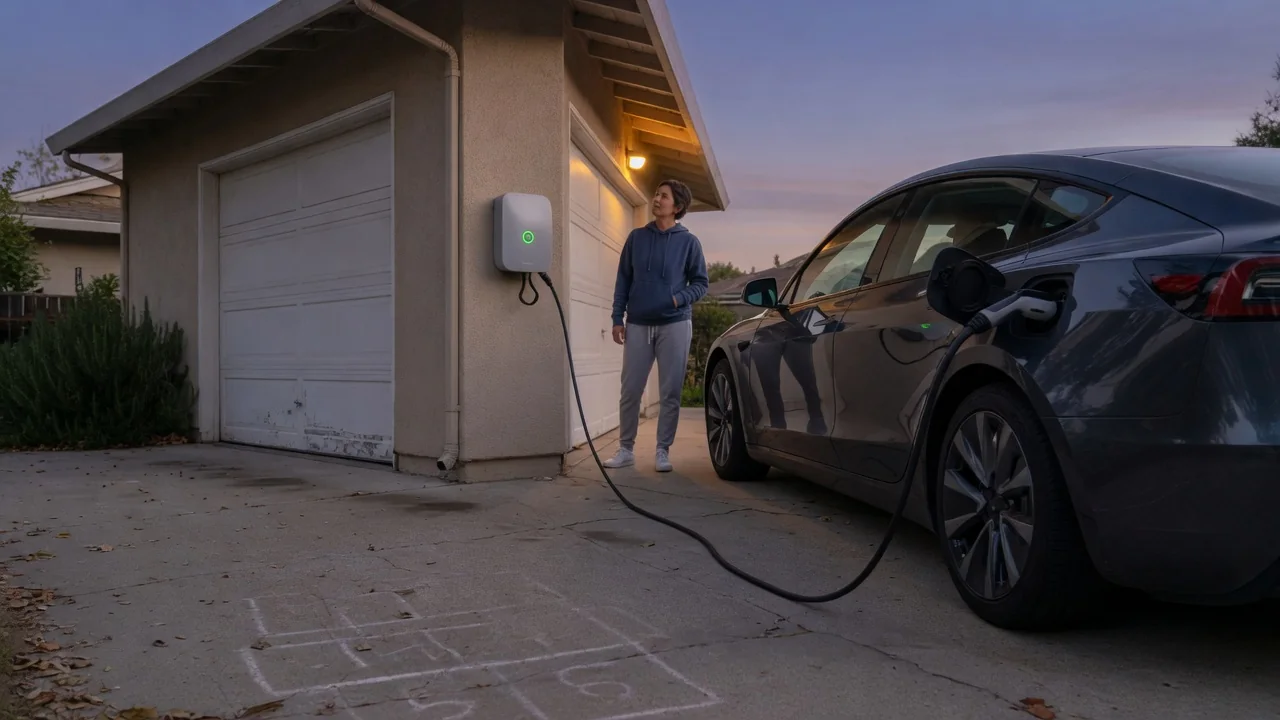
Learning how to read a home EV charger status light saves guesswork every time you plug in. Most wall-mounted units use a small set of colors and blink patterns to signal whether the equipment is idle, delivering power, or stopped by a problem. Exact meanings differ between manufacturers, so the general states described here should always be checked against your own unit's documentation.
Ready
A ready state means the charger has power from its household circuit, has completed its internal self-check, and is waiting for a vehicle. Many units show this with a steady light, often green or white, though the color is the manufacturer's choice rather than a universal rule. The key observation is steadiness: a calm, unchanging indicator with no cable connected generally tells you the unit is energized and idle, not that electricity is flowing through the connector.
Plugging in usually changes the indicator, because the charger and car exchange a low-voltage signal before any high-voltage power is released. Some units show a distinct connected-but-waiting state, which is common when the vehicle has a scheduled departure time, a charge limit already reached, or an off-peak timer set. A light that stays in this waiting state is therefore not necessarily a problem; the car may simply be declining power until its own schedule allows charging to begin.
Charging
Active charging is commonly shown by movement: a pulsing, scrolling, or slowly blinking light, frequently blue or green depending on the brand. The animation indicates that the internal contactor has closed and current is passing to the car's onboard charger, which converts household alternating current into the direct current the battery stores. You may also hear a click as the session begins, and the vehicle's dash or charge port lamp should show a matching charging indication.
As the battery approaches its target, the vehicle reduces how much current it requests, and some chargers reflect that with a slower pulse or a return to a steady light. When the session ends, the indicator may show a finished state or simply revert to the connected display. Because the car controls the session, a charger that stops early often reflects a charge limit set in the vehicle menu or app rather than anything wrong with the wall unit.
Fault and manual
A fault state is most often shown in red or amber, either steady or blinking in a counted pattern. Typical causes behind such a warning include a ground fault detected by the unit's protective circuitry, overheating, a supply voltage problem, or a communication failure with the car. The light tells you the charger has protected itself by withholding power; it is evidence to interpret, and it does not prove that a specific component has failed.
This is where the owner's manual becomes essential, because blink counts and color combinations are defined by each manufacturer and the same pattern can mean different things on different units. Note the color, whether it is solid or flashing, and how many flashes occur before a pause, then look up that pattern in the documentation for your exact model. Check the vehicle too, since its dash messages may show whether the car or the charging equipment ended the session.
Everyday Use and Observations
A quick glance at the light before and after plugging in builds a useful baseline. Once you know what your unit normally shows when idle, when connected, and during a session, anything unusual stands out immediately. Confirm the change within a few seconds of seating the connector, since a handle that is not fully latched can leave the indicator in its idle state and the car without any added range by morning.
Conditions around the charger affect what you see. Bright sunlight can wash out a small indicator on an outdoor unit, and some models dim or switch off the light after a period to reduce glare in a garage at night. Chargers with Wi-Fi may add a separate pattern for network status that has nothing to do with power delivery. Comparing the light with the companion app or the vehicle's charging screen helps separate connectivity notices from genuine charging states.
Limits and Next Steps
A status light is a summary, not a diagnostic tool. One lamp cannot explain why a ground fault tripped, whether the cable, the car, or the house wiring is involved, or how much energy was delivered. It also cannot confirm charge rate, so a normal charging animation may accompany slower power than expected when the vehicle or a load management setting has reduced current. Treat the indicator as a first clue that directs where to look next.
If a fault light appears, unplugging from the car and reconnecting after a short pause is a reasonable first check, and some manuals describe resetting the unit at its circuit breaker. A warning that returns, a breaker that trips repeatedly, or any sign of heat, discoloration, or a burning smell at the connector or wall unit means stopping use and contacting a licensed electrician or the manufacturer's support. Opening the enclosure is not an owner task, because the wiring inside carries dangerous voltage.