What Is a Car's Guest Profile?
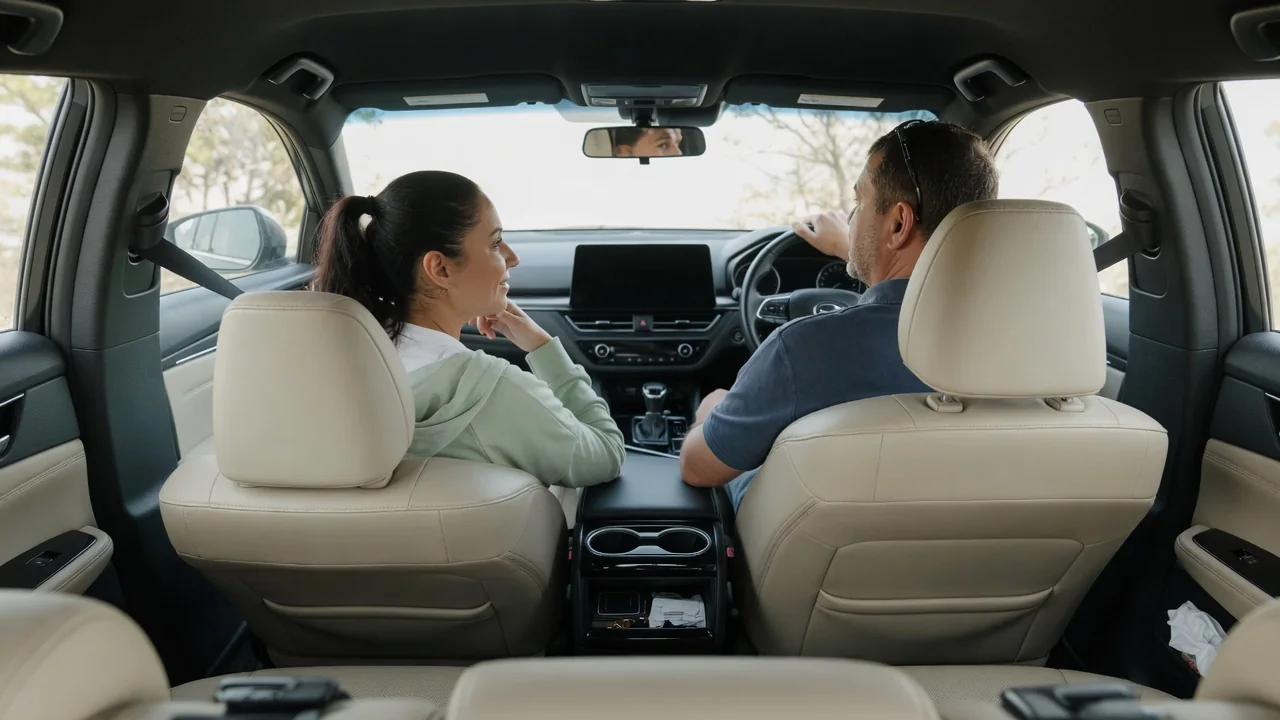
Many modern vehicles store driver preferences in personal profiles, and most also include a guest option for anyone who does not have one. Understanding what a car's guest profile is helps owners lend a vehicle without sharing personal information, and helps borrowers drive comfortably without disturbing the saved settings of the people who use the car every day.
Guest access
A guest profile is a temporary user account built into the infotainment system. It lets someone drive the vehicle and use basic functions without signing in to the owner's personal profile. Typical situations include handing the car to a valet, lending it to a relative for the weekend, or leaving it at a repair shop. The guest can still adjust the seat, mirrors, climate control and radio, but those changes are kept apart from the stored preferences that belong to the regular drivers.
How guest access begins depends on the manufacturer. Some vehicles show a profile selection screen at startup, where a guest option sits beside the named drivers. Others switch to guest mode automatically when the car does not recognize a linked key fob or phone key. A few systems ask for a PIN before anyone can open a personal profile, which leaves guest as the only choice for an unfamiliar driver. The owner's manual or the settings menu shows which approach a particular model uses.
Limited data
The main privacy benefit is that a guest profile normally keeps personal data out of reach. Saved home and work addresses, recent navigation destinations, synced phone contacts, call logs and text messages are tied to the owner's profile rather than the guest one. Linked streaming accounts, payment details for in-car purchases and garage door programming may also be hidden or disabled. A borrower sees a clean, generic interface instead of a record of where the owner travels and whom they call.
What stays visible varies between brands and software versions, so it is worth checking before handing over the keys. An owner can switch to the guest profile and look through the navigation history, the phone menu and the app list to see what a stranger would find. Some vehicles protect everything behind a profile lock, while others leave shared items such as paired Bluetooth devices available to any user. Connected services may also continue reporting vehicle location to the owner's app regardless of who is driving.
Delete afterward
Guest settings are meant to be temporary, but they are not always erased automatically. Depending on the system, the profile may reset when the car is switched off, or it may keep the last seat position, radio stations and destinations until someone clears them. A borrower who pairs a phone or enters an address while in guest mode can therefore leave information behind. This matters most in rental cars and shared vehicles, where the next driver could otherwise see contacts or recent trips.
Clearing that data is usually done through the infotainment settings. Common options include removing a paired phone from the Bluetooth device list, clearing recent destinations in the navigation menu, signing out of any apps and resetting the guest profile to its defaults. Some vehicles offer a single command that wipes guest data in one step, while others require each item to be removed separately. Checking the screens afterward confirms that nothing personal remains, and the manual describes the exact menu path for that model.
Everyday Use and Observations
In daily driving, the clearest sign that a guest profile is active is the name or icon shown on the central display or instrument cluster. The seat and mirrors may stay in their previous position rather than moving to a memorized setting, and the audio system may start on a default source instead of a familiar playlist. Favorite radio stations, ambient lighting choices, drive mode preferences and driver assistance settings can also return to factory defaults, which may make the car feel slightly different from normal.
Owners sometimes land in guest mode by accident. This can happen when the vehicle fails to detect the usual key or phone, after a software update, or when a passenger taps the wrong icon on the profile screen. If personalized settings seem to have vanished, checking the active profile is a sensible first step before assuming anything has been lost. Switching back to the named profile normally restores the saved seat memory, navigation favorites and connected accounts, because they were never removed in the first place.
Limits and Next Steps
A guest profile is a convenience and privacy feature, not a security system. It does not usually restrict speed, limit where the car can go or stop a determined person from exploring the menus. Features intended for those purposes, such as a valet mode, a teen driver mode or a PIN lock on personal profiles, are separate functions that only some vehicles provide. The guest profile also does not control what the manufacturer collects through connected services, which is governed by the privacy settings attached to the owner's account.
Anyone who wants to rely on this feature should confirm how it behaves on their own vehicle. The owner's manual, the manufacturer's companion app and the settings menu explain what a guest can see, whether personal profiles can be locked and how guest data is cleared. Before selling a car or returning a lease, a guest reset is not enough; a full factory reset of the infotainment system and removal of the vehicle from the owner's online account are the appropriate steps. A dealer can help when the menus are unclear.