What Is a Car's Software Version Screen?
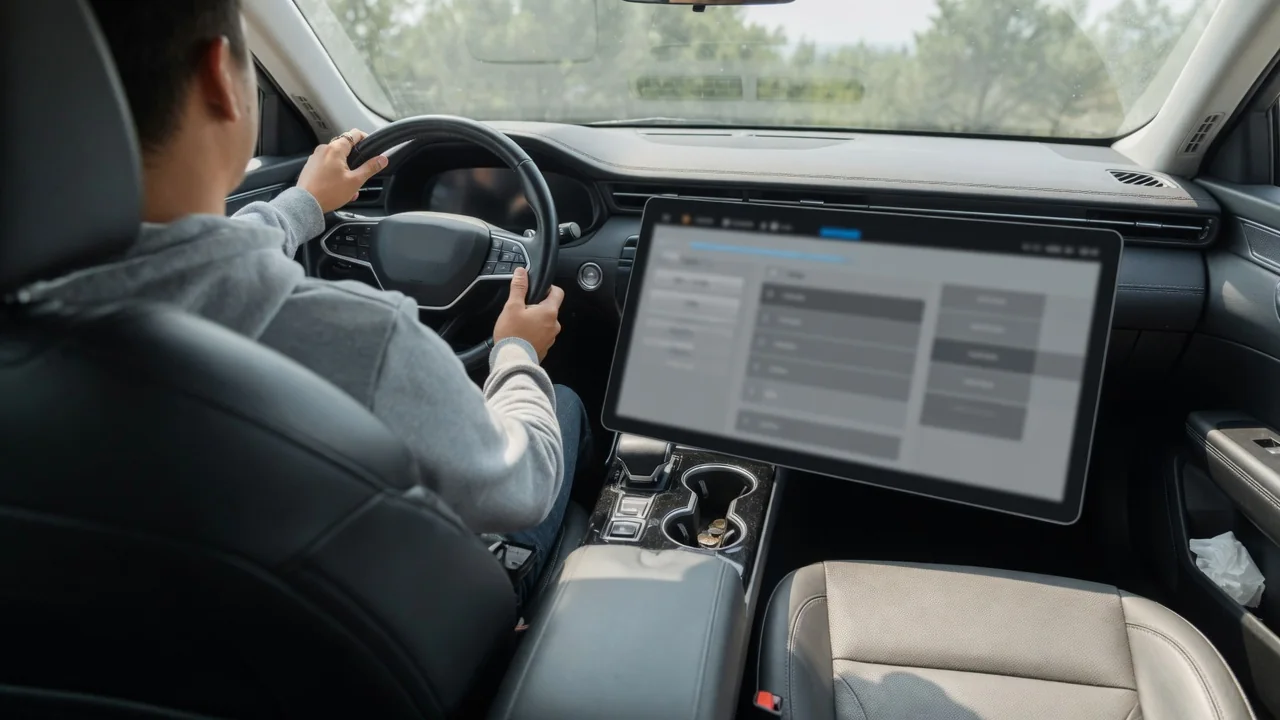
Anyone asking what is a car's software version screen is usually looking at a page inside the infotainment system that identifies the software currently installed. It shows which build the vehicle is running, whether an update is waiting, and sometimes what changed last. Knowing where it lives and how to read it makes conversations with a service department far easier.
Menu location
On most modern vehicles the page sits inside the central touchscreen, typically under a settings area with a label such as System, General, About, Software, or Vehicle Information. Reaching it often takes two or three taps from the home screen, starting with a gear icon. Some manufacturers place it beside the update controls, so the same page that reports the installed build also offers a button to check for new software or schedule an installation for later.
Location differs widely between brands and even between model years of the same vehicle. Older systems may hide the information in a diagnostic or dealer menu that requires a specific button combination, while some cars show part of it in the instrument cluster or a companion phone app. The owner's manual or the built-in digital manual normally names the exact path. If a menu is greyed out, the vehicle may need to be parked or the ignition fully on before it opens.
Version number
The central item is an identifier for the installed build, which may look like a short dotted number, a year and week combination, or a long string of letters and digits. Each manufacturer uses its own format, so a figure that seems higher on one brand says nothing about another. Some screens show a single overall version, while others list separate entries for the infotainment unit, navigation maps, the telematics modem, and the instrument display.
It helps to understand that this number usually describes only part of the vehicle. A car contains many control modules for the engine, transmission, brakes, and driver assistance features, and each carries its own software that the touchscreen may not report. Vehicles designed around over-the-air updates tend to present one consolidated version covering many modules, whereas others display only the entertainment system build. Photographing the screen gives an accurate record, since long identifiers are easy to mistype when read aloud.
Release notes
Many systems pair the version identifier with release notes, a short description of what the current or pending update contains. These may mention new features, changes to menus, revised navigation data, connectivity fixes, or general stability improvements. On some vehicles the notes appear automatically after an installation finishes, and they remain available afterward through a link on the software page, letting owners reread them once they have noticed something behaving differently.
The level of detail varies considerably. Certain manufacturers write full explanations with illustrations, while others offer a single line stating that performance was improved. Notes also tend to focus on changes the driver can see, so background corrections may go unmentioned. Where the car shows no notes at all, the manufacturer's owner portal or app sometimes carries them instead. Reading them before accepting an update is worthwhile, because they may explain how long the vehicle will be unusable during installation.
Everyday Use and Observations
In daily ownership the screen is mostly a reference point. After an update, checking that the identifier has changed confirms the installation actually completed rather than being postponed or interrupted. The page often shows the date of the last check and whether the vehicle is searching, downloading, or ready to install. Owners who notice a new glitch, such as a slow-responding display or a phone pairing problem, can compare its timing against the most recent version change.
A few practical observations make the page more useful. Downloads frequently depend on a Wi-Fi connection or an active data subscription, so a car that never finds updates may simply lack connectivity rather than being fully current. Installation commonly requires the vehicle to be parked with adequate battery charge, and some functions stay unavailable until it finishes. Two identical-looking cars can show different builds because updates are often released gradually, by region, equipment level, or production period.
Limits and Next Steps
The screen has clear limits. A message saying the software is up to date reflects only what the vehicle has been offered through its own connection, not necessarily every update a dealership can apply with workshop equipment. Recall and service campaign software for powertrain or safety modules is often handled separately and may never appear on the touchscreen. The displayed version also does not diagnose faults; a warning light or stored code still needs proper investigation rather than an assumption that new software will cure it.
When a problem persists, the sensible next step is to note the version identifier, the date of the last update, and a description of the symptom, then share them with a dealer or qualified technician. They can compare the installed build against what the manufacturer currently lists for that specific vehicle. Checking for open recalls using the vehicle identification number is equally worthwhile. Installing software from unofficial sources is best avoided, since it can cause malfunctions and may affect warranty coverage.