Why Does a Car Need a Software Update?
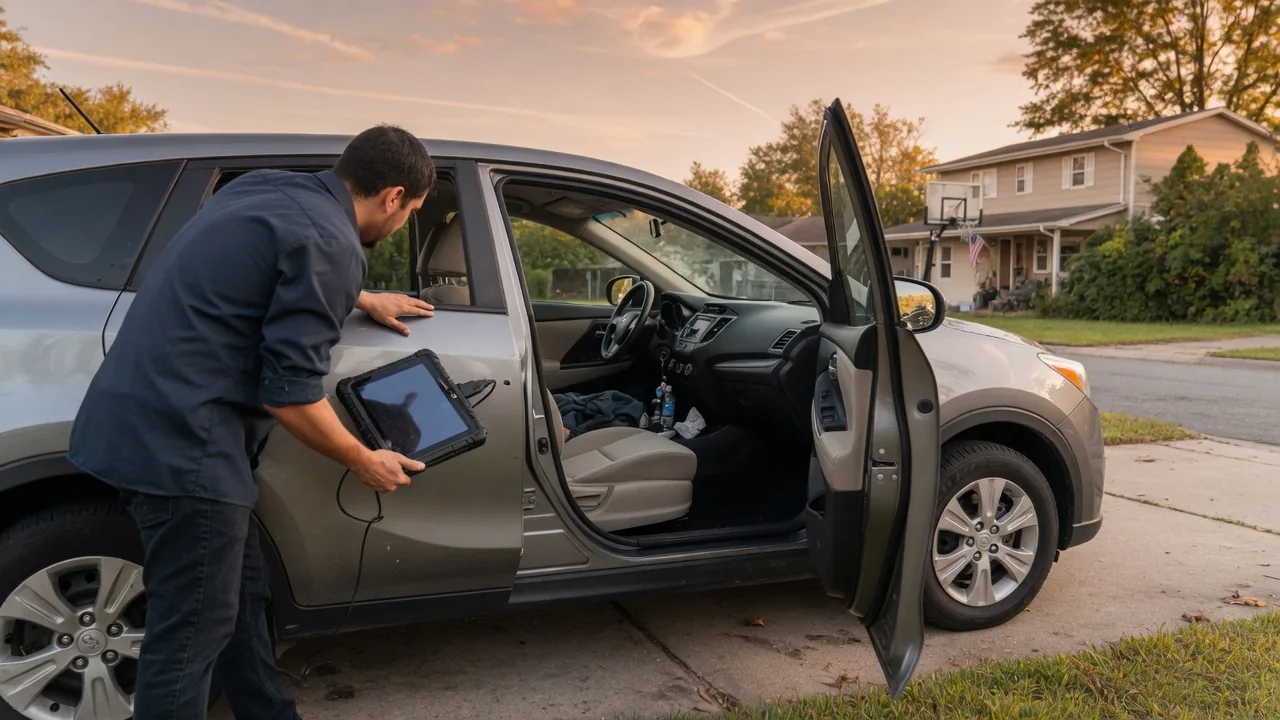
Modern vehicles rely on dozens of electronic control modules, and the code inside them shapes how the engine, transmission, brakes, and screens behave. Drivers often ask why does a car need a software update when nothing seems broken. The short answer is that code ages just as hardware does, and manufacturers revise it to add features, maintain compatibility, and correct faults found after production.
Change types
Updates generally fall into three groups. Feature changes add or refine something the driver can see, such as a redesigned navigation menu, a new charging schedule option on an electric vehicle, or revised driver-assistance alerts. Compatibility changes keep the car working with things outside its control, including newer phone operating systems, updated map data, cellular network changes, and replacement parts whose control logic differs from the original component. These revisions are often invisible until a phone suddenly pairs more reliably than it did the week before.
Repair-oriented changes address behavior that engineers identified after the vehicle left the factory. A transmission module might receive revised shift calibration to reduce a harsh engagement, or an engine controller might get adjusted diagnostic thresholds so a warning light stops appearing under conditions that do not indicate a real fault. Some updates are tied to safety recalls or emissions campaigns. Which modules can be reprogrammed, and whether that happens over the air or only at a service department, depends heavily on the make, model year, and equipment.
Review notices
An update notice usually arrives through the center display, a companion phone app, an email, or a mailed letter for recall-related campaigns. Reading it carefully is worthwhile because the wording tells you which category the change belongs to. Release notes may describe new functions, mention stability improvements, or reference a specific campaign number. Notices also tend to state how long the installation takes and whether the vehicle can be driven during the process, which matters when planning around a commute or a long trip.
Pay attention to the stated conditions as well. Many vehicles ask for a minimum battery charge, a stable Wi-Fi or cellular connection, and a parked, locked state before the installation begins. Some notices explain that certain functions, such as remote start or charging, will be unavailable until the process finishes. If the description is vague or the message arrives through an unexpected channel, confirming it through the manufacturer's owner account or a dealership using the vehicle identification number is a sensible way to verify that it is genuine.
Confirm installation
After an update runs, the vehicle typically shows a completion message, and the software version listed in the settings menu should change to match the release described in the notice. Checking that screen takes only a moment and provides a record of what is actually installed. For work performed at a shop, the repair order should list the modules that were reprogrammed and any campaign that was closed, which is useful documentation if a related question comes up later or the vehicle changes hands.
An interrupted installation deserves attention rather than repeated attempts. If the display reports a failure, shows an older version number, or leaves warning lights on that were not present before, note the exact message and contact the service department. Low battery voltage is one reason reprogramming can stall, which is why technicians often connect a power supply during the procedure. Some systems also need a relearn period or a calibration step afterward, so a brief adjustment phase does not necessarily mean something went wrong.
Everyday Use and Observations
In daily driving, the effects of an update range from obvious to imperceptible. A refreshed infotainment layout or a new camera view is easy to spot. Changes to shift timing, throttle response, idle behavior, or regenerative braking feel are subtler, and a driver may only notice that the car behaves slightly differently on a familiar route. Settings such as seat memory, radio presets, or driver-assistance preferences occasionally reset, so a quick look through the menus after installation helps restore things to personal taste.
Observation also helps before any update is offered. Recurring glitches like a frozen screen, dropped phone connections, a backup camera that loads slowly, or an intermittent warning light are worth writing down with the date and conditions. That record lets a service advisor check whether a published software revision addresses the symptom. A stored fault code is evidence to interpret alongside those notes, not proof that a part has failed, and sometimes revised programming rather than a replacement component turns out to be the documented remedy.
Limits and Next Steps
Software has boundaries. New code cannot restore a worn clutch pack, a failing sensor, corroded wiring, or a weak battery, and an update aimed at one complaint will not necessarily resolve a different one with similar symptoms. Older vehicles may lack the hardware to receive newer features, and some functions are tied to subscriptions or trim levels. Manufacturers also stop issuing revisions for aging platforms eventually, so the absence of an available update says nothing by itself about the condition of the car.
When a concern persists after the latest version is installed, the next step is proper diagnosis rather than waiting for another release. A technician can read module data, check for open campaigns and technical bulletins by vehicle identification number, and test the related components. Owners can help by keeping connectivity settings enabled if they want over-the-air delivery, checking for open recalls periodically, and asking at routine service visits whether any module programming is outstanding. Details differ between brands, so the owner's manual remains the reference for a specific vehicle.