What Is a Car's Media Source Selector?
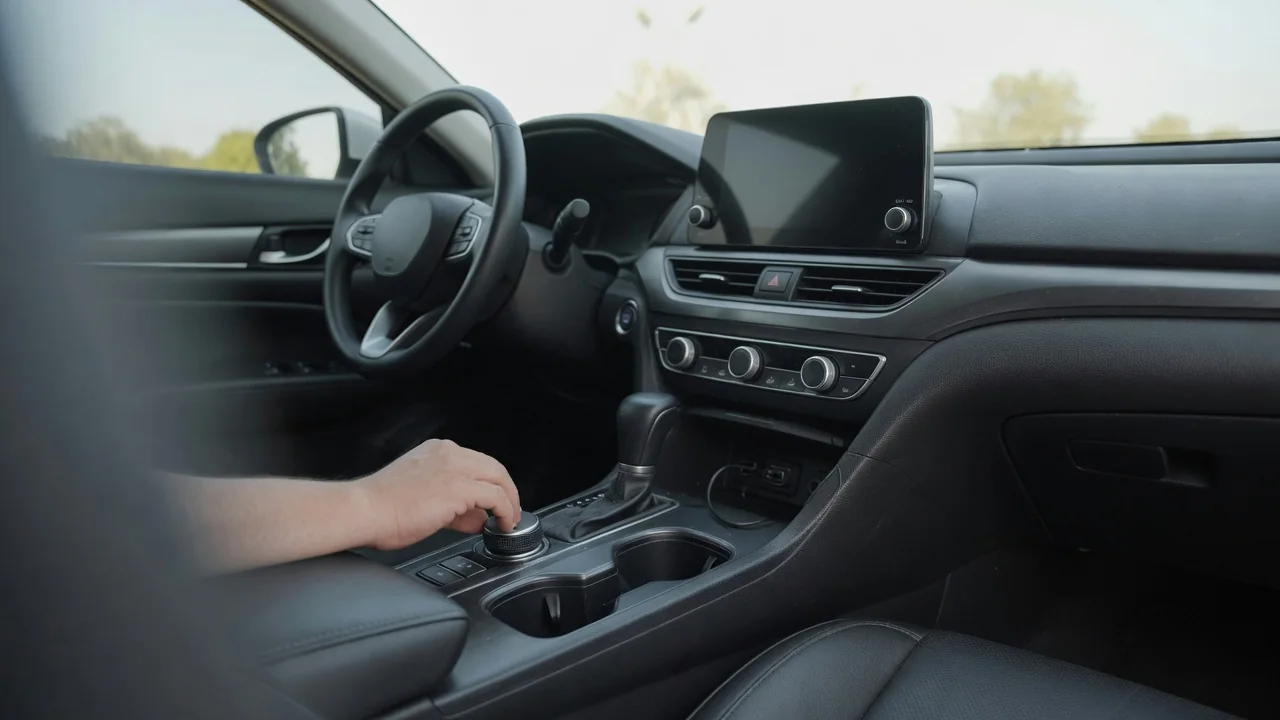
Anyone asking what is a car s media source selector is usually looking at a button or touchscreen tile labeled Source, Media, or Mode. It is the control that tells the audio system which input to play through the speakers, whether that is broadcast radio, a paired phone, or a USB device plugged into the console.
Available sources
Most head units treat every audio input as a separate source. Broadcast options typically include AM and FM, and many vehicles add digital or satellite radio depending on market and trim. Wired inputs commonly cover a USB port for flash drives or phones, and older vehicles may have an auxiliary jack or a disc player. Wireless inputs usually mean Bluetooth audio streaming from a paired phone, which is listed separately from hands-free calling even though both use the same connection.
Phone projection systems such as smartphone mirroring add another layer, because the mirrored interface often appears as its own source with its own music apps inside it. The exact list differs between manufacturers, model years, and equipment levels, so two cars of the same nameplate can show different menus. What drivers can observe is simple: the source screen or the display line above the track information names whichever input is currently feeding the amplifier and speakers.
Selection
Selection works in one of two broad ways. Some systems use a single button that steps through inputs in a fixed order with each press, so tapping it moves from FM to AM to USB to Bluetooth. Others open a menu of icons on the touchscreen, letting the driver jump directly to the wanted input. Many vehicles also place a source or mode button on the steering wheel, which lets the driver change inputs without reaching for the dashboard.
When a new source is chosen, the head unit mutes the previous input, routes the new signal to the amplifier, and changes the on-screen controls to match. Radio shows presets and tuning, while USB and Bluetooth show track titles, skip buttons, and sometimes folder browsing. Some systems resume the last track on a USB drive automatically, and others wait for a play command. Voice control may accept a spoken source name, though the accepted phrasing depends on the vehicle's software.
Missing-source checks
A source that does not appear in the list is usually absent because the system does not detect anything to play. Many head units hide or gray out USB until a readable device is connected, and Bluetooth audio often stays unavailable until a phone is paired and connected for media rather than calls alone. Checking the phone's Bluetooth settings for the car's entry and confirming that media audio is enabled there is a sensible first observation.
For USB, the cable and the port matter. Some cables carry charging current only and no data, and some vehicles have ports marked for charging that do not connect to the audio system at all. A flash drive may also be ignored if its file format or file system is not supported by that particular unit. Trying a different cable, a different port, or another device helps separate a device problem from a vehicle problem before assuming anything has failed.
Everyday Use and Observations
In daily driving, most systems remember the last source used and return to it at the next start, so a driver who listens to radio on the morning commute will hear radio again without touching anything. A phone that connects automatically may take over playback on some vehicles, while others stay on the previous input until the driver switches. Noticing which behavior the car follows makes it easier to predict what will play when the ignition is turned on.
Volume differences between sources are also normal. Streaming audio from a phone depends partly on the phone's own media volume, so Bluetooth can sound quieter than FM at the same dial position, and some head units offer a per-source level adjustment to even this out. Navigation prompts and incoming calls generally interrupt the active source and then return to it. Brief pauses during switching are common as the unit reads a drive or reconnects wirelessly.
Limits and Next Steps
The selector can only offer inputs the vehicle was built or updated to support. A car without factory phone projection will not gain it through the source menu, and an older unit may not read newer file types or large drives. Wireless streaming quality also depends on the phone, its software version, and the app in use, so a dropout is not automatically a fault in the car. The selector chooses an input; it does not repair a weak signal.
When a source stays unavailable after basic checks, the owner's manual is the best reference for that system's supported devices, menu layout, and reset or re-pairing steps. Deleting and re-creating the phone pairing often clears a stale connection, and a software update from the manufacturer may address known glitches. If one input never works with several known-good devices, or the whole unit freezes or restarts, having a dealer or qualified audio technician inspect it is the reasonable next step.