Why Does a Car Radio Change Volume on Its Own?
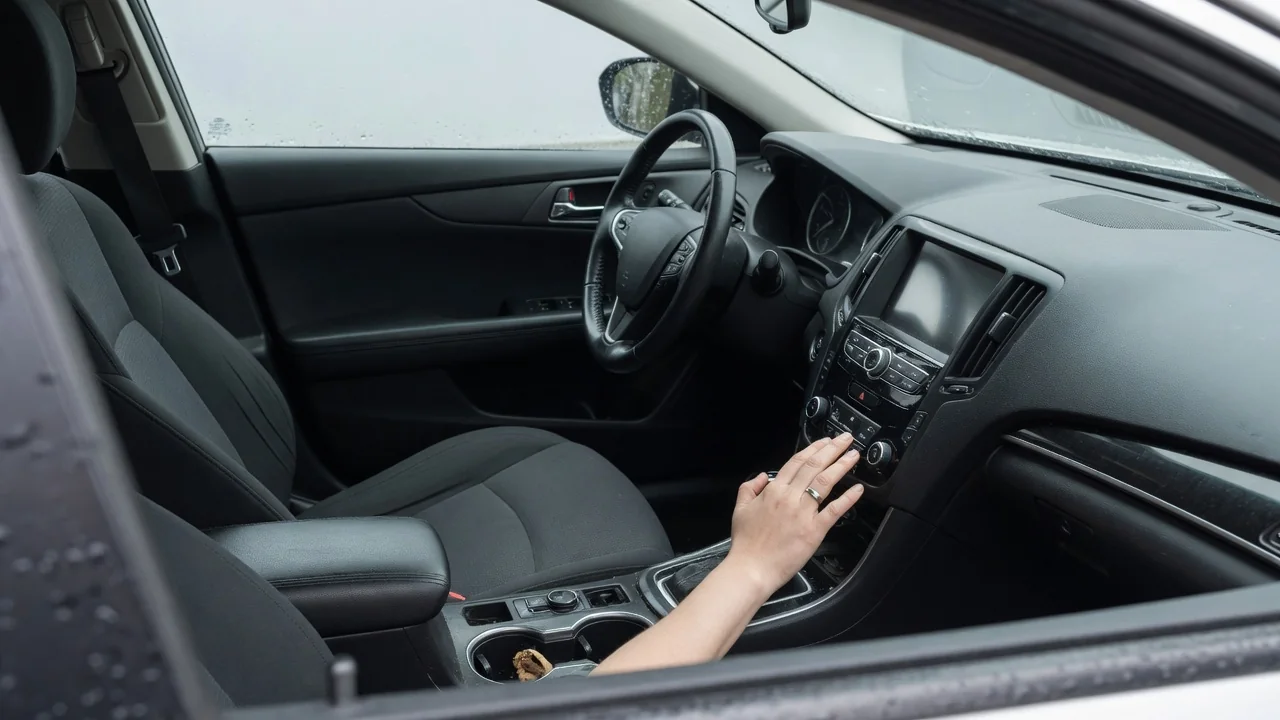
If you have ever wondered why does a car radio change volume on its own, the answer is usually a feature doing its job rather than a failing component. Modern audio systems adjust loudness in response to road speed, voice prompts, and differences between sources. Understanding those behaviors helps separate normal operation from a genuine electrical or software problem.
Speed compensation
Many vehicles include a function that raises audio output as road speed increases and lowers it again as the car slows. The idea is simple: tire roar, wind rush, and engine sound grow louder at highway speed and mask the music, so the system adds gain to keep the perceived level steady. Automakers use different names for it, such as speed-sensitive volume, speed-compensated volume, or automatic level control, and it typically relies on the vehicle speed signal already shared across the car's data network.
The effect is easiest to notice when merging onto a freeway or coasting down an exit ramp, where the music seems to swell or fade without anyone touching the knob. Some systems use a cabin microphone instead of, or along with, the speed signal, so an open window or rough pavement can trigger the same response. Most head units offer several sensitivity levels or an off setting in the sound menu, though the exact location and wording depend on the make, model year, and audio package.
Navigation prompts
Navigation guidance is another common reason the music suddenly drops. When a turn instruction is about to play, the system lowers or mutes the entertainment source so the spoken direction can be heard, then restores the original level afterward. This is often called ducking. The same logic applies to parking sensor chimes, incoming calls, text message readouts, traffic announcements, and voice assistant responses, each of which may briefly take priority over whatever is playing through the speakers.
Guidance prompts usually have a separate volume setting from the music, and it is commonly adjusted by turning the knob while the voice is actually speaking. If it was set high at some point, each instruction can sound like a sudden jump in loudness. Phone projection systems add another layer, because the handset's own navigation app may carry independent prompt levels and ducking preferences. Whether those settings live in the car, the phone, or both varies with the vehicle and the software version involved.
Fault clues
Certain patterns point away from features and toward a fault. Volume that climbs or falls steadily while the car is parked, with no prompts playing, suggests an unwanted input. A worn volume knob encoder can send erratic signals, steering wheel buttons can stick or suffer from moisture and spilled drinks, and a damaged wiring connection in the steering column can mimic a held button. Watching the on-screen volume indicator is useful: if the number moves by itself, something is commanding the change.
If the displayed level stays put while the sound itself fluctuates, the cause may lie further downstream, in an external amplifier, a speaker connection, or unstable supply voltage. Software glitches in the head unit can also produce odd behavior that disappears after a restart or an update. Any stored fault codes in the audio or body modules are evidence to interpret alongside the symptoms, not proof that a particular part has failed, and manufacturer-specific codes need to be confirmed against information for that exact vehicle.
Everyday Use and Observations
Source-level differences explain many everyday surprises. FM broadcasts, satellite channels, Bluetooth streaming, USB files, and smartphone projection each arrive at the head unit with a different signal strength, so switching between them can feel like someone moved the knob. Some systems remember a separate volume for each source, while others offer a source-level or input-gain adjustment to even them out. Bluetooth adds its own wrinkle, because the phone's media volume and the car's volume may be linked or independent depending on the pairing.
Content itself also varies. Streaming services may apply loudness normalization to some tracks and not others, podcasts are often recorded more quietly than music, and radio stations process their audio differently. Vehicles with driver profiles or key-linked memory can restore a stored volume at startup, and many apply a startup limit that lowers a level left high at the last shutdown. Noting which source was active, how fast the car was traveling, and whether a prompt had just played quickly narrows the explanation.
Limits and Next Steps
A sensible first step is reviewing the audio settings with the car parked. Turning speed compensation off for a few drives, adjusting prompt volume, and checking the phone's media and navigation levels will show whether a feature is responsible. The owner's manual identifies what each setting is called on that particular system. If the behavior stops when a paired phone is disconnected, the handset or its apps deserve attention; if it stops with compensation disabled, the system was simply working as designed.
Settings cannot resolve everything. Changes that happen while stationary, occur with every source, or come with unresponsive buttons, screen freezes, or other electrical oddities warrant a professional diagnosis. A technician can monitor steering wheel control inputs, read module data, and check for available software updates specific to the vehicle. Describing when the change happens, in which direction, and whether the display follows along gives them a much stronger starting point. Work around the steering wheel area is best left to qualified hands because of the airbag system.