Car Radio Not Working? Common Causes and Safe Checks
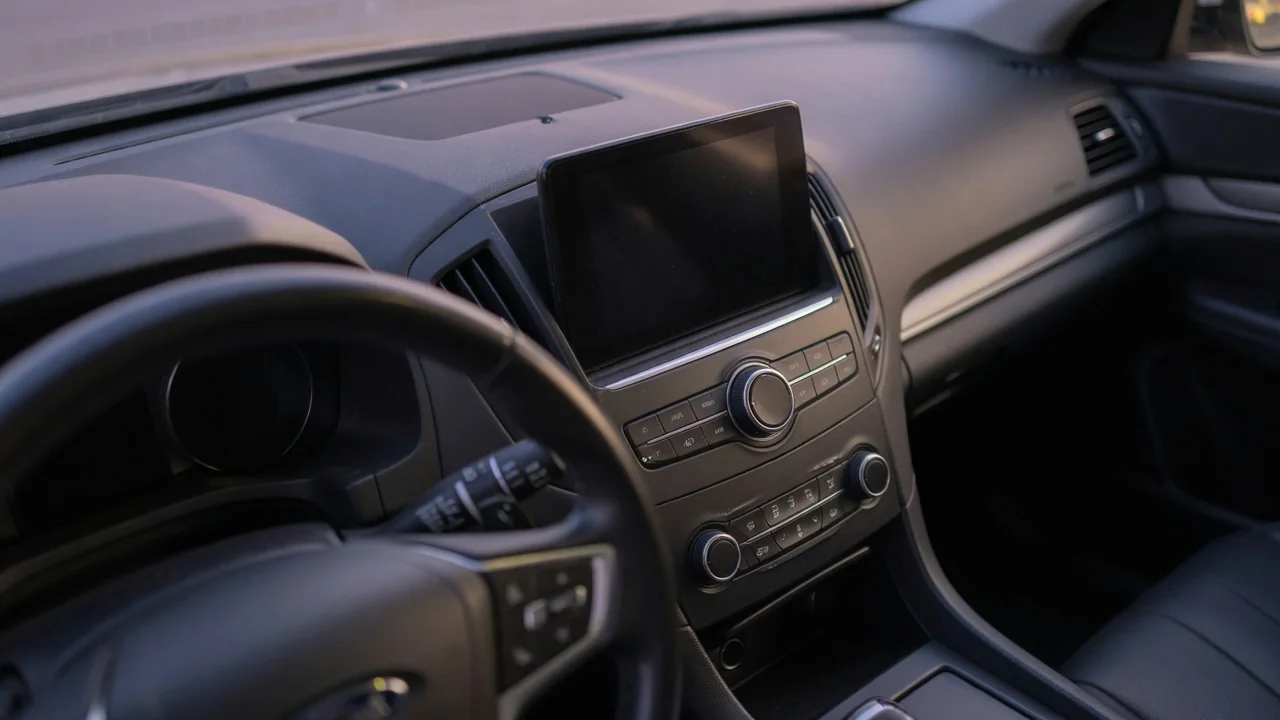
A car radio not working can mean a dead head unit, a lit screen with no sound, missing stations or a volume knob that ignores you. This guide covers real vehicles, from compact cars to trucks, rather than in-game radios in titles such as Cyberpunk, Fortnite or My Summer Car, where the fix lies in game settings. The checks below are safe and meant to narrow the cause.
First Checks When the Car Radio Stops Working Completely
Start by describing exactly what the radio is doing, because why a car radio is not working depends on the symptom. A completely blank screen suggests a power or internal fault, while a lit display with no radio sound points toward settings, the amplifier, speakers or speaker wiring. Sound from only some sources shifts attention to the tuner and antenna. Watching the unit cannot confirm which part is responsible, but it shapes every later check.
Confirm the system is not muted, the volume is up, the right source is selected and the unit is not sitting in demo, standby or theft-lock mode. Then think about timing. A problem that began after a battery change, a jump start, a software update, water exposure or new accessory wiring carries a strong clue. Reset steps differ between infotainment systems, so use the procedure in the owner's manual for your vehicle instead of a universal trick.
Radio and Clock Both Dead: Power Supply, Fuses and Jump-Start Clues
When the radio and clock stop working together, a shared power feed or fuse is often more likely than two separate failures, though layouts vary by vehicle. The owner's manual shows the fuse box location and the radio fuse label; look with the ignition off. A fuse that blows again signals a fault needing professional diagnosis. If the radio and AC or heat controls fail together, some vehicles route both through a shared control module, display or circuit, which must be confirmed for that model.
A car radio not working after a jump start is not always damaged. Some units lock after power loss and ask for a radio security code, and the code and entry steps depend on the vehicle and unit. On an aftermarket stereo, the accessory power feed, often called the ACC wire, tells the head unit when the ignition is on. If it is missing, the unit may stay dark or forget settings, and an installer should test it instead of the owner probing live wiring.
Poor FM or AM Reception, Antenna Problems and Weather-Related Faults
AM radio not working while FM does, or FM failing while AM plays, usually reflects how differently the two bands are received. AM is far more sensitive to electrical noise, so AM interference from phone chargers, LED bulbs or dash cams can bury stations that FM reception shrugs off. Notice whether static changes with location, with the engine running, or when plug-in devices are unplugged. Weak signal on every station, including HD Radio or DAB digital broadcasts, leans toward the antenna connection or a damaged mast.
Weather adds its own patterns. Trouble that appears after rain or a car wash may involve moisture in a connector or the antenna base, and if it returns with every wet day the car deserves an inspection before corrosion spreads. In cold weather, some displays start slowly or stay blank briefly until the cabin warms, which can be temporary behavior. A fault that persists after warm-up, or stations that never return, justifies professional testing of the antenna circuit and tuner.
SiriusXM Satellite Radio Not Working in the Car
When SiriusXM or XM radio is not working in the car, first separate signal loss from an account problem. Display messages help: wording about no signal or checking the antenna suggests reception, while messages about an unavailable channel or subscription status point toward the account. Tunnels, parking garages, tall buildings and dense tree cover block the satellite radio signal, so brief dropouts that clear once the sky opens up are normal and not a defect.
For account issues, confirm the subscription is active and linked to the correct radio ID shown by the unit. The provider can generally send a subscription refresh signal while the car is parked outdoors with the radio on. Satellite service often uses a separate antenna, so damage or a loose connection can cause a persistent no-signal message that a shop should verify. Because FM, AM and Bluetooth can keep working throughout, this symptom alone does not condemn the head unit.
Radio Not Working but Bluetooth, CD or Aux Still Works
If the car radio is not working but Bluetooth works, or the CD plays, then power, speakers and the amplifier are less likely culprits, and the tuner or antenna path becomes the focus. When Bluetooth is the failing source instead, check whether the unit has reached its limit of paired phones, delete the pairing on both phone and head unit, pair again, and review phone permissions. A head unit firmware update sometimes resolves stubborn connection faults.
An aux input that stays quiet often comes down to a worn cable, a loose jack or the wrong source selected, and trying another cable or device narrows it quickly; the same swap test suits a USB port that will not read a phone. Android-based units and aftermarket models from Kenwood, Pioneer, Sony or JVC each have their own reset, firmware and settings menus, so follow that manufacturer's manual. Antenna adapters and harness connections are best rechecked by the installer.
Volume Knob, Buttons and Radio Backlight Not Working
A car radio volume knob not working properly may jump levels, ignore turns or change volume by itself. A worn volume encoder tends to misbehave consistently and worsen over time, whereas a software glitch often appears suddenly and may clear after a restart. Try the steering wheel audio controls: if they adjust volume normally, the knob is suspect. Radio buttons that stick after a spill should not be flooded with harsh cleaning sprays, and prying the faceplate can break clips or contacts.
When the car radio lights are not working but sound continues, check settings before assuming a failed display backlight. Many vehicles dim the radio when the headlights are on, and a dimmer control turned fully down or a night mode setting can make the screen look dead in daylight. Some head units also allow a settings reset or software update that restores normal button and illumination behavior, but the steps vary by vehicle and belong in the owner's manual.
When to Stop DIY Checks and Get the Car Radio Tested
Stop home checks if fuses blow repeatedly, you notice a burning smell, the head unit feels hot, other electrical systems flicker, or water has reached the area behind the dash. Airbag components and their wiring may sit near the dash and steering wheel, so removing trim or panels without proper training risks injury and expensive damage. This applies equally to factory systems, a Smart car's compact dashboard and a truck fitted with an aftermarket stereo.
Give the technician a clear history: when the fault started, which sources still work, and any recent battery, jump-start or installation work. On many modern vehicles the radio communicates over the vehicle network, and a scan may show diagnostic trouble codes. A code is evidence to interpret, not proof that a part has failed, and its meaning depends on the manufacturer. Ask the dealer whether any warranty coverage or software update applies, without assuming a recall or known defect exists.