What Is Speed-Sensitive Volume Control?
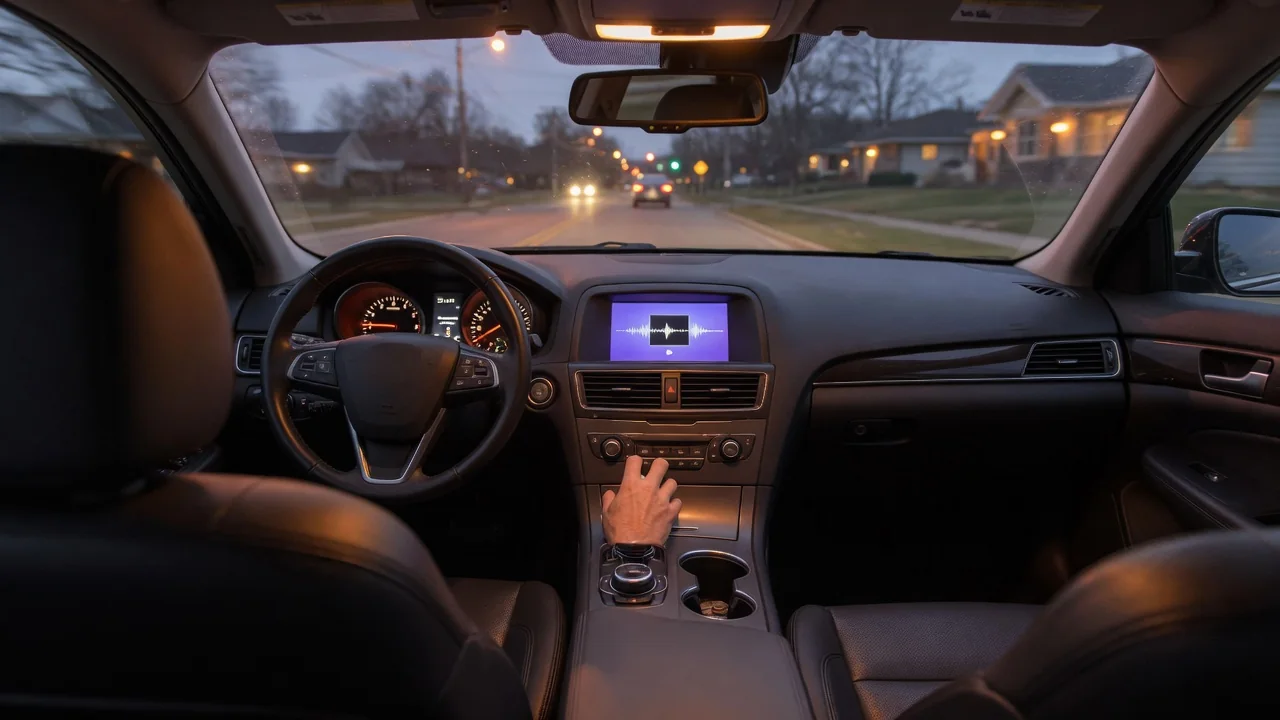
Anyone asking what is speed sensitive volume control is usually noticing that their stereo seems to get louder on the highway and quieter at a stoplight. That behavior is intentional. The feature links audio output to vehicle speed so music, navigation prompts, and calls stay audible as cabin noise rises and falls during a drive.
Why it adjusts
A moving vehicle is a noisy place. Tires roll across pavement, air rushes around the mirrors and windshield pillars, and the engine or electric drivetrain works harder as speed climbs. All of that sound enters the cabin and competes with the speakers. A volume level that seemed comfortable in a parking lot can feel thin and hard to follow at freeway speeds, simply because the background noise has grown around it while the audio output stayed the same.
Speed-sensitive volume control addresses that mismatch by using vehicle speed as a stand-in for cabin noise. The audio system receives a speed signal and raises output gradually as the car accelerates, then eases it back as the car slows. Some vehicles go further and use a cabin microphone to measure actual noise rather than relying on speed alone. Which approach a particular vehicle uses, and how aggressively it responds, depends on the manufacturer and the audio system fitted.
How it feels
When the feature is working well, most drivers barely notice it. The music or podcast simply seems to hold the same apparent loudness whether the car is merging onto an interstate or creeping through a neighborhood. The volume number on the display often does not change at all, because the adjustment happens behind the scenes. What the listener perceives is consistency rather than a stereo that is obviously turning itself up and down.
The effect becomes more obvious in transitions. Braking hard from highway speed to an exit ramp stop, a driver may sense the audio settling down a moment after the road noise fades. Accelerating briskly can produce the opposite impression, with sound swelling as speed builds. On stronger settings, some people find the change distracting, especially with quiet speech content or classical music that has a wide dynamic range. Others never detect it unless they listen for it deliberately.
Setting choices
Many vehicles let the driver choose how strongly the feature responds. The control usually lives in the audio or sound settings menu of the infotainment system, and it may be labeled with a brand-specific name rather than the generic term. Common arrangements include an off position plus several steps, often described as low, medium, and high or shown as numbered levels. The owner's manual identifies the exact name and location for a given model.
Choosing a level is a matter of matching the vehicle and the listener. A quiet, well-insulated sedan may need only a mild setting, while a truck on aggressive tires or a convertible with the top down may benefit from a stronger one. Drivers who dislike any automatic change can typically switch it off and adjust the knob themselves. A sensible approach is to start at a low setting, drive a familiar mixed route, and step up only if highway listening still feels strained.
Everyday Use and Observations
In daily driving, the feature earns its keep on trips that mix speeds. A commute that moves from surface streets to a freeway and back would otherwise require several reaches for the volume knob or steering wheel buttons. With compensation active, the driver's hands and attention stay on the road. Navigation instructions and hands-free calls also benefit, since spoken words are the first thing to get lost when wind and tire roar build up.
A few observations help confirm what the system is doing. If volume seems to rise and fall in step with the speedometer, the feature is likely active. If the audio changes at a steady speed instead, something else may be responsible, such as a recording with uneven loudness, a streaming app's own leveling, or differences between sources like radio and a phone connection. Rough pavement, open windows, and rain can also raise cabin noise without any change in speed, which speed-based systems cannot detect.
Limits and Next Steps
The feature has clear limits. Because many versions react to speed rather than actual sound, they cannot account for a coarse road surface, a roof rack, worn tires, or a heavy crosswind. They also cannot fix poor speaker placement or a weak audio source. Raising volume automatically does not reduce the underlying noise, so a cabin that has become noticeably louder over time may point to tires, door seals, or wheel bearings worth having inspected.
If the volume behavior seems erratic, the first step is to check the setting itself, since it can be changed accidentally or reset after a battery disconnect or software update. Turning it off for a drive and then back on is a simple way to judge whether the feature is the cause. Sudden jumps, changes unrelated to speed, or a setting that will not hold are better described to a dealer or qualified technician, who can check the system against vehicle-specific information.