What Is USB Audio in a Car?
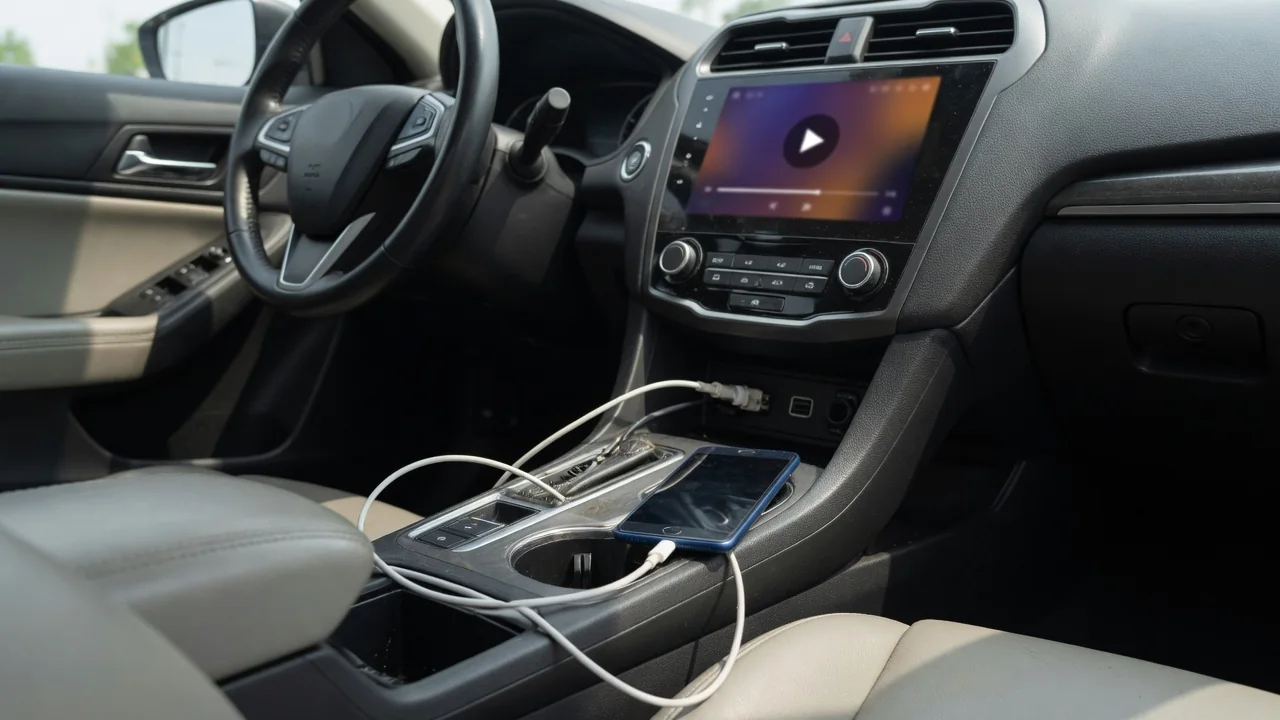
Many drivers plug a phone into the dashboard and wonder what is USB audio in a car, and why one port plays music while another only charges. In short, USB audio means sound travels to the stereo as digital data over the cable rather than as an analog signal. This guide explains how that data moves, what different ports can do, and what to check when playback misbehaves.
Audio data path
With USB audio, the phone or flash drive sends digital information down the cable's data wires, and the head unit converts it to an analog signal that the amplifier and speakers can use. That differs from an auxiliary jack, where the phone's own circuitry produces the analog signal, and from Bluetooth, which compresses audio for wireless transmission. Because the vehicle's hardware handles the conversion, the sound quality depends largely on the stereo's digital-to-analog stage rather than the phone's headphone output.
There are two common ways the path works. A flash drive acts as mass storage: the head unit reads the files, decodes them itself, and shows folders and track names on the display. A phone usually connects through a protocol the stereo recognizes, including smartphone projection systems, so the phone decodes and streams while the car controls playback. You can often see the difference on screen, since a drive appears as a browsable library and a phone appears as a named device. Which methods a vehicle supports varies by manufacturer and model year.
Port capabilities
Not every USB socket in a cabin is wired the same way. A port connected to the infotainment system carries both data and power, so it can play music and charge at the same time. A charge-only port has power wiring but no data link to the head unit, so a phone plugged into it will charge without ever appearing as an audio source. Rear-seat and console ports are frequently charge-only, although layouts differ between vehicles and trim levels.
Markings offer clues. Some automakers print a small media or smartphone icon beside the data port and a lightning-bolt or battery symbol beside charging ports, but labeling is not standardized, and the owner's manual is the reliable reference. Power output varies as well: a data port may supply modest current, which is why a phone running navigation and streaming can gain charge slowly, while a dedicated charging port may deliver more. Connector shape, whether the older rectangular type or the newer oval type, does not by itself indicate what a port can do.
Cable and format checks
The cable matters as much as the port. Some inexpensive cables contain only power conductors, so they charge a phone but cannot carry audio data, and the stereo never detects the device. Worn cables with damaged data wires behave similarly or cause intermittent dropouts over bumps. Trying a known-good data-capable cable, ideally a shorter one in good condition, is a sensible first check before suspecting the port or the head unit. Lint packed into a phone's connector can also prevent the data contacts from seating fully.
For flash drives, formatting and file types are the usual sticking points. Head units read only certain file systems, and many older ones do not recognize drives formatted in newer or computer-specific schemes, or drives above a certain capacity. Audio file support also differs: common compressed formats are widely accepted, while lossless or less common formats may be skipped or shown as unplayable. A drive that works in a computer but shows an unsupported or empty message in the car often points to one of these mismatches, and the owner's manual lists what the system accepts.
Everyday Use and Observations
In daily driving, a working USB audio connection typically shows up as a selectable source on the stereo, with track titles, album art on some systems, and steering wheel buttons that skip songs. The phone charges while it plays, and audio usually resumes where it left off after the next start. Some systems begin playback automatically when a device is connected, and others wait for you to choose the source. These behaviors are set by the infotainment software, so two vehicles from different brands can respond quite differently to the same phone.
A few observations help separate normal quirks from problems. A large music library on a drive may take a while to index after it is plugged in, which is expected. A phone may ask you to unlock it or approve a data connection before the car can see it, and declining leaves it charging only. Sound that plays through the phone's speaker instead of the car usually means the stereo source or the phone's output selection has not switched over. Noting which port, cable and device were involved makes any pattern easier to spot.
Limits and Next Steps
USB audio has limits worth knowing. The port will not make an unsupported file format playable, and it cannot add smartphone projection to a head unit that lacks the feature. Older stereos may work with flash drives but not recognize newer phones, and software updates on either side can change behavior. USB hubs, adapters and extension cables introduce more variables and are not accepted by every system. Charging speed from a data port may also fall short of what a modern phone can draw from a dedicated charger.
When a connection fails, work from simple to complex. Try a different data-capable cable, then another port, then another device, which shows whether the fault follows the cable, the phone or the vehicle. Restarting the phone and the infotainment system clears many temporary glitches. If no device is recognized on a port that previously worked, or the port feels loose or shows no power, the issue may lie with the port, its wiring or the head unit, and a dealer or qualified audio technician can test it properly against the vehicle's specifications.