What Happens When a Connected Car Loses Cellular Signal?
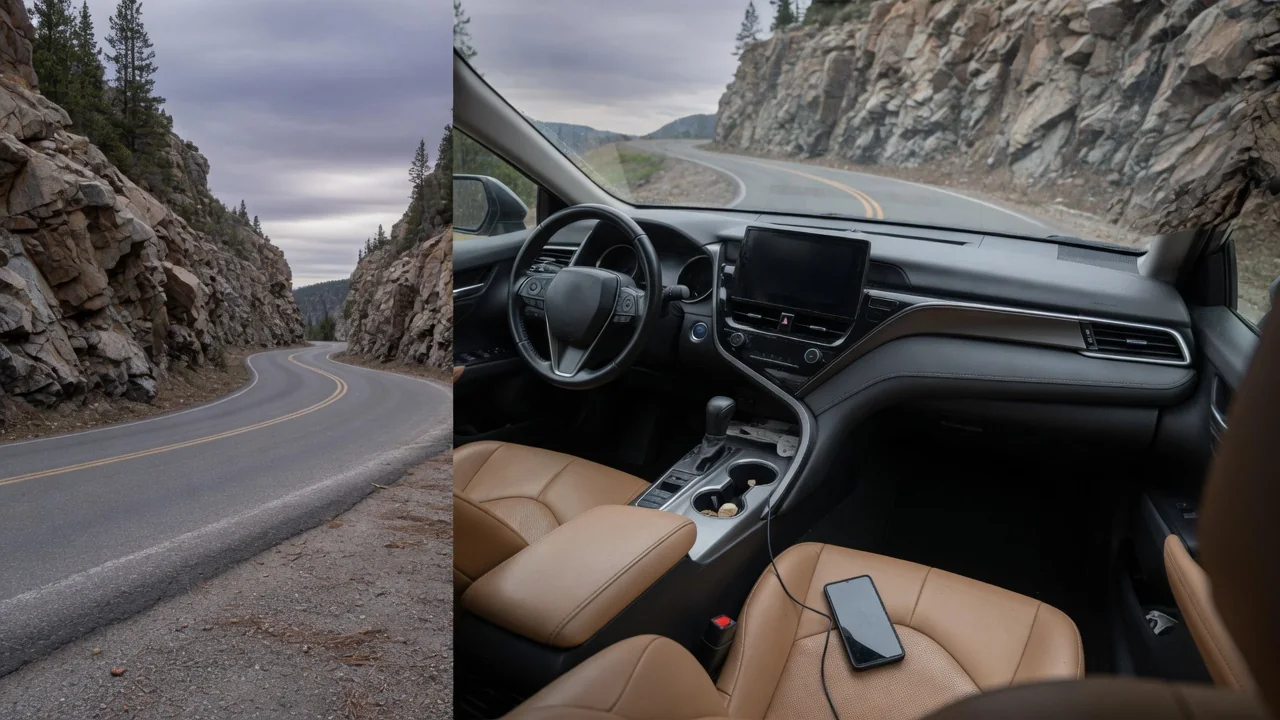
Drivers often wonder what happens when a connected car loses cellular signal on a rural highway, in a parking garage, or in a mountain pass. The short answer is that the vehicle keeps driving normally, while features that rely on remote servers pause until coverage returns. Knowing which functions live inside the car and which live in the cloud makes those dropouts far less surprising.
Network path
A connected vehicle reaches the outside world through a telematics control unit, a small module with its own embedded modem, SIM profile, and antenna, often housed in the roof fin or behind interior trim. That unit talks to a carrier's tower, the carrier passes the data to the automaker's servers, and those servers relay it to a phone app or a third-party service. Each link has to work for a remote command or live data request to complete, so a break anywhere along the chain looks the same from the driver's seat.
Inside the car, the telematics unit sits on the vehicle's internal networks alongside the engine, brake, and body controllers, but those modules do not need the internet to talk to one another. They exchange messages over wired buses regardless of what the modem is doing. Many vehicles also carry separate paths that are easy to confuse with the built-in connection, such as a phone paired by Bluetooth or a projection system running on the phone's own data plan. Which path a given feature uses differs by brand, model year, and subscription level.
Offline behavior
Everything needed to drive runs locally. Engine or motor control, transmission shifting, braking, stability control, airbags, and steering assist are handled by onboard computers that never consult a server. Driver assistance features such as adaptive cruise control and lane keeping generally rely on the car's own cameras and radar, so they continue working in a dead zone. A conventional key fob communicates with the car directly by short-range radio, and satellite positioning still fixes the vehicle's location because those signals come from orbit rather than from a cell tower.
Cloud-dependent services are what go quiet. Live traffic, online destination search, streaming audio, the in-car Wi-Fi hotspot, and voice assistants that process speech remotely will stall or fall back to a reduced mode. Navigation with maps stored onboard usually keeps guiding, while systems that stream map tiles may show a blank or frozen area beyond what was cached. Remote app commands such as lock, unlock, or cabin preconditioning cannot reach a car without coverage, and automatic crash notification can only place its call if some network is reachable at that moment.
Troubleshooting
Sorting out a lost connection starts with location. If the status icon on the display shows no bars in an underground garage and recovers on the street, the cause is coverage rather than a fault. Comparing against a phone can mislead, because the car may use a different carrier and a different antenna. A problem that persists in open areas with known good coverage points elsewhere, and a lapsed trial or expired subscription is a frequent explanation, since the modem can be healthy while the account behind it is inactive.
When the app reports that the vehicle cannot be reached, it helps to check whether the car has been parked for a long period, since many vehicles put the telematics unit into a deep sleep to protect the twelve-volt battery. Driving the car usually wakes it. Restarting the infotainment system through the method in the owner's manual can clear a stalled session, and signing out and back into the app rules out an account glitch. If a stored communication fault code appears, treat it as a lead to investigate, not as proof that the module has failed.
Everyday Use and Observations
Most drivers meet signal loss in small, forgettable ways. The traffic overlay on the map turns gray, a streaming station buffers and then stops, or a spoken request returns a message that the service is unavailable. Passengers using the hotspot lose their connection at the same moment. Meanwhile the gauges, climate control, radio, and driving behavior are unchanged, which is the clearest demonstration of the split between local and cloud functions. In many cars the status bar is the only visible sign that anything happened at all.
The phone app tends to show the effects after the fact. A car parked in a concrete structure may display an old lock state, charge level, or location stamped with the time of its last report, and a remote start request may time out instead of confirming. Some vehicles queue pending items and catch up once the connection returns, while others require the command to be sent again. Electric vehicle owners may notice that a charging session continues normally at the plug even though the app cannot display its progress.
Limits and Next Steps
Some limits cannot be fixed from the driver's seat. Older vehicles built around retired network generations may have lost their connected services permanently when carriers shut those networks down, unless the automaker offered a hardware update. Coverage maps also differ between carriers, so a region that works well for one brand may be weak for another. Over-the-air software updates normally wait for a stable connection, and many cars will pause a download and resume it later, though the exact behavior depends on the manufacturer's design.
Planning around these limits is straightforward. Before a trip through remote country, downloading offline maps where the system allows it and saving audio to a phone keeps navigation and entertainment available. Carrying the physical key or key card matters for anyone who normally relies on a phone app to unlock or start the car, although phone-as-key systems that use short-range radio often work without a network. If connectivity stays absent in strong coverage after the basic checks, a dealer can test the modem, antenna, and account status for that specific vehicle.