How to Report Dash Cam Footage to the Police
The short answer
To report dash cam footage, first protect the original recording so the camera cannot overwrite it. Then contact the police department that has jurisdiction over the location where the incident happened, or the agency already handling the case. Give them a short description of what the video shows, and ask how they want to receive it. Submit an unedited copy and keep the original file safe until the case is resolved.
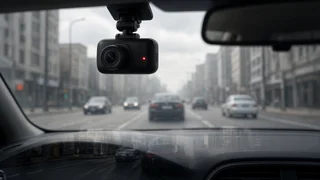
A dash cam (dashboard camera) is a small video recorder mounted in a vehicle, usually on the windshield, that records the road continuously. Most units use loop recording: when the memory card fills up, the oldest footage is automatically deleted to make room for new video. This is why saving the relevant clip quickly matters more than anything else.
Two conditions change the process. If anyone is injured, a vehicle is blocking traffic, or a crime is in progress, call 911 first and deal with the footage afterward. If a police report already exists, include the report or case number with your submission so the footage reaches the right investigator.
What procedures vary
There is no single national procedure in the US for submitting dash cam video. Each police department, sheriff's office or state highway patrol sets its own process. Some accept uploads through an online evidence portal, some ask you to bring a USB drive or memory card to a station, and others have an officer collect the file in person. The steps below describe general good practice. Confirm the exact method with the agency handling your incident.
Laws on dash cams also differ by state. This includes rules on where a device can be mounted on the windshield and whether recording audio inside the vehicle requires consent from passengers. If your footage includes audio of conversations, or you are unsure whether your recording complies with state law, check your state's rules or ask an attorney before relying on it.
What you need before you start
Your dash cam and its memory card (usually a microSD card); A way to read the card: a card reader for a computer, the camera's USB cable, or the manufacturer's smartphone app if the camera supports Wi-Fi transfer; A computer or phone with enough free storage to hold a copy of the video; A blank USB flash drive or a spare memory card, in case the agency wants physical media; The date, time and location of the incident, and any report or case number already issued; Your dash cam's user manual, for the model-specific steps to lock files and export video
Step-by-step: saving and submitting the footage
1) Make the scene safe first
Do not handle the camera, its app or its memory card while driving. After a collision, follow normal priorities: check for injuries, move to a safe spot if you can, turn on hazard lights, call 911 if needed, and exchange information with other drivers as required by your state. Recover the footage only once you are parked and safe.
2) Protect the clip from being overwritten
Many dash cams have a G-sensor, a motion sensor that detects sudden impacts and automatically locks the current clip in a protected folder. Do not assume this happened. Use the camera's emergency or lock button, if it has one, as soon as it is safe. If you cannot confirm the clip is locked, stop the camera from recording by switching it off or removing the memory card once the vehicle is parked. Removing a card while the camera is writing to it can corrupt files, so power the camera down first if your manual advises it.
If the camera is hardwired into the vehicle's electrical system rather than plugged into a power socket, do not disconnect or cut its wiring yourself. Switch it off using its own controls or remove the card. Hardwired installation and removal is work for a qualified installer or technician.
3) Copy the original files without editing them
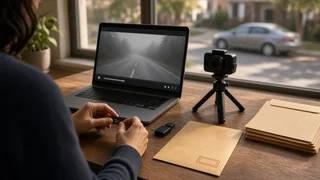
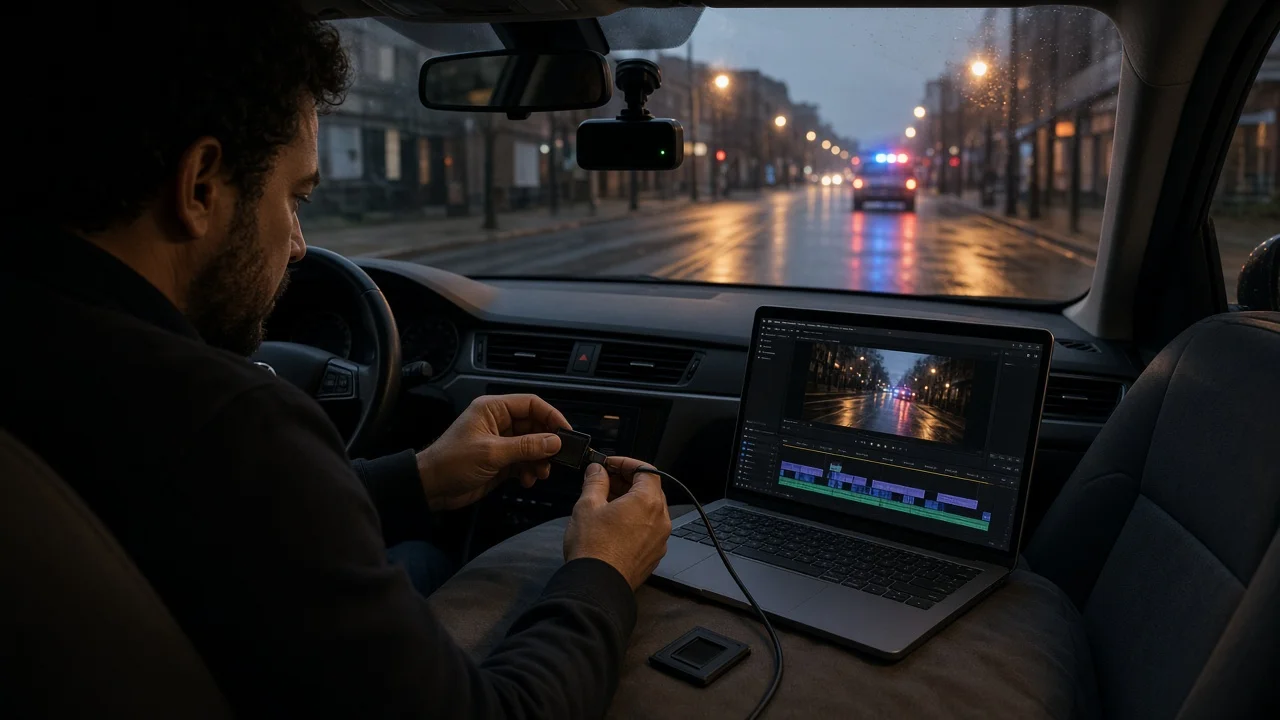
Insert the memory card into a card reader, or connect the camera or app as described in your manual. Copy the relevant files to your computer or phone. Copy the clip covering the incident, plus the clips immediately before and after it, because dash cams typically split recordings into short segments. Keep the original file names and formats, and do not trim, compress, crop, add filters or convert the video. Police may need the original file and its embedded data, such as timestamps and GPS data if your camera records them.
4) Make a backup copy
Save a second copy somewhere separate, such as an external drive or a personal cloud account. If the agency later keeps the card or drive you hand over, you will still have your own copy.
5) Note the key details
Watch the footage and write down the time in the video where the incident occurs, what is visible, and any license plates, vehicle descriptions or road signs that appear. Check whether the camera's clock was set correctly. If the on-screen date or time is wrong, record by how much and say so when you submit, so investigators do not misread the timeline.
6) Contact the right agency
If an officer attended the scene, contact that agency and quote the report number. If no report was made, contact the department covering the location of the incident. Use the non-emergency line unless the situation is urgent. Tell them you have dash cam footage, describe briefly what it shows, and ask how they want to receive it: an upload link, a visit to a station, an officer collecting it, or mailed media.
7) Submit the footage
Follow the agency's instructions exactly. Include your name, contact details, the date, time and location of the incident, the report or case number if one exists, and your notes on where the key moment appears in the video. If you deliver physical media, ask whether it will be returned. Keep a record of who received the footage and when, including the officer's name and any evidence or reference number they give you.
8) Keep the original until the matter is closed
Do not format the memory card or delete the original files until the police investigation, any insurance claim and any court case are fully resolved. You may be asked for the original later, or asked to confirm that your copy has not been altered.
How to check you have done it correctly
The incident clip plays fully on a device other than the dash cam; You hold at least two unedited copies stored in separate places; The original memory card is stored safely and has not been formatted; The agency has confirmed receipt, and you have a report, case or evidence reference number; You have recorded who received the footage, when and in what format
Common mistakes to avoid
Leaving the camera running after an incident, so loop recording overwrites the clip; Submitting a screen recording or phone video of the screen instead of the original file; Editing, trimming or adding captions before submission; Posting the footage publicly on social media before speaking to police, which can complicate an investigation or legal case; Handling the camera or app while the vehicle is moving
Gaps in this guide
This guide does not list specific agency portals, phone numbers, file-size limits or deadlines, because these differ between departments and no confirmed details were available. Steps for locking and exporting files also differ between dash cam brands and models, so use your camera's manual for the exact button or menu sequence. For legal questions about admissibility, audio recording consent or mounting rules, check the law in your state.