How to Share Navigation Duties With a Passenger
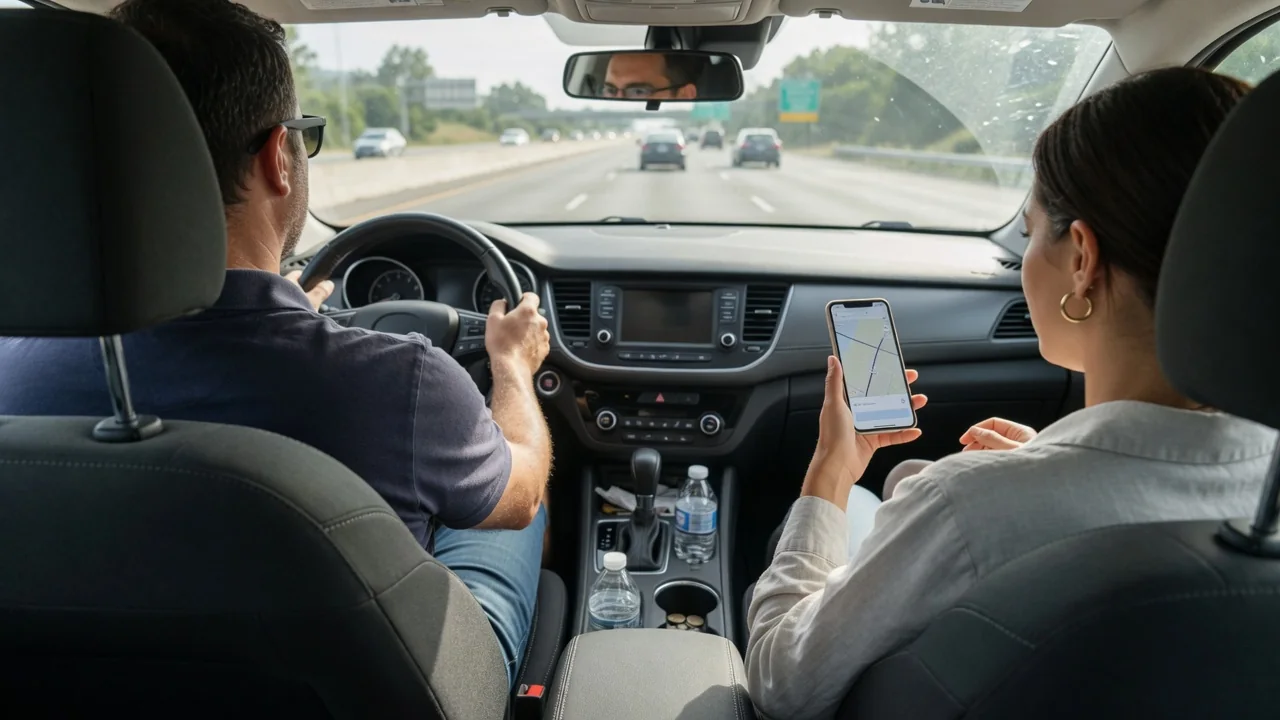
Learning how to share navigation duties with a passenger turns a second pair of eyes into a real advantage. When the driver handles the road and the passenger handles the map, turns arrive with less stress and fewer last-second lane changes. The key is a simple communication plan agreed on before the car leaves the driveway.
Route overview
Before shifting out of park, the driver and passenger should look at the whole route together. A quick scan of the map shows the major highways, the rough number of interchanges, and any stretches where several turns come close together. The driver gets a mental picture of the trip, and the passenger learns which parts will need the most attention. This shared preview also settles basic questions early, such as whether to take toll roads, where fuel or charging stops make sense, and which rest areas fit the schedule.
What appears on screen depends on the vehicle and the app. Some built-in systems show a full route summary with traffic coloring, while others display only the next maneuver unless someone zooms out. A phone mirrored through the infotainment screen may look different from the same app on the handset. The passenger should spend a minute learning how the display in that particular car presents distance, lane guidance, and arrival time, so later callouts are based on a correct reading rather than a guess.
Changes and exits
Exits and lane changes are where a navigator earns their seat. A useful habit is to give each instruction in stages: an early notice that an exit is coming, a reminder when it is time to move over, and a final confirmation as the ramp appears. Pairing the distance with a landmark or sign helps, for example naming the exit number and the side of the road it leaves from. The driver then has time to check mirrors, signal, and merge smoothly instead of cutting across traffic.
Agreeing on vocabulary prevents confusion at speed. Saying correct instead of right when confirming avoids an accidental turn, and phrases like stay in this lane or second lane from the left are clearer than vague pointing. The driver should repeat the instruction back briefly so both know it was heard. If an exit is missed, the plan should be equally simple: keep driving calmly, let the system reroute, and have the passenger announce the new instruction once it settles. A missed turn costs minutes, while a sudden swerve risks far more.
Device handoff
The phone or touchscreen should belong to the passenger once the vehicle is moving. That means the driver sets nothing, types nothing, and resists glancing down to double-check. Before departure, unlock the device, confirm the destination is loaded, and make sure the passenger knows the passcode or has the screen set to stay awake. If the phone is connected by cable or wirelessly to the car, check that the passenger can still reach the controls they need without unplugging anything or interrupting the audio guidance.
Vehicles handle this differently. Some infotainment systems restrict keyboard entry or certain menus while the car is in motion, even for the person in the passenger seat, so searching for a new address may have to happen on the handset itself. Other cars allow full passenger use of the center screen. Testing this while parked avoids frustration later. It also helps to keep a charging cable within the passenger's reach and to decide who answers calls or messages that pop up over the map during the drive.
Everyday Use and Observations
On ordinary trips, the arrangement works best when the passenger shares information the driver cannot easily gather. Reading out upcoming traffic slowdowns, a change in arrival time, or a speed limit drop shown on the map gives the driver useful context without pulling their eyes from the road. The passenger can also watch for street names, building numbers, and parking entrances near the destination, which is often the most demanding part of a route because the turns come quickly and signage is harder to spot.
Paying attention to how the plan feels in practice shows where to adjust. If the driver keeps asking how far the next turn is, the callouts are coming too late. If instructions overlap with the spoken guidance from the system, one of them should be muted or turned down. Some drivers prefer frequent updates, while others want silence until a maneuver is close. Cabin noise, the position of the screen, and whether the car shows directions in the instrument cluster or a head-up display all influence how much the passenger needs to say.
Limits and Next Steps
A passenger navigator is a help, not a substitute for the driver's own judgment. The driver remains responsible for every lane change and turn, and should decline any instruction that cannot be carried out safely, even if it means missing the exit. Map data can also be wrong or outdated, showing closed roads as open or missing recent construction. Posted signs, signals, and what is actually visible through the windshield always take priority over what the screen or the person holding it says.
The plan also depends on things outside anyone's control, such as weak cellular coverage, a passenger who gets carsick reading a screen, or a long drive where the navigator falls asleep. Downloading offline maps where the app allows it, reviewing tricky interchanges before setting off, and agreeing on a fallback such as relying on voice guidance alone keep the trip on track. After a drive or two, a short conversation about what worked refines the routine, and consulting the owner's manual clarifies which navigation features the specific vehicle supports.