What Is Lane Guidance in Navigation?
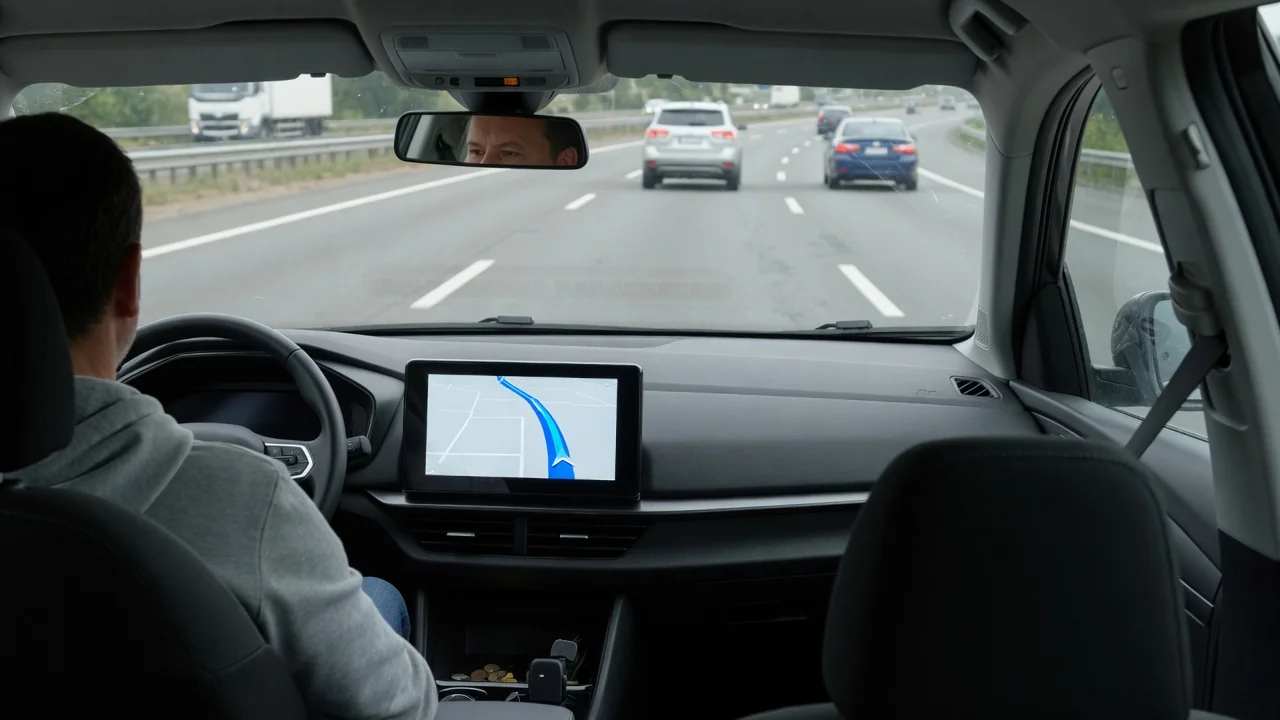
Drivers who ask what is lane guidance in navigation are usually facing a wide interchange where a simple turn arrow is not enough. Lane guidance is the feature that shows which lane or lanes lead to your route before a junction, exit, or fork. It turns a spoken instruction into a visual picture, giving you time to position the vehicle calmly.
Map data
Lane guidance depends on detailed information stored in the navigation map. Beyond the road's shape and name, the map records how many lanes approach a junction, which of them continue straight, which peel off toward an exit, and which are turn-only. When the calculated route reaches that junction, the system compares the planned path with those lane attributes and marks the lanes that connect to your next road segment. Without that stored detail, the software has nothing to draw.
The quality of this data varies by region and road type. Major freeways and busy urban interchanges are usually mapped in detail, while rural intersections or newly built ramps may carry no lane information at all, so the display simply shows a standard turn arrow. Vehicles with built-in navigation rely on the map version installed or downloaded, whereas phone-based apps projected onto the dashboard screen draw on their own data, so the same junction can look different between systems.
On-screen cues
The most common cue is a row of small arrows near the top or bottom of the map, one for each lane on the approach. Lanes that serve your route are highlighted, often in white or a bright color, while the others are dimmed. On a five-lane freeway split, for instance, you might see the two right-hand arrows lit, telling you that either one will carry you onto the correct branch without a last-second move.
Many systems add a junction view, a simplified or realistic image of the interchange with the correct path drawn over it, sometimes alongside a rendering of the overhead signs. Depending on the vehicle, the same cues may be repeated in the instrument cluster or head-up display, and voice prompts may tell you to keep to the two left lanes. Layout, colors, and timing differ by manufacturer and software version, so the owner's manual is the best reference for a specific model.
Limitations
Lane guidance describes the road as the map remembers it, not as it is today. Construction zones, temporary lane shifts, repainted markings, and recently redesigned interchanges can all make the display wrong. It also does not usually know which lane you are in; standard satellite positioning is generally not precise enough to separate adjacent lanes, so the screen shows where you should be rather than confirming where you actually are at that moment.
It is also important to separate this feature from driver assistance systems with similar names. Lane guidance in navigation is purely informational and does not steer, unlike lane keeping or lane centering functions that use cameras to follow road markings. Nor does it check for traffic beside you. A highlighted lane is a suggestion about routing, and moving into it still requires mirrors, a shoulder check, signaling, and a safe gap in traffic.
Everyday Use and Observations
In daily driving, the feature earns its keep at stacked interchanges, multi-lane roundabout approaches, and city intersections with double turn lanes. Consider a left turn followed immediately by a right-hand ramp: with two left-turn lanes available, guidance that accounts for the next maneuver may highlight only the outer one, sparing you a rushed lane change across traffic. On unfamiliar freeways, it also helps distinguish a left-side exit from the usual right-side one.
Drivers will notice that the cues typically appear some distance before the junction and disappear once the maneuver is complete. On long straight stretches, nothing may be shown at all, which is normal. A useful habit is to glance at the lane arrows when the first voice prompt sounds, then confirm against the overhead signs. If the screen and the signs agree, you can settle into the lane early and keep your attention on surrounding traffic.
Limits and Next Steps
When the display and the road disagree, the posted signs, lane markings, and any temporary traffic control take priority. Missing or outdated guidance is usually a data issue rather than a fault in the vehicle. If you miss a highlighted lane, the safest response is to continue through the junction and let the system calculate a new route, rather than cutting across lanes or braking sharply at the split to recover the original path.
If lane guidance never appears, check the navigation settings, since some systems let you switch lane information or junction views on and off. Outdated maps are another common cause, and update methods vary: some vehicles refresh over the air, others need a download or a dealer visit, and subscription terms differ by brand. For app-based navigation, keeping the app current serves the same purpose. The owner's manual or the dealer can confirm what your particular vehicle supports.