How to Learn an Unfamiliar Car's Dashboard Before Driving
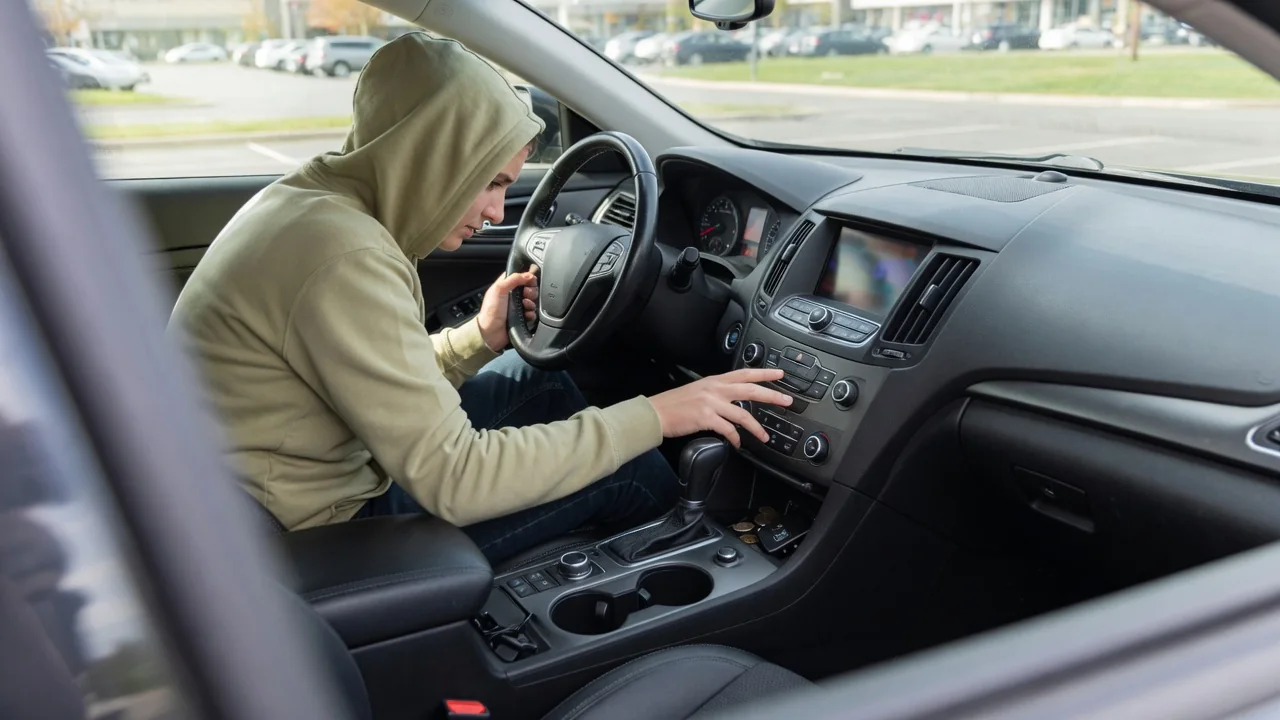
Climbing into a rental, a borrowed vehicle, or a newly purchased car means facing switches and symbols arranged differently from what you know. Knowing how to learn an unfamiliar car's dashboard before driving takes only a few minutes while parked, and it follows a simple order: find the controls you may need urgently, read the warning lights, set the displays, then confirm everything once the car is moving.
Locate critical controls
Start with the controls you might need without warning. With the car parked, find the headlight switch, which may sit on a stalk, a rotary dial left of the steering wheel, or inside a touchscreen menu. Then operate the wipers and washer, the hazard flasher button, the horn, and the front and rear defrosters. Rain, fog, or a sudden stop ahead leaves no time to search, so touch each control once and watch what it does while the vehicle is still stationary.
Next, study how the car is put in gear and held in place. Shifters vary widely, from a console lever to a column stalk, a rotary knob, or a row of buttons, and Park may be a separate button. The parking brake may be a hand lever, a foot pedal, or a small electric switch. Note where the starter button or ignition sits, how the turn signal stalk behaves, and where the fuel door and hood releases are located before you actually need them.
Interpret warnings
Switch the ignition on without starting the engine and watch the instrument cluster. Most vehicles briefly light their warning symbols as a bulb check, which gives you a chance to see what icons this particular car has and where they appear. Color is the general convention: red usually signals something that deserves a prompt stop, amber or yellow indicates a caution or a fault to investigate, and green or blue simply confirms that a feature such as headlights or high beams is active.
After the engine starts, most of those lights should go out within a few seconds. Any that remain, such as oil pressure, charging system, brake, coolant temperature, tire pressure, or the check engine lamp, are worth identifying before leaving. Symbols differ between manufacturers, and some are specific to hybrids, diesels, or electric vehicles, so the owner's manual or the in-screen vehicle guide is the reliable reference. A lit indicator tells you a system has reported something, not which component is responsible, so treat it as a prompt to check further.
Set displays
With the essentials located, arrange the information you will read while driving. Confirm whether the speedometer shows miles per hour or kilometers per hour, particularly in an imported or cross-border rental car, and find the fuel gauge or battery range readout along with the temperature gauge. Many digital clusters let you cycle through layouts using steering wheel buttons, so choose one that keeps speed and range prominent. Adjust the instrument brightness as well, since a dimmed display can be nearly unreadable in daylight.
Then deal with the center screen while parked. Pair your phone, set a navigation destination, and learn where the climate settings live, because some vehicles place fan speed and temperature in menus instead of physical knobs. Look at which driver assistance features are switched on, such as lane keeping or parking sensors, so their chimes and steering nudges do not surprise you. If the car has a head-up display, adjust its height to your seating position, and note the small arrow by the fuel pump icon showing the filler side.
Everyday Use and Observations
The first few miles are a continuation of the orientation. On a quiet street or in a parking lot, notice how the gauges behave: the tachometer at idle, the temperature needle climbing toward its normal position, and any range estimate settling down. Signal a turn and listen for the click and watch the arrow cancel after the wheel returns. Try the cruise control buttons at a suitable moment so you know which symbol appears when the system is armed versus actively holding speed.
Pay attention to sounds as well as lights. Chimes for seat belts, an open door, a parking brake left on, or an approaching obstacle all differ from one brand to another, and matching each tone to its message on the display removes guesswork later. Automatic stop-start systems may shut the engine off at a red light, which can look like a stall until you spot its indicator. At night, check that the high beam and automatic headlight indicators behave as you expect.
Limits and Next Steps
A parked walkthrough has limits. It cannot tell you how every system behaves in heavy rain, on a steep grade, or at highway speed, and it does not replace the vehicle's own documentation. Trim levels and model years of the same car can use different switch layouts and menu structures, so advice from a previous owner or a similar model may not apply. When a symbol or message is unclear, look it up for that exact vehicle instead of assuming it matches another brand's meaning.
If a warning stays on or appears during the trip, the color convention guides the first response: a red light generally calls for pulling over safely and checking the manual, while an amber one usually allows cautious driving until it can be inspected. With a rental or borrowed car, report it to the company or owner instead of guessing. If a scan tool later retrieves a fault code, that code points to a circuit or condition to diagnose, and manufacturer-specific codes need confirmation for the particular vehicle.