How to Keep Car Repair Manuals and Diagrams Organized
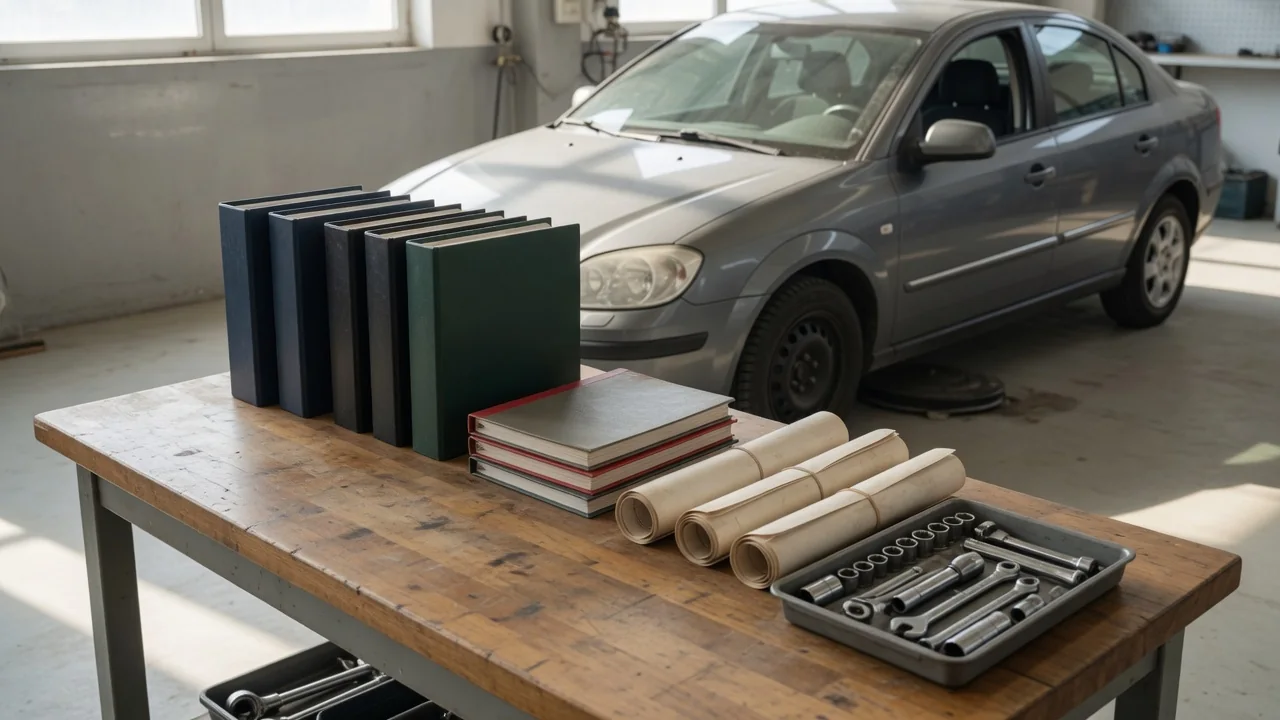
A repair manual is only useful if you can find the right page when the car is on jack stands and your hands are dirty. Service information arrives as printed books, PDFs, subscription pages, wiring diagrams, and bulletins, and it piles up quickly in a home workshop. This guide explains how to keep car repair manuals and diagrams organized around the exact vehicle they describe, how to store digital files so they stay findable, and how to track updates without losing information you still rely on.
Model details: anchor every document to the exact vehicle
The model name alone is rarely enough to match a manual to a car. Manufacturers can change components, wiring layouts, and procedures between trim levels, engine choices, drive configurations, and markets, and sometimes partway through a model year. A wiring diagram for the same nameplate may show a different connector, fuse location, or circuit if it was written for another variant. Good vehicle service information organization therefore starts with a single reference sheet for each car that lists the full VIN, model year, production month if it appears on the door-jamb label, engine code, transmission code, trim level, drive type, and any option or build codes you can identify.
The VIN is usually printed on the registration, title, and insurance documents as well as on the vehicle itself. Other codes may appear on labels in the engine bay, door jamb, or elsewhere, but their locations vary by manufacturer, so the owner's manual is the best guide for your car. Once the sheet exists, use it as a filter. When you add a manual or diagram, check its stated applicability, which is often given on the cover page, in the introduction, or as VIN ranges and option notes on the diagram itself. Record that coverage on the document or in its filename. If a document does not say which vehicles it covers, mark it as unverified rather than assuming it fits.
If you work on more than one vehicle, organize by individual car rather than by brand. Two vehicles from the same manufacturer can need different documents, and keeping each car's material separate prevents a diagram for one from ending up on the bench beside the other.
Digital files: a folder structure and naming you can search
Create one top-level folder per vehicle, named with the year, make, model, and the last few characters of the VIN so it stays unique. Inside it, add subfolders that mirror how most service manuals are divided: engine, fuel and emissions, electrical and wiring diagrams, brakes, suspension and steering, heating and air conditioning, body and trim, maintenance schedule, bulletins and recalls, and service records. Following the manual's own structure means you can move between the printed or PDF manual and your folders without translating between two systems. Keep the vehicle reference sheet at the top level so it is the first thing you see.
Use one consistent filename pattern, such as system, component, document type, source, and date in year-month-day order, separated by underscores. A name like electrical_starter-circuit_wiring-diagram_factory followed by the retrieval date tells you what the file is without opening it, and dates in that order sort correctly. Avoid leaving files with generic scanner or download names. For large PDFs, add bookmarks for the sections you use often, or extract frequently used pages into separate files while keeping the original intact. Scanned pages are much easier to search if you run text recognition on them, and a short notes file in each folder can record page numbers for procedures you return to repeatedly.
Keep at least one complete copy on a device that works in the garage without an internet connection, plus a separate backup on an external drive or cloud storage. Some subscription services do not permit downloading or saving pages, so follow the terms of whatever you have access to and rely on your own notes where copies are not allowed. For an active job, printing the specific diagram or procedure can be more practical than handling a screen with greasy hands, and you can write measurements directly on the printout.
Updates: track revisions, bulletins, and your own changes
Service information is not fixed at the moment you download it. Manufacturers issue technical service bulletins, recall campaigns, revised procedures, and superseded part numbers, and a revision can change a step, a specification, or the recommended fluid. A printed manual reflects what was known when it was published. Open recalls can be checked by VIN through the manufacturer or, in the United States, through the NHTSA recall lookup. Bulletins usually state which vehicles they affect by VIN range, build date, or equipment, so compare that against your reference sheet before filing one as relevant.
When a document is revised, do not simply overwrite the old file. Move the superseded version into an archive subfolder and add a note naming what replaced it. Keep a plain changelog for each vehicle with the date, the document affected, what changed, and where the new information came from. This prevents the common problem of following an outdated procedure because an old copy was the first one the search returned, while still letting you see what the original instructions said.
Your own work is also an update to the vehicle's record. Log each job with the date, mileage, parts and fluids used, and any measurements taken. Photos of connectors, routing, and bracket positions before disassembly are especially valuable, as are diagrams you have annotated with wire colors or test results. File these next to the matching manual section so the next time you open that system, the factory information and your own history sit together.
Practical implications and limits
A tidy system makes the right information faster to reach, but it cannot make a wrong source correct. General aftermarket manuals often combine several model years or variants and may simplify procedures, while factory service information is typically more detailed but can be harder or costlier to access. When two sources disagree on a specification, treat that as a signal to find the document that covers your exact VIN and build, not as a reason to pick whichever value seems reasonable. Organization helps here only because it lets you see the conflict and each source's stated coverage side by side.
Documents also describe the vehicle as built, not necessarily as it is now. Previous owners, dealer-installed accessories, harness repairs, and replacement parts can all make a diagram differ from what is actually under the hood, so confirm wire colors and circuits with a meter before cutting or splicing anything. Respect the license terms of purchased or subscribed material, which generally cover personal use rather than sharing. Finally, keep the system simple enough to maintain: review it when you acquire a vehicle, after a major repair, and when a new bulletin appears, rather than building a structure you will abandon.