DV271BT Bluetooth Pairing: What Can Be Confirmed and How Pairing Generally Works
The Short Answer
No confirmed documentation for the DV271BT was available for this guide. That means its exact pairing steps, menu names, default passkey, number of devices it can remember and supported Bluetooth profiles cannot be stated here. The "BT" suffix suggests built-in Bluetooth, which is a common naming convention, but that is an inference, not a verified specification.
What can be offered is the general pairing process shared by most Bluetooth-equipped car audio units. Use it as a starting point, and treat the owner's manual or the manufacturer's support material for your specific unit as the authority wherever the two differ.
Scope and Key Qualifications
Pairing behavior on aftermarket head units can vary between production runs and firmware versions, even under the same model number. If your unit's menus don't match the general steps below, a firmware difference or a different hardware revision is a likely reason. Phone behavior also varies by operating system version, so a step that works on one handset may be labeled differently on another.
General Bluetooth Pairing Steps for Car Audio Units
These steps describe the typical process and are not confirmed for the DV271BT specifically.
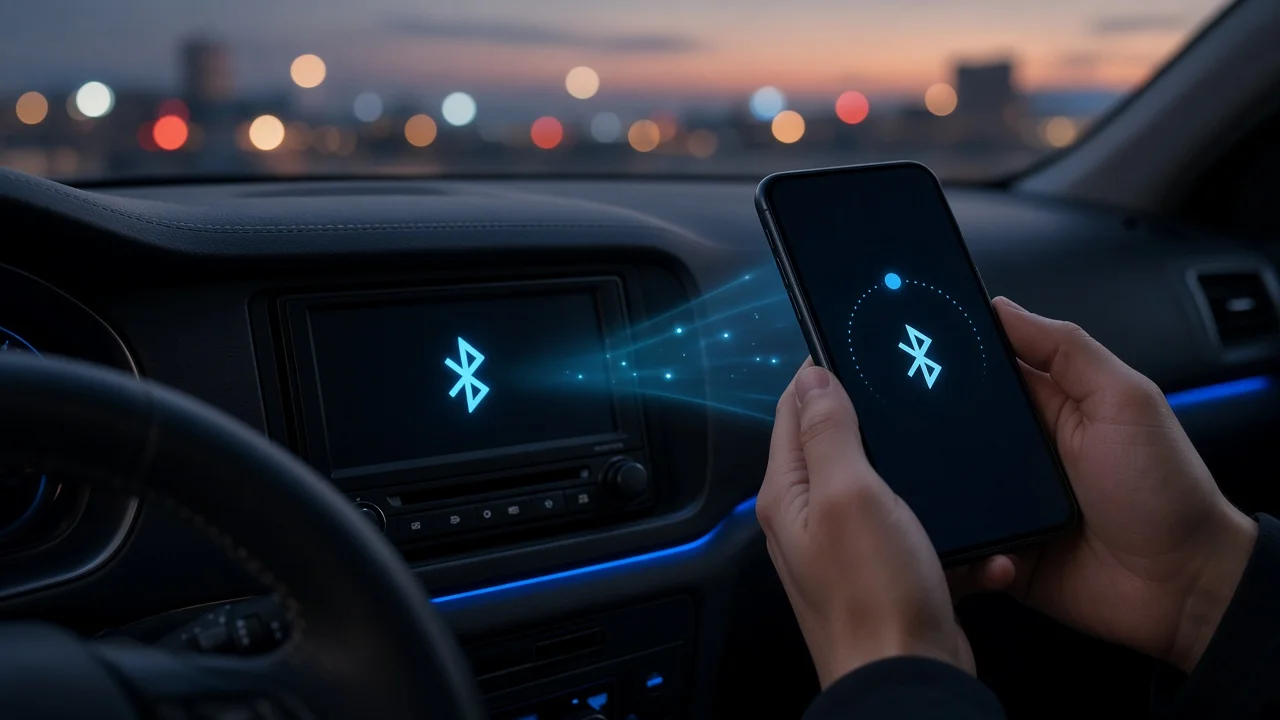
1) With the vehicle parked, switch the head unit on and select its Bluetooth or phone function. 2) Put the unit into pairing (discoverable) mode. On many units this happens automatically when no phone is connected; on others it requires a menu option or holding a button. 3) On the phone, open Bluetooth settings and make sure Bluetooth is turned on. 4) Choose the head unit's name from the list of available devices. 5) If prompted, confirm that the numeric code matches on both screens, or enter the passkey listed in the unit's manual. 6) Allow any permission requests on the phone, such as access to contacts or call history, if you want those features. 7) Make a test call and play audio to confirm that both call and media functions work.
Calls Versus Music: Why Profiles Matter
Bluetooth uses separate profiles for different jobs. The Hands-Free Profile (HFP) carries phone calls, while the Advanced Audio Distribution Profile (A2DP) carries music and other media audio. A unit can support one without the other, and a phone can be connected for calls but not media, or the reverse. Whether the DV271BT supports both could not be confirmed. If only calls or only music work after pairing, check the phone's settings for that device, where individual call and media toggles are often listed.
Call Audio Quality
Head units that support hands-free calling rely on a microphone, either built in or external. No evidence was available on which arrangement the DV271BT uses. In general, an external microphone mounted closer to the driver, away from air vents and away from the speakers, tends to reduce echo and background noise. If callers report poor audio, microphone placement and the unit's microphone or call-volume settings are the usual places to start.
If Pairing Fails
Delete the head unit from the phone's saved Bluetooth devices and delete the phone from the head unit's memory, then pair again from scratch. Turn Bluetooth off and back on on the phone, and switch the head unit off and on. Check whether the unit has reached a limit on remembered devices; removing an old phone may free a slot. Disconnect other Bluetooth devices in the car that may be grabbing the connection first. Confirm the passkey in the manual rather than guessing common defaults. Check for a firmware update for the head unit if the manufacturer provides one.
Information Gaps
This guide could not verify the DV271BT's manufacturer, Bluetooth version, supported profiles, default passkey, multi-device capability, microphone type or reset procedure. For any of those details, rely on the printed manual that came with the unit or the manufacturer's support resources, and check that the documentation matches your unit's exact model number.