Pairing a Phone with a BluJax Bluetooth Adapter
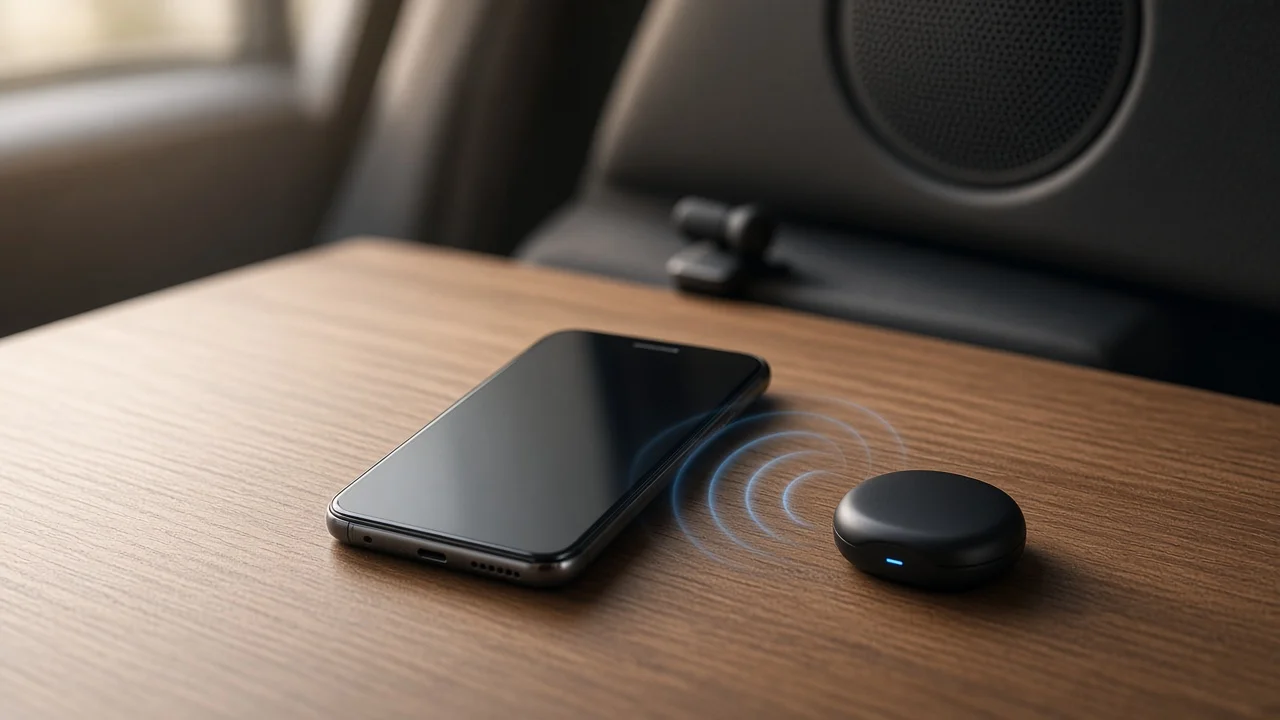
A BluJax unit is an aftermarket Bluetooth adapter. To pair a phone with it, you power the adapter through the vehicle, put it into pairing mode, and select it from the phone's Bluetooth menu. This guide explains that process using general Bluetooth principles. It also shows where the exact steps for a particular BluJax model could not be confirmed.
The Short Answer
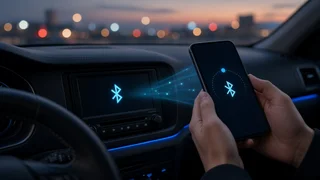
Pairing a phone with a Bluetooth adapter like BluJax follows the same basic pattern used by most in-car Bluetooth devices:
1) Make sure the adapter has power. Aftermarket adapters usually draw power from the vehicle, so the ignition or accessory position typically needs to be on. 2) Put the adapter into pairing mode, which means it is discoverable and visible to new devices. 3) Open the Bluetooth settings on your phone, scan for devices, and select the adapter from the list. 4) If a passkey or confirmation prompt appears, enter or confirm it on the phone. 5) Check that both music and call audio route through the vehicle's audio system, if your adapter supports both.
An important caveat: no confirmed documentation was available for this guide. The exact way to enter pairing mode is unverified, including any button sequence, head-unit menu or source selection. The default passkey, if one is required, and the device name the adapter broadcasts are also unverified. These details can vary between products and between vehicle-specific versions, so the instructions that came with your BluJax unit should take priority over the general steps above.
What Determines Whether Pairing Succeeds
Several general factors apply to virtually any Bluetooth adapter and are worth checking before assuming a fault:
Power state: if the adapter is not receiving power, it will not appear in the phone's device list. Discoverability: many Bluetooth devices only accept new connections while in pairing mode, and some leave that mode after a short period. Existing pairings: some adapters can remember only a limited number of phones, or connect automatically to the last device used. Disconnecting other nearby phones can help. Phone-side records: if a previous pairing attempt failed, deleting the stored entry on the phone and starting again often clears the problem. Vehicle fit: aftermarket adapters are often built for specific radios or vehicle platforms. Whether a given BluJax unit suits your vehicle depends on its model year, trim and factory audio system, which this guide could not confirm.
Music Audio Versus Call Audio
Bluetooth handles different tasks through separate profiles, which are standardized sets of functions.
A2DP (Advanced Audio Distribution Profile) streams music and other media. HFP (Hands-Free Profile) carries two-way phone calls. HFP needs a microphone and a way to answer and end calls.
A phone can be paired successfully and still deliver only one type of audio if the adapter supports only one profile. Calls also need a microphone on the vehicle side. It could not be confirmed which profiles a specific BluJax model supports, or whether it includes or requires an external microphone. If hands-free calling matters to you, check this in the product documentation before relying on the adapter for calls.
Gaps in the Available Information
No specifications, model list, prices, compatibility tables, firmware details or test results for BluJax adapters were found for this guide. Nothing here reflects hands-on testing. The general pairing principles above are standard for Bluetooth devices. For anything specific to your unit, rely on the documentation supplied with it or on the seller's support channel, such as how to enter pairing mode, the passkey, call support and vehicle compatibility.