Chevrolet Oil Life Reset: How It Works and What to Expect
The short answer
Resetting the oil life reading on a Chevrolet tells the vehicle's oil life monitoring system that fresh oil has just been put in, so the remaining oil life display returns to 100 percent. The reset should be done only after an oil change. Chevrolet has used more than one reset method over the years, and the correct one depends on the model, model year and the type of instrument cluster or infotainment system fitted. The owner's manual for your specific vehicle is the authoritative source for the exact steps.
What the oil life monitor does
GM's oil life monitoring system estimates when the engine oil needs changing based on how the engine has been operated, rather than counting miles alone. It shows the result as a percentage of remaining oil life. Because the system has no way of detecting that the oil was physically replaced, the reading has to be reset manually after each change.
Method 1: Driver Information Center menu
Many Chevrolet models with a Driver Information Center, the menu display in the instrument cluster, use this approach. Button names and menu labels vary by vehicle.
1) Turn the ignition on. The engine does not need to be running on most vehicles. 2) Use the steering wheel or cluster controls to scroll to the vehicle information page that shows Remaining Oil Life. 3) While that page is displayed, press and hold the select, OK or reset control. 4) Release it once the display reads 100 percent. 5) Turn the ignition off and back on to confirm the new reading stayed.
Method 2: Accelerator pedal sequence
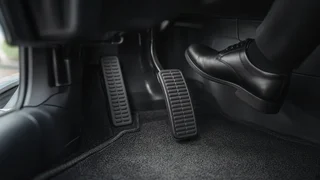
Many older Chevrolet vehicles, particularly those without a menu-driven cluster, use a pedal sequence instead. Some later models also support it as an alternative to the menu. Check your owner's manual before relying on it.
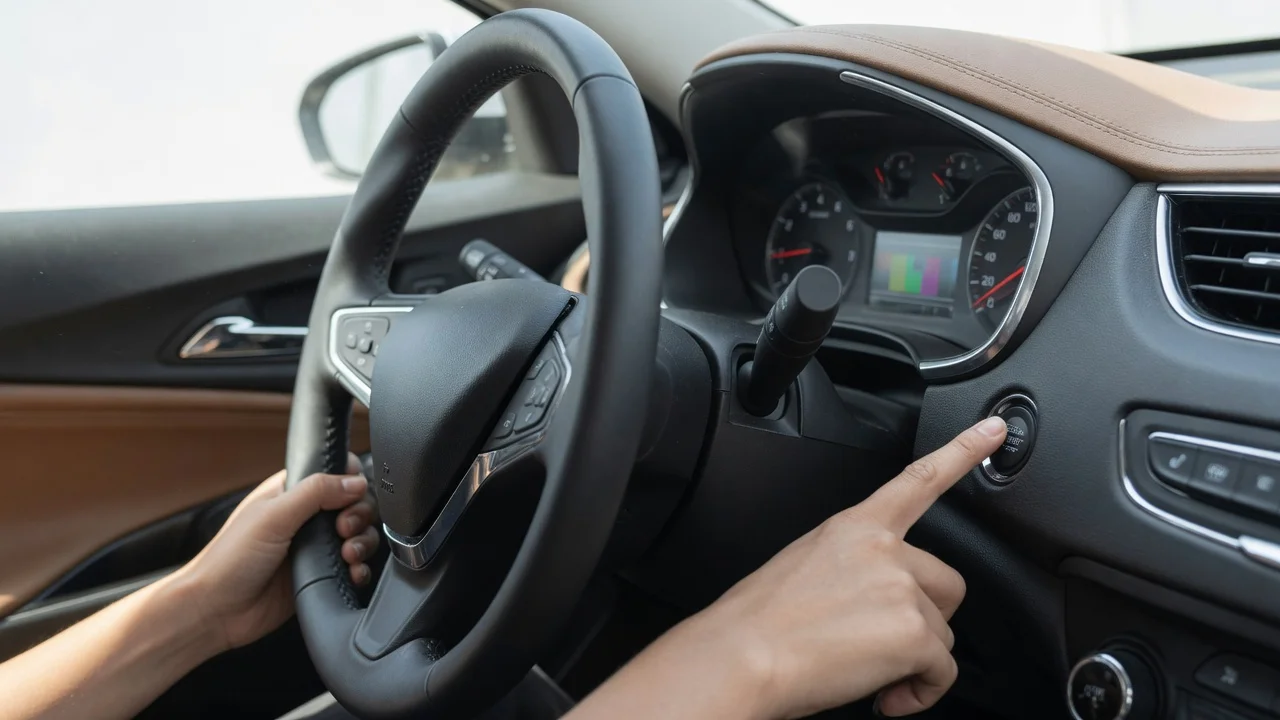
1) Turn the ignition to the on or run position without starting the engine. On push-button vehicles, this usually means pressing the start button without pressing the brake. 2) Fully press and slowly release the accelerator pedal three times within about five seconds. 3) Watch the oil life or change-oil indicator. If it flashes and then goes out, or the reading changes to 100 percent, the system has been reset. 4) Turn the ignition off, then start the vehicle to confirm the warning does not return.
If the indicator stays on after starting the engine, the sequence did not register. Turn the ignition off and repeat the steps, keeping the pedal presses steady and within the time window.
Method 3: Infotainment touchscreen
Some newer Chevrolet models also show oil life in the vehicle settings or vehicle status area of the center touchscreen, with a reset option there. Whether this option exists, and where it sits in the menus, depends on the model year and infotainment version. The available evidence does not confirm which specific models offer it.
Important caveats
Reset only after the oil has actually been changed. Resetting without a change makes the monitor's estimate meaningless until the next real service. If the system is reset by mistake, the vehicle cannot restore the previous reading. Track the mileage of the last oil change yourself and follow the fallback interval in your owner's manual. The percentage reflects oil condition only. It does not cover other maintenance items, such as the oil filter or tire rotation, beyond what your manual pairs with an oil change. Menu labels, button locations and supported methods differ across Chevrolet models and model years, so steps for one vehicle may not match another.
Gaps in this guide
This guide describes the general reset methods Chevrolet has used. It does not list which method applies to each specific model, generation or trim, because no model-by-model documentation was available. For a definitive procedure, consult the owner's manual for your exact vehicle or ask a Chevrolet dealer service department.