Bluetooth audio delay in car: why it happens
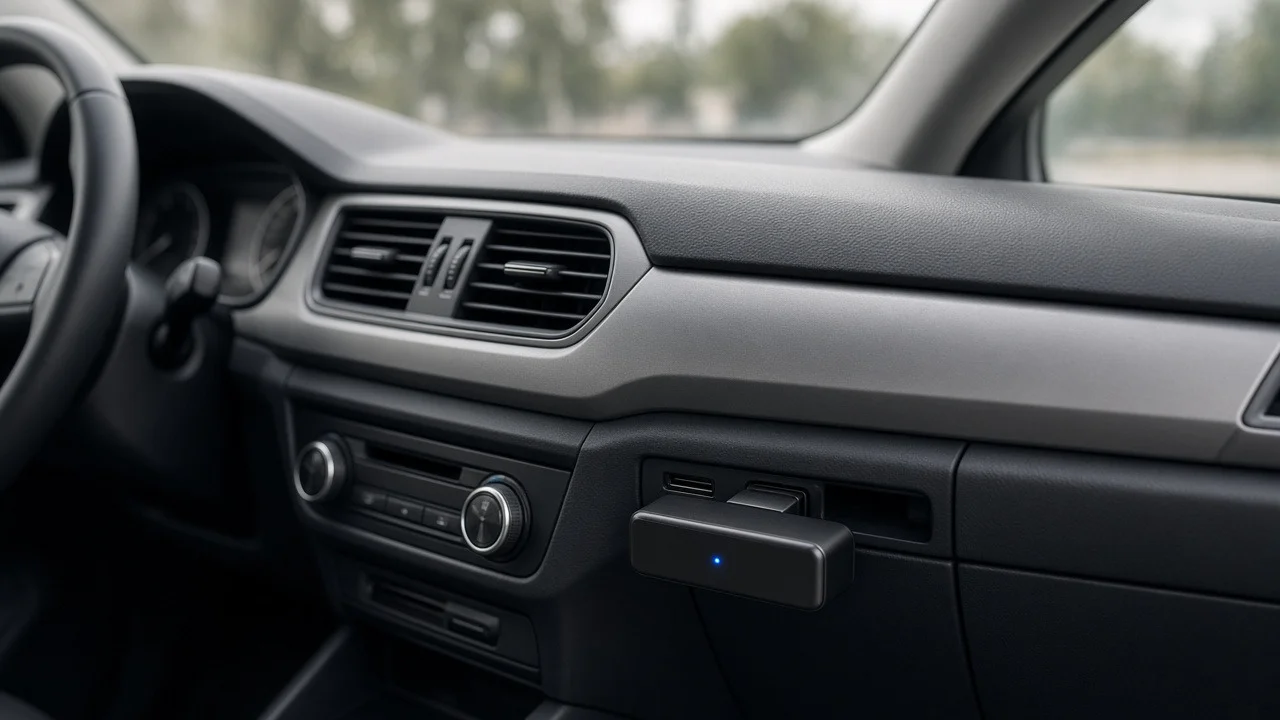
A Bluetooth audio delay in a car turns a phone call, video soundtrack, or navigation prompt into an out-of-sync experience where lips move before words and turn-by-turn cues arrive after the intersection. The lag is usually a processing or buffering issue, not a failed speaker or radio. It stems from the wireless connection, the phone, the head unit, and the chosen audio profile. Understanding why the delay happens helps you decide whether to adjust the connection settings, update software, switch codecs, or use a wired interface adapter.
Essential answer
In most cases, the essential answer is that Bluetooth audio introduces latency because the system must encode, transmit, buffer, and decode sound in near real time. Basic call audio often uses a low-latency synchronous connection-oriented profile, while higher quality music streaming uses a more complex advanced audio distribution profile. That shift in encoding load and buffering creates a noticeable offset between the source and what you hear through the speakers.
The delay can also be influenced by vehicle integration. Many factory radios process the incoming stream again for equalization, navigation ducking, or chime mixing, adding another small buffer. An older phone paired with a newer head unit, or vice versa, may negotiate an inefficient connection that increases lag. The delay is therefore a system behavior involving device pairing, software compatibility, and audio pathway design rather than one defective component.
How it works
Bluetooth audio does not send a continuous analog signal like a wired auxiliary input. Instead, the phone encodes audio into digital packets, transmits them over the wireless radio link, and the receiving module buffers enough data to maintain a stable stream. Packet retransmissions caused by interference add time because corrupt data must be requested again. The head unit then decodes and converts the packets to analog sound for the amplifier.
A key practical effect is that higher bitrate codecs may preserve more detail but can require larger buffers. Likewise, if the phone is simultaneously managing a steering wheel interface, hands-free profile, and media stream, the software stack may prioritize stable playback over instantaneous output. This explains why a phone call can sound acceptably synced while music or video audio feels visibly late through the same car audio system.
Strengths, limitations and suitability
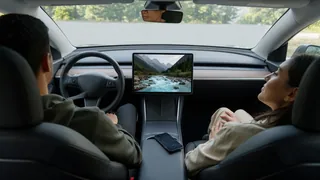
The main strength of Bluetooth in a vehicle is convenience. Automatic reconnection, wireless control of playback, and hands-free calling work across many phones without a physical cable. The limitation is that latency can vary with phone generation, head unit firmware, ambient wireless traffic, and the audio app being used. For spoken directions or music, a short lag is often unnoticed, but for video passengers or backup camera prompts it can become irritating.
This technology suits everyday streaming and hands-free use better than precision audio tasks where timing must match a screen. If you regularly watch video in the vehicle or need immediate navigation alerts, a lower-latency wired connection may be preferable. Otherwise, the compromise is generally acceptable because the delay remains modest in a well-matched system with updated connection settings and compatible software.
Procedure
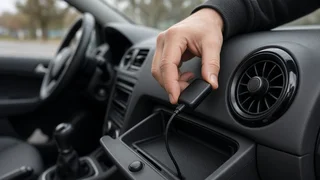
Start by reducing active Bluetooth tasks on the phone. Close unused media apps, turn off battery-saving modes that throttle processing, and disconnect other paired accessories competing for the same radio. In the vehicle, remove old pairings that are not in use and perform a fresh device pairing so both ends negotiate current parameters. Then play a familiar track and compare the timing using a spoken-word recording or a video with clear mouth movement.
If the delay persists, try another phone in the same vehicle. This helps separate phone-side processing from the head unit's buffering. Also check whether the radio or phone offers an alternate codec setting, because some systems allow a lower-latency codec for streaming. Finally, test a wired auxiliary or USB connection for the same source. If the wired path is immediate while Bluetooth remains late, the wireless stack and buffering are the likely causes.
Diagnosing a problem
Interference is a common explanation for intermittent or worsening delay. Wireless congestion near toll plazas, dense intersections, or inside a vehicle with multiple active Bluetooth and Wi-Fi radios can force frequent packet retransmissions. The observable result is audio that starts in sync and then drifts, stutters, or briefly pauses while the buffer rebuilds. Moving the phone closer to the receiving module or reducing nearby hotspot activity may change the symptom.
Software compatibility is another variable because the phone and head unit negotiate the streaming protocol each time they connect. A phone operating system update, a new media app, or an unchanged vehicle firmware version can alter that negotiation. A fault code is not usually a direct indicator of audio lag, and manufacturer-dependent Bluetooth modules may require vehicle-specific confirmation before replacement. If the delay appears only with one source, focus on that device before suspecting the car audio hardware.