How to fix Bluetooth audio delay in a car
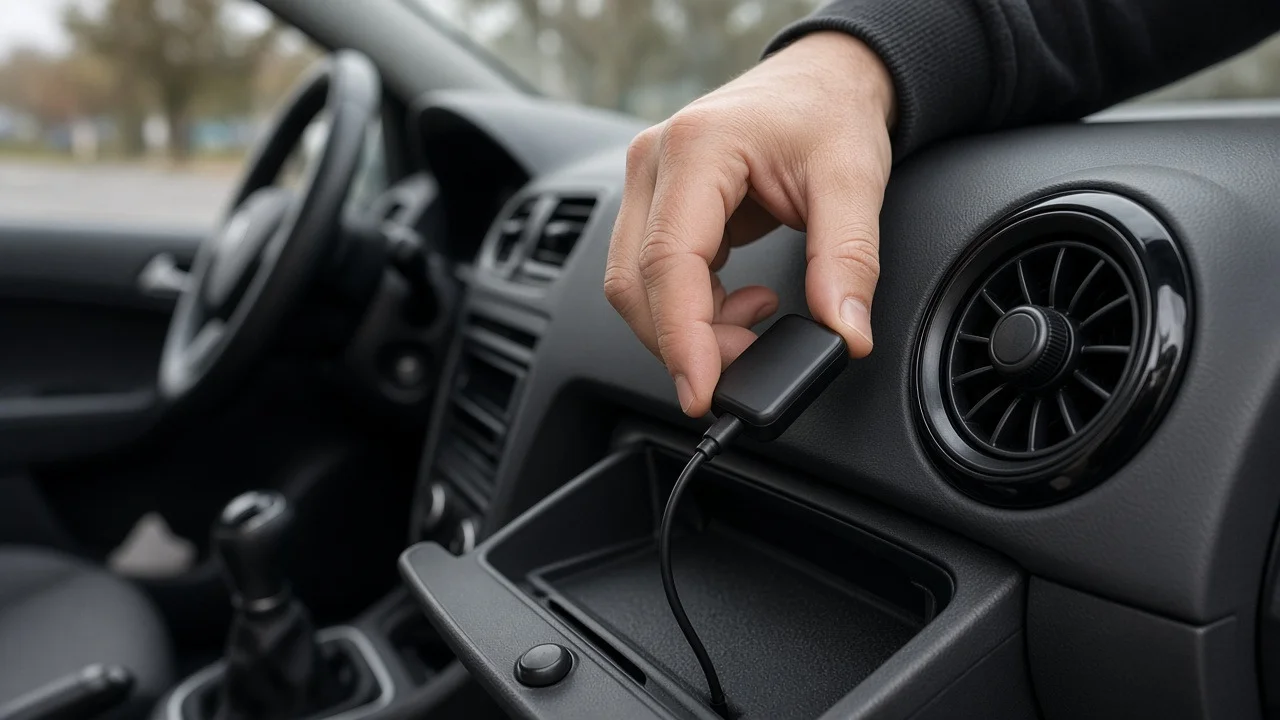
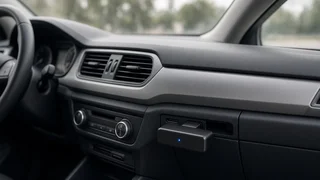
Bluetooth audio delay in a car creates a visible mismatch between on-screen action and sound, turning videos, navigation prompts, and even some phone interactions into a frustrating experience. The problem is usually not a single broken component. Wireless audio must pass through phone processing, Bluetooth encoding, receiver buffering, and the vehicle’s media system. Each stage adds latency. Fixing the delay therefore means reducing unnecessary processing and choosing a connection path with less lag. Some vehicles and phones have settings that improve sync, while severe cases may require an adapter or direct wired audio.
Direct answer
For most vehicles, the direct answer is to clear the existing pairing, restart both the phone and the infotainment system, and reconnect the device. A stale Bluetooth link can preserve older connection settings that affect timing. Removing the phone from the vehicle’s saved devices and removing the car from the phone’s Bluetooth list forces a fresh negotiation between the two. After reconnecting, test with a known video or a consistent music track. This simple reset resolves many minor delays by clearing memory buffers and restoring normal synchronization behavior.
If the delay remains, investigate which media profile the connection is using. Bluetooth carries different profiles for phone calls and audio streaming, and a mismatch can cause the system to process sound through an unintended pathway. Look for settings labeled as absolute volume, audio synchronization, or media audio in the phone’s Bluetooth device options. On some iPhones and Android devices, high-quality audio codecs or voice assistant settings add processing time. Trying a lower-latency connection mode or disabling battery-optimization for the media app may produce a noticeable improvement.
How to proceed
Begin with the least risky and most reversible actions. Put the vehicle in park and keep the infotainment system on without starting the engine when possible. On the phone, turn Bluetooth off for about thirty seconds. Then turn it back on and wait for the car to appear in the device list. Some vehicles require you to initiate pairing from the steering wheel interface or the radio’s phone menu. Confirm that the phone does not have another active connection, such as headphones or a smartwatch, because simultaneous audio outputs can force additional buffering and contribute to delay.
Next, check the vehicle menu for a media or connectivity section. Some systems include an option for Bluetooth audio delay adjustment, while others route audio differently depending on whether the source is set to phone, media, or a specific app. If possible, connect the phone through USB for comparison. A wired connection bypasses the Bluetooth stack almost entirely and can demonstrate whether the delay is coming from the wireless link or from the vehicle’s audio processing. When the delay disappears over USB, the wireless chain is the likely source.
Understanding a problem
Bluetooth audio delay in a car commonly appears as a short gap between pressing play and hearing sound, or as an obvious lip-sync error during video. The phone’s operating system and the infotainment receiver each buffer audio intentionally to prevent dropouts. Buffering protects against interference but adds latency. Older head units often use less efficient Bluetooth stacks and slower processors, making the delay more noticeable. Even a strong signal does not eliminate this processing time. The problem is therefore more about how the device and vehicle negotiate their connection than about a simple weak-signal issue.
Phone-specific behavior can also be involved. An iPhone may behave differently depending on iOS version, connected accessories, and whether the output is being monitored for voice control. A car receiver may apply additional processing to enhance bass or widen the soundstage, and that digital signal processing can add a few fractions of a second. To narrow the cause, compare the same phone with another Bluetooth speaker or another vehicle if available. If the delay is consistently lower elsewhere, the vehicle’s receiver and its software compatibility are more likely responsible.