Why Does Bluetooth Audio Lag Behind Video in a Car?
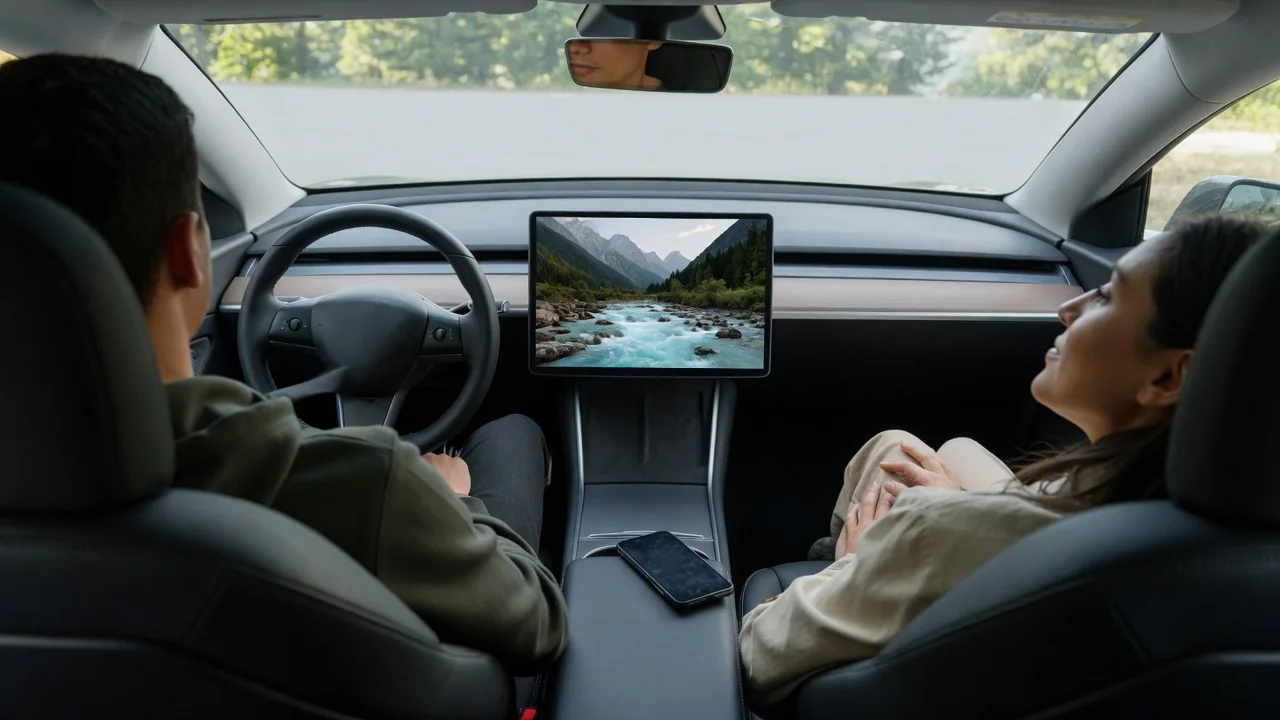
A video plays on a phone in a dash mount, yet the voices arrive through the car speakers a beat after the lips move. Drivers and passengers often ask why Bluetooth audio lags behind video in a car, and the answer lies in processing delay: sound takes a longer, slower route than the picture, and each stage along that route adds a little waiting time.
Audio path
The picture on a phone or tablet travels a short distance, from the video decoder straight to the screen. Sound sent over Bluetooth has a longer trip. The phone must compress the audio with a codec, divide it into packets, and transmit them by radio. The vehicle's head unit then receives those packets, holds a small reserve in a buffer to ride out interference, decodes them, and only then passes the signal toward the amplifier and speakers.
The car itself often adds more steps after decoding. Many audio systems run sound through digital signal processing for equalization, speaker time alignment, surround effects, or speed-dependent volume, and an external amplifier may do its own processing as well. Each stage needs a moment to work. What you observe is the sum of all of them, which is why the same phone can seem nearly in sync in one vehicle and noticeably late in another with a more elaborate sound system.
When delay matters
With music, podcasts, and audiobooks, the delay is essentially invisible because nothing on screen needs to match the sound. You might notice only that a track starts a moment after you press play, or that pausing takes an instant to register. The lag becomes obvious when there is a visual reference: dialogue in a video where lips and words drift apart, a drummer whose sticks land before the hit is heard, or a game whose sound effects trail the action.
Timing also matters for spoken guidance and calls. Navigation prompts routed through a media connection can arrive slightly later than the map suggests, which is worth knowing on closely spaced turns. Phone calls typically use a different Bluetooth profile built for two-way conversation, so they often feel more immediate than media playback, though at lower sound quality. Any video viewing belongs to passengers or a parked vehicle; a driver should not be watching a screen to judge lip sync while moving.
Settings and alternative connections
Some of the delay can be managed in software. Many video apps read the latency that the Bluetooth link reports and hold the picture back to match, which is why one streaming app may look synchronized while another, or a game that cannot delay its picture, does not. Certain media players offer a manual audio offset, and some phones allow the codec to be changed in their Bluetooth or developer settings. Whether these options exist, and whether the head unit supports a faster codec, varies by device and vehicle.
A wired path usually shortens the chain. A USB connection or an auxiliary input, where the vehicle has one, removes the wireless encoding and buffering stages, though the car's own processing still applies. Smartphone projection systems handle audio differently from plain Bluetooth streaming and may behave better or simply differently. Inside the vehicle's audio menu, turning off surround or other sound enhancement modes can sometimes trim a little processing time; the owner's manual shows what a particular system allows.
Everyday Use and Observations
A simple comparison reveals where the delay comes from. Play the same clip through the phone's own speaker, then through the car over Bluetooth, and watch a sharp event such as a hand clap or a closing door. If the phone alone is in sync and the car is late, the wireless link and vehicle processing are responsible. Trying a second app is equally telling, since an app that compensates will look fine while one that does not will show the full gap.
The lag is not always constant. It may be greater right after connecting, when buffers are settling, and it can shift after a skipped track, a call that interrupts playback, or a brief dropout in a crowded radio environment. A phone that is busy, hot, or juggling several wireless connections may also behave less consistently. A delay that stays steady points to ordinary design latency, while one that grows during a drive, or comes with stutters and dropouts, suggests a connection issue worth investigating.
Limits and Next Steps
Some delay is built into the technology and cannot be eliminated entirely. Buffering exists to keep sound from breaking up, so a system tuned for stable playback will always trade away a little immediacy. For that reason, a small, consistent offset on a Bluetooth media connection is normal behavior rather than a sign that the phone or head unit is failing. Expecting perfect lip sync from every app over every wireless link is not realistic, and no single setting works across all vehicles.
When the lag is large or erratic, basic housekeeping is the sensible first move: restart the phone, remove the pairing on both sides and pair again, and check for available updates to the phone, the app, and the infotainment software. Testing a different phone in the same car, or the same phone on another Bluetooth speaker, helps show which side contributes most. If the problem persists across devices, the vehicle manual or a dealer service department can confirm what that specific system supports.