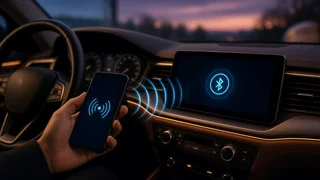
Add phone to car radio
Adding phone audio to a car radio expands what the existing audio source can play, but the best method depends on the head unit and available inputs. The goal is a stable connection between a phone and the vehicle’s speaker wiring without compromising signal reception or introducing noise. Older radios often need an adapter, while newer systems may support wireless or wired integration directly. The right approach preserves steering-wheel controls and charging behavior where possible, and it should match how the driver actually uses the phone in the cabin.
Essential answer
The essential answer is that a phone can be added to a car radio through an auxiliary input, a cassette adapter, an FM transmitter, a USB connection, or Bluetooth audio. The correct choice depends on the radio’s age and factory features. A head unit without built-in Bluetooth cannot simply gain it without an external module or replacement, while a radio with a hidden auxiliary port may only need a cable. The vehicle integration point changes with each method, so the phone connection should be selected around the radio interface already present in the dashboard.
A direct auxiliary or USB link usually delivers cleaner sound than a wireless FM transmitter because the audio signal travels through the radio’s preamp rather than through the antenna. However, an FM transmitter works with nearly any car radio that has signal reception and is often the fastest no-tools option. Bluetooth adds hands-free calling but may introduce slight compression. Matching the connection to the radio’s inputs prevents unnecessary adapters and keeps the phone stable while the vehicle is moving.