What Is Audio Ducking in Car Navigation?
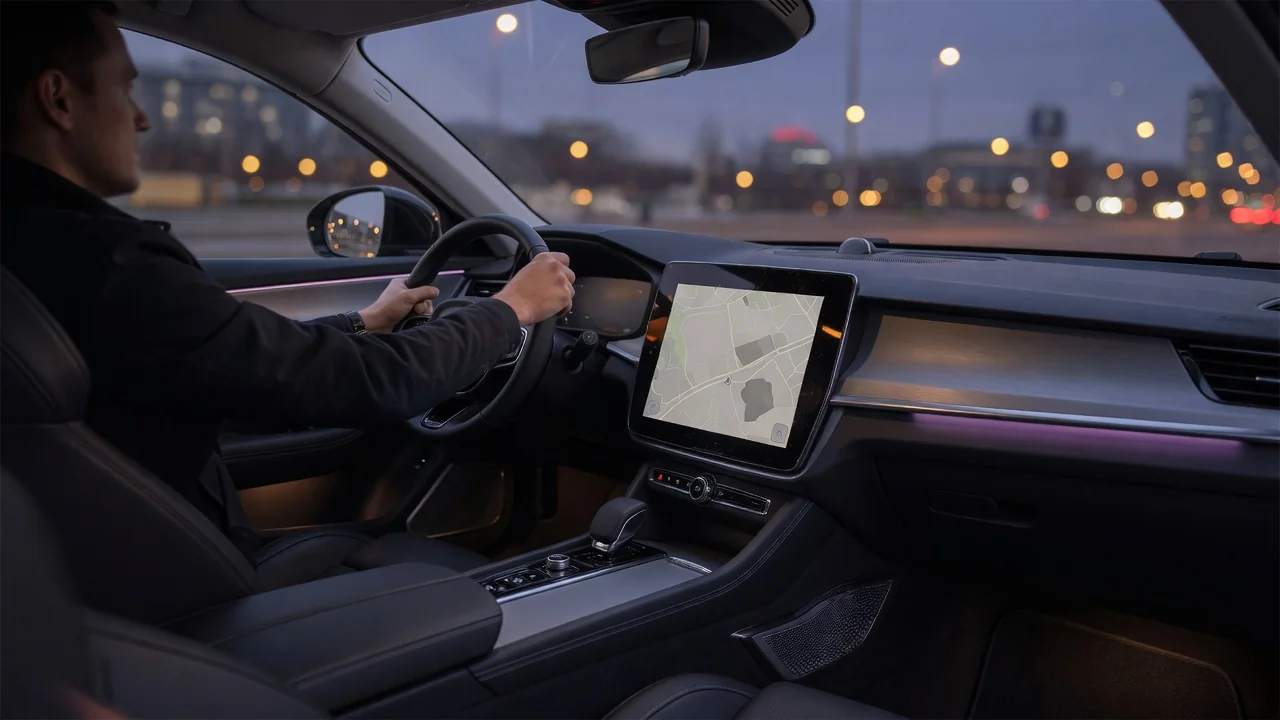
Audio ducking in car navigation is the practice of temporarily lowering music, radio, or other media so a spoken guidance prompt can be heard clearly, then restoring the original level once the prompt ends. It is a small piece of audio management, but it shapes how easily a driver catches the next turn instruction. This guide explains how prompt priority works, what happens to the music level during a prompt, which settings usually control the behavior, and where the mechanism has practical limits.
Prompt priority
Every modern infotainment system has to decide what happens when two sounds want the speakers at the same time. The usual approach is an arbitration scheme: each audio source is assigned a category, and categories are ranked. Entertainment media such as FM radio, streaming, or a USB playlist typically sits near the bottom. Navigation guidance ranks above it because a missed instruction has direct consequences for the drive. Phone calls, voice assistant sessions, and vehicle warning chimes are commonly treated as higher still, although the exact order is a design decision made by each manufacturer or app developer.
When a navigation prompt is requested, the system checks the ranking and chooses one of three general responses for the lower-priority source: duck it, pause it, or mute it. Ducking means the media keeps playing at reduced volume underneath the voice. Pausing stops playback and resumes it afterward, which some systems prefer for spoken-word content like podcasts or audiobooks, where talking over the narrator would make both hard to follow. Muting silences the media without stopping its playback position. Which response is used can depend on the source type, the navigation app, and how the head unit is configured.
On smartphones, the same idea exists at the operating-system level. Apps request temporary audio focus for a short sound, and the media app is expected to lower its volume or pause until focus is returned. When a phone is connected through a projection interface or Bluetooth, the phone's own focus handling and the car's arbitration both play a role, so the final behavior is the combined result of two layers rather than one.
Music level
Ducking is not simply a switch between loud and quiet. A well-designed implementation lowers the media gradually over a short ramp, holds it at a reduced level while the prompt plays, and then raises it back along a release ramp. The ramps exist to avoid an abrupt drop that sounds like a fault, and to keep the music from snapping back so quickly that the end of the instruction is masked. How deep the reduction goes, and how quickly it happens, varies between systems and is rarely documented in owner materials.
The reduced level is usually relative to the current media volume rather than an absolute target. If the music is already quiet, the duck may barely be noticeable; if it is very loud, a modest reduction may still leave the music competing with the voice. That is why the navigation voice typically has its own separate volume control. The two work together: the guidance volume sets how loud the prompt is, and the ducking behavior determines how much room is cleared for it.
Some systems also take speaker placement into account. Guidance prompts may be routed mainly to the front speakers or toward the driver's side while media continues through the rest of the cabin at a lowered level. Where this is implemented, it improves intelligibility without requiring as deep a reduction in music. Where it is not, the prompt and the ducked media share the same speakers, and the balance between them relies entirely on level.
Settings
Settings that affect car navigation audio ducking are usually spread across more than one menu. In a built-in system, look in the sound or audio settings for items such as guidance volume, navigation voice level, or an option to lower or mute media during prompts. The navigation menu itself may contain separate choices for prompt verbosity, such as full spoken guidance, alerts only, or silent operation. Exact labels differ, so the owner's manual for the specific vehicle is the reliable reference for names and locations.
A common and practical method is adjusting the guidance volume while a prompt is actually playing. Many systems apply the volume knob or steering-wheel controls to whichever source is currently active, so turning it during an instruction changes the navigation level rather than the music level. Doing this once at a comfortable media volume often sets a better balance than repeatedly adjusting both.
When navigation runs on a phone, check the app's own sound options as well as the phone's settings. Navigation apps often include a prompt volume setting and sometimes a choice about whether guidance is sent over Bluetooth as call-style audio or as media audio. The car may treat these paths differently, which affects whether music is ducked, paused, or interrupted. If guidance sounds too quiet in the car but fine on the phone speaker, the routing choice is a sensible place to start.
Practical implications and limits
In daily driving, ducking works best when both volumes are set with the cabin's real noise in mind. Road, wind, and tire noise rise with speed and surface, so a balance that sounds right in town may leave prompts hard to catch on a highway. Because ducking scales with the media level rather than with background noise, it cannot compensate for this on its own. Some vehicles offer speed-dependent volume adjustment, but whether it applies to guidance prompts, media, or both is specific to the system.
Timing is another limit. A prompt has to be requested, the media lowered, and the voice played, and with a connected phone that chain also crosses a wireless link. If the steps are not well synchronized, the first word of an instruction can be clipped or the music can return before the prompt finishes. Problems like this usually point to the interaction between the phone and the head unit rather than to the speakers, and installing available updates for the app, the phone, or the infotainment software is a reasonable first step.
Finally, ducking is a convenience, not a guarantee. It does not make a prompt audible if guidance is muted, if the phone is routing audio elsewhere, or if a higher-priority source such as a call has taken over. Drivers who rely heavily on spoken directions benefit from glancing at the on-screen route before complex junctions and from checking audio behavior on a short, familiar trip after changing settings, phones, or navigation apps.