Why Does Bluetooth Music Quality Vary in Your Car?
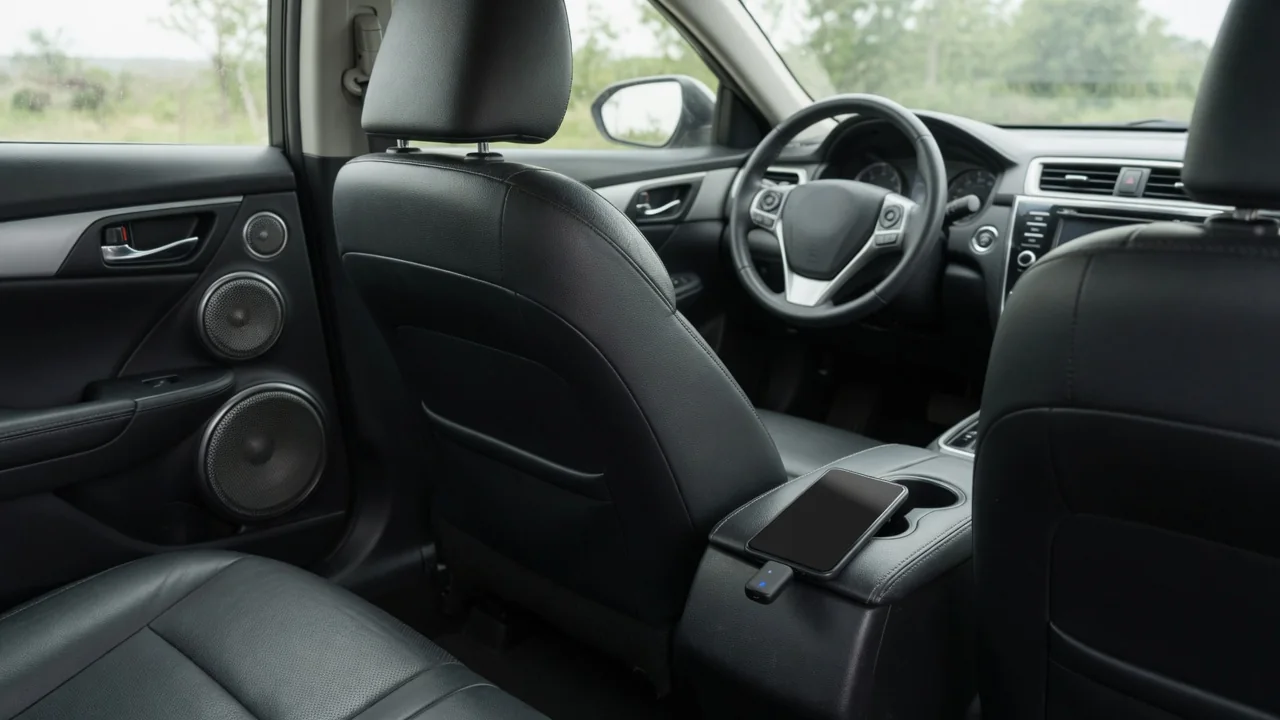
Bluetooth music in a car can sound crisp one day and flat, muffled, or harsh the next, even with the same playlist in the same vehicle. Most of that variation comes from three links in the chain: the codec that compresses the audio, the way the phone prepares the signal, and the wireless connection itself. Understanding each link explains why Bluetooth car audio quality changes and which parts an owner can actually influence.
Codec: How the Audio Is Compressed
Bluetooth does not send music as raw, uncompressed audio. The profile used for stereo streaming, A2DP, requires the sound to be encoded by a codec before transmission and decoded by the head unit. When a phone connects, both devices compare the codecs they support and settle on one they share. SBC is the mandatory baseline every A2DP device must support, so it always works as a fallback. Optional codecs such as AAC, the aptX family, and LDAC are used only when both the phone and the head unit support the same one. As a result, the same phone can use a different codec in a different car.
Most Bluetooth codecs are lossy, meaning they discard parts of the signal the encoder judges least audible. How much is discarded depends on the bitrate and on the quality of the encoder implementation. At generous settings the result can be hard to distinguish from the source in a car cabin. At lower settings, typical artifacts include softened treble, a smeared quality on cymbals and reverb tails, a narrower stereo image, and less separation between instruments. The codec name alone does not guarantee a result, because the same codec can sound different depending on the phone's encoder software and the bitrate chosen for the connection.
There is also a compounding effect. Most streamed music is already stored in a lossy format, and Bluetooth re-encodes it into another lossy format. Each conversion can add its own errors, and even a lossless file is typically converted to a lossy codec over a standard Bluetooth link.
Phone Output: What Happens Before the Signal Leaves
The codec can only work with what the phone gives it. Streaming apps usually offer quality settings, and many reduce quality on cellular data or when a data saver mode is active. While driving, the phone moves between strong and weak coverage, and adaptive streaming can quietly switch to a lower-quality stream to avoid buffering. Downloaded files keep whatever quality they were saved at, so low-bitrate downloads stay limited no matter how good the Bluetooth link is.
Volume handling is another frequent cause. On many phones, the volume control scales the digital signal before it is encoded. If the phone volume is low, the head unit must apply more gain to reach a normal listening level, which can raise background hiss and flatten dynamics. If the phone volume is high and an equalizer boost is also active, the signal can clip before it reaches the codec, causing harsh distortion on loud passages. Some phone and car combinations link the two volume controls while others keep them independent, so the same phone setting can behave differently in different vehicles.
Software processing adds further variables. Phone equalizers, sound enhancement modes, spatial effects, and bass boosters alter the signal before transmission, and the head unit then applies its own tone controls and equalization. When both stages shape the sound, their effects stack, so a setting that suits headphones may make car audio boomy or brittle.
Connection: The Wireless Link and the Active Profile
Bluetooth uses the 2.4 GHz radio band, which it shares with Wi-Fi, other Bluetooth devices, and the phone's own hotspot if one is active. Inside a car, metal surfaces, a pocket, a bag, a closed storage bin, or a passenger's body between the phone and the receiver can weaken the signal. When the link degrades, some codec implementations lower their bitrate to keep audio flowing, which reduces quality gradually rather than causing obvious interruptions. If conditions worsen further, the result is stuttering, brief silences, or a disconnection.
The active Bluetooth profile matters as much as signal strength. Music normally travels over A2DP, but phone calls use the Hands-Free Profile, which carries mono voice audio at a much lower quality designed for speech. If the audio path stays on the call profile, music sounds thin and tinny, like a phone call. This can happen after a call ends, when a voice assistant or navigation prompt takes over the audio channel, or when an app requests a call-style route. In some cases media audio is simply disabled in the phone's Bluetooth settings for that car.
Multiple connections can also interfere. A phone streaming to the car while linked to a smartwatch or earbuds shares its radio time among them, and a head unit with several paired phones may connect to an unexpected one. Stored pairing data can also become inconsistent after software updates on either side.
Practical Implications and Limits
Several factors are within an owner's control. Some phones display the active Bluetooth codec in their connection details or developer settings, which confirms what is actually in use. Setting streaming apps to their highest quality and downloading favorite music for offline playback removes cellular coverage from the equation. Turning off phone equalizer and enhancement effects gives a neutral baseline before adjusting the car's tone controls. A common approach is a high but undistorted phone volume with loudness controlled from the car. Keeping the phone unobstructed, disconnecting unused accessories, and deleting and re-pairing the phone after a sudden quality change are also worth trying.
Some limits cannot be changed from the phone. If the head unit supports only the baseline codec, no phone setting can enable a better one, and the owner's manual or manufacturer documentation is the place to check what the system supports. Where a vehicle offers audio playback over a wired USB connection, that path avoids the Bluetooth codec stage, making it a useful reference for comparison.
Bluetooth is also only one part of the audio chain. The amplifier, speakers, and road and wind noise all shape what reaches the listener, and highway cabin noise can mask subtle codec differences while problems like the call profile or a low-quality stream remain obvious. Playing the same track from different sources helps isolate the cause: if every source sounds poor, the issue likely lies in the car's audio system rather than the Bluetooth link.