Why Does Car Audio Pause When a Navigation Prompt Plays?
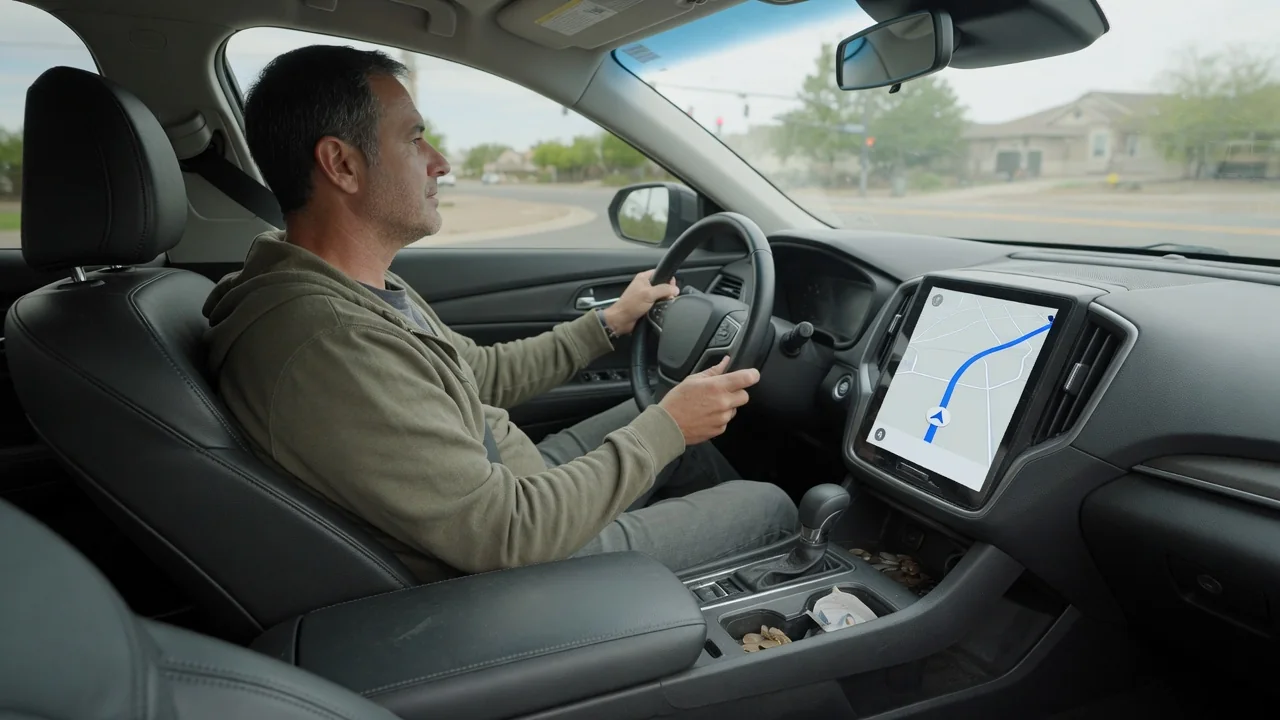
Music fades or stops, a voice announces the next turn, and the song returns a moment later. Drivers who wonder why car audio pauses when a navigation prompt plays are seeing a deliberate design choice rather than a glitch. The behavior comes from how the infotainment system and a connected phone decide which sound source gets priority and how loudly each one plays.
Prompt mixing
An infotainment system treats sound as several separate streams rather than one signal. Music, phone calls, parking sensor chimes, and spoken directions each arrive as their own source, and a mixing stage decides how they combine before reaching the amplifier. When a navigation prompt begins, the guidance app requests audio focus, which is essentially permission to be heard clearly. The system then either lowers the entertainment stream, a behavior often called ducking, or halts it entirely until the announcement finishes.
Whether the result is a pause or a dip depends heavily on the content and the software involved. Spoken material such as podcasts and audiobooks is frequently paused, because talking over speech makes both voices hard to follow and the listener would miss a sentence. Music is more often ducked, since a quieter song under a short instruction remains pleasant. Some vehicles route guidance only to the front or driver-side speakers while the rest of the cabin keeps playing, so passengers may barely notice the interruption.
Settings
Most systems give guidance its own volume channel, separate from media, calls, and ringtones. That explains a common surprise: turning the knob during a song changes the music level, while turning it during a spoken instruction changes only the prompt level. If directions seem far too loud or nearly silent compared with music, the navigation channel was probably adjusted at some point without anyone realizing. Changing the volume while the voice is actually speaking is usually the quickest way to rebalance the two.
Beyond volume, menus in the head unit or the phone's map app often control how the interruption itself behaves. Options may include muting guidance, limiting it to alerts, lowering media during prompts, or pausing spoken audio during directions. With phone projection such as Apple CarPlay or Android Auto, the phone app generally makes the focus request, so the relevant switch may live on the handset rather than the dashboard. Menu names and locations differ by manufacturer and software version, so the owner's manual remains the reliable guide.
Driver preference
No single behavior suits everyone, which is why the choice is often left adjustable. A commuter who knows the route may prefer silent visual guidance and uninterrupted music, glancing at the display or instrument cluster arrow instead. Someone navigating an unfamiliar city usually benefits from clear spoken instructions that override entertainment, because a missed lane change costs more than a few seconds of a song. Audiobook listeners often favor pausing over ducking so that no part of the story is lost beneath the directions.
Preference also involves how abrupt the transition feels. A gentle fade is less startling than a hard cut, and some systems allow the amount of music reduction to be adjusted rather than simply on or off. Drivers sensitive to interruptions sometimes choose fewer announcements, such as a single instruction near the turn rather than several advance warnings. Attention matters here too: a prompt that is clearly audible the first time reduces the temptation to look away from the road at the map.
Everyday Use and Observations
In daily driving, a few patterns reveal which part of the system is making decisions. If built-in navigation ducks music smoothly but a phone app over Bluetooth causes a full pause, the difference lies in how each source requests focus. Bluetooth connections can add a short delay, so the beginning of a prompt may be clipped or the music may resume a beat late. A wired or wireless projection session usually coordinates the handoff more tightly because the vehicle and phone exchange focus information directly.
Other observations are worth noting before changing anything. Radio broadcasts cannot be paused the way streaming can, so live stations are typically muted or lowered and rejoin in progress. Prompts arriving in quick succession on a complex interchange may keep the music suppressed for an extended stretch. Sometimes a phone connected only for calls plays directions through its own small speaker while the car's music continues untouched, which signals that media audio is not routed to the vehicle at all.
Limits and Next Steps
Some behavior cannot be changed by the owner. Safety chimes, reversing alerts, and phone calls normally outrank both music and guidance, and manufacturers rarely allow that priority to be rearranged. Certain vehicles offer only one interruption style, and certain apps ignore the vehicle's preference in favor of their own. Software updates to the head unit or the phone can also alter how prompts mix, so a system that behaved one way last month may act differently after an update without any fault being present.
When the behavior seems wrong rather than merely unwanted, a methodical check helps. While parked, compare the built-in navigation with a phone app, and compare a cabled connection with Bluetooth, to see which combination produces the problem. Review the guidance volume and interruption options on both devices, then remove and re-pair the phone if playback fails to resume after prompts. Persistent trouble, such as music that never returns or prompts that are missing entirely, is worth describing to a dealer or audio specialist with those observations in hand.