Use features available only when the vehicle is stopped
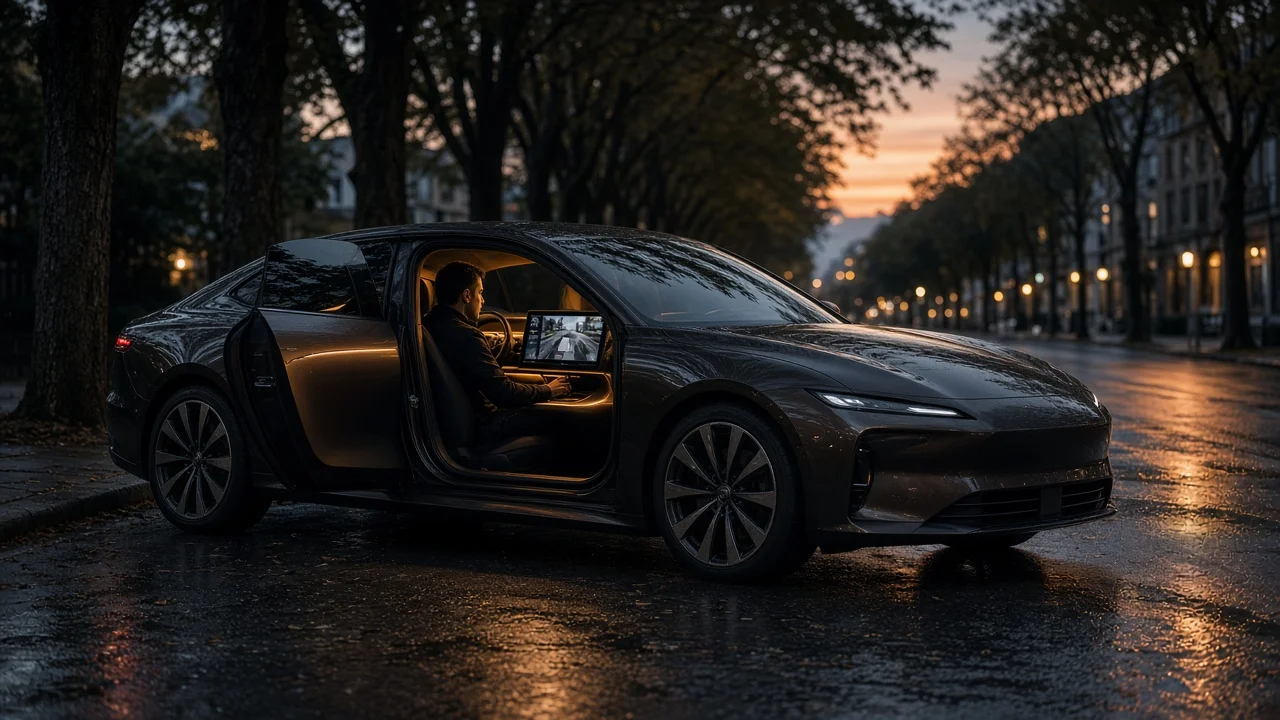
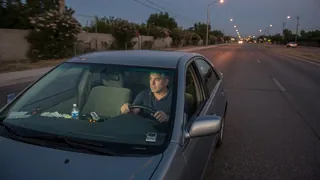
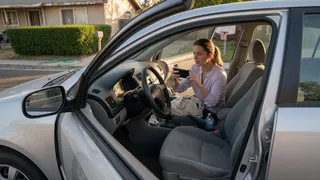
Drivers often discover that a touchscreen menu, navigation entry field, or phone-pairing routine simply will not respond while the car is rolling. The “feature available when vehicle is safely stopped” message is a deliberate safeguard, not a malfunction. It appears when an automaker decides that a particular task demands too much attention for use in motion. Understanding why this restriction exists helps an owner recognize normal system behavior, plan inputs before driving, and distinguish true defects from an expected operating mode. The protection balances useful connectivity with the need to keep eyes on the road.
Essential answer
This message means the vehicle has detected the car is not in a safely stopped condition and is locking out a specific function. The restriction typically appears when the transmission is not in Park, the parking brake is not set, or wheel-speed sensors indicate even slight movement. It is not meant to punish the driver. The lockout exists because certain interface operations require visual concentration, such as entering a destination, browsing a contact list, or completing Bluetooth pairing, and are unsafe while managing pedal travel and steering inputs.
The exact controls affected vary by vehicle and display generation. Some systems limit only text entry and keyboard screens, while others block settings menus or video playback. In many models, placing the transmission in Park and confirming the parking brake releases all frozen buttons. If the message remains after a full stop, the system may be reading a door, seat-sensor, or brake-switch state incorrectly. That is the point to investigate rather than assume every restriction is a defect.
Identification and location
Look first at the instrument panel for the transmission position display and any brake indicator. The dashboard usually shows Park clearly, while a separate lamp or message confirms the parking brake is engaged. Some systems use two conditions: the shifter must read Park and the brake signal must be recognized. If a driver stops in a traffic lane with the regular brake pedal held but the shifter still in Drive, the central display may continue showing the lockout because the logic defines stopped as Park, not merely stationary.
The touchscreen often shows a small status line near the top or a lock icon next to the grayed-out command. That visual cue helps distinguish a parked-state requirement from a subscription or hardware limitation. When the same button becomes active after engaging Park, the system is responding to an intended operating mode. Manufacturer-dependent details can differ, so checking the in-vehicle owners manual for the applicable trim and screen type gives the most reliable identification for that configuration.