How to Update Wireless Android Auto Adapter Firmware
The short answer
Updating a wireless Android Auto adapter usually means installing new firmware (the built-in software that runs the adapter itself) through the method its maker provides. That is most often a companion smartphone app or an update the adapter downloads through your connected phone. The exact steps depend on the brand, model and hardware revision of your adapter, so the manufacturer's own instructions are the authority for your specific device.
No model-specific evidence was available for this guide, so it contains no version numbers, release dates, update file names or brand-by-brand procedures. What follows explains how these updates generally work and how to approach one safely.
What a wireless adapter does and why its firmware matters
A wireless Android Auto adapter is a small plug-in device for cars whose infotainment system supports Android Auto only through a USB cable. The adapter plugs into the car's USB port and presents itself to the car as a wired phone connection. It then links to your phone wirelessly, typically using Bluetooth for the initial pairing and Wi-Fi to carry the Android Auto session.
Because the adapter sits between the phone and the car, its firmware controls the connection handshake, wireless behavior and compatibility with particular head units and phones. Manufacturers release firmware updates to address issues such as connection drops, slow startup, audio problems or incompatibility after phone or Android Auto app changes. Which of these a given update addresses depends entirely on that update's release notes.
How adapter firmware differs from other Android Auto updates
Three separate pieces of software are involved in a wireless Android Auto setup, and updating one does not update the others:
Adapter firmware: the software inside the dongle, updated through the adapter maker's app or update process. Android Auto app on the phone: updated through the phone's app store and system updates, independent of the adapter. Car infotainment software: the head unit's own software, updated by the automaker or dealer, sometimes over the air depending on model year and market.
If a problem started after a phone or Android Auto app update, an adapter firmware update may be the intended fix, but that is not guaranteed. Checking the adapter maker's release notes or support pages is the way to confirm whether a given update targets your issue.
Common update methods
Adapter makers use different approaches, and some models support more than one:
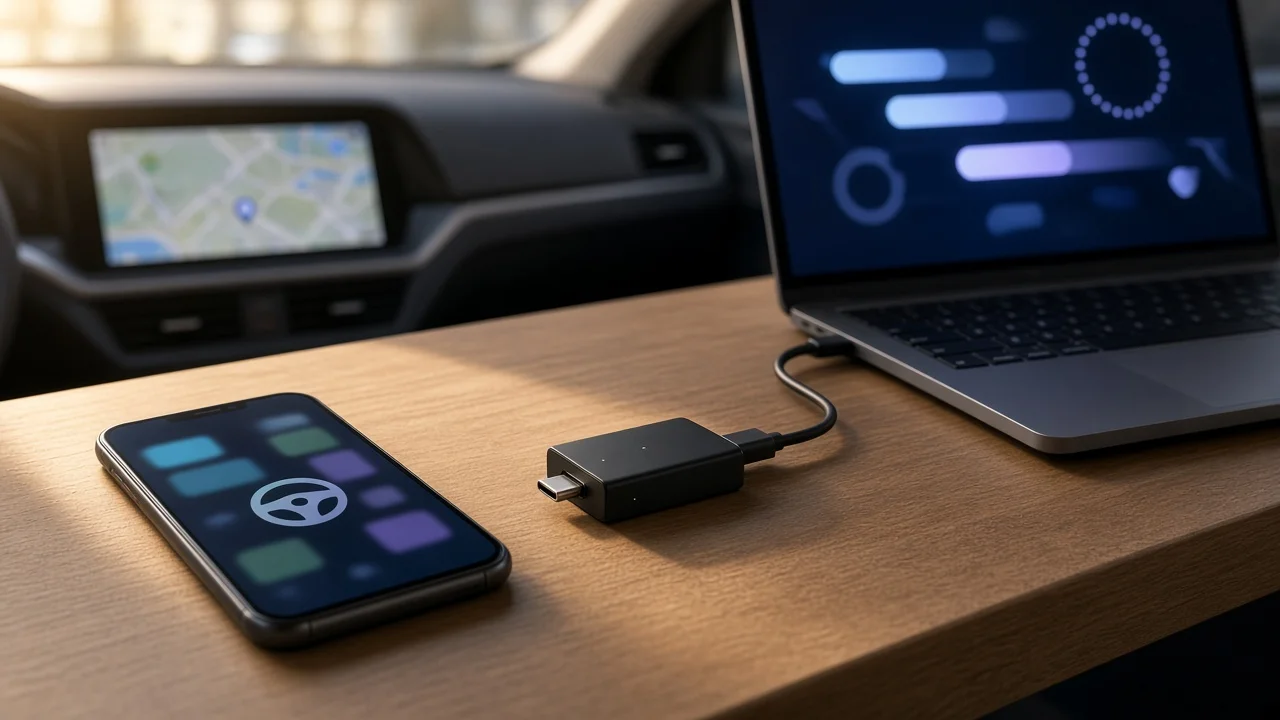
Companion app: the adapter maker's phone app connects to the adapter and downloads and installs new firmware. Automatic update through the phone: the adapter checks for updates using the phone's internet connection while connected. Computer-based update: some devices are updated by connecting them to a computer and running the maker's updater tool. No user-installable updates: some low-cost or unbranded adapters may never receive firmware updates at all.
Which method applies to your adapter is a gap this guide cannot fill without model-specific information. The product manual, packaging or the maker's support resources should state it.
General steps for a safe update
While procedures vary, these general precautions apply to most firmware updates on small connected devices:
Identify the exact adapter model and, if listed, the hardware version before downloading anything. Use only the manufacturer's official app or updater; firmware from unofficial sources can disable the device or introduce security risks. Perform the update while parked, not while driving. Keep power stable: avoid turning off the car, unplugging the adapter or letting the phone sleep or lose connection until the update finishes. Keep the phone's internet connection active if the update downloads through it. After updating, restart the adapter and reconnect; if problems appear, forgetting and re-pairing the adapter on the phone is a common first step.
A car's USB port may cut power when the ignition turns off or the car enters a sleep mode, and that behavior varies by make and model year. If an update is interrupted, the adapter may need a recovery procedure from the manufacturer, assuming one exists for that model.
When an update may not help
Firmware cannot overcome every limitation. If the car's head unit does not support wired Android Auto in the first place, a wireless adapter will generally not work regardless of firmware. Phone requirements for wireless Android Auto can also apply, and these depend on the phone model and Android version. If an adapter continues to fail on a fully updated phone, car and adapter, the maker's support team or the adapter's compatibility list for your specific vehicle is the next resource to check.