Choose a wireless Android Auto adapter
The short answer
A wireless Android Auto adapter is worth considering only if your car already supports wired Android Auto through a USB port and your phone supports wireless Android Auto. In that case, the adapter plugs into the car's USB port and lets the phone connect without a cable each time you get in. If your car does not support Android Auto at all, an adapter will not add it. If your car already offers wireless Android Auto from the factory, you do not need one.
People often search for an "Android Auto Bluetooth adapter," but Bluetooth alone does not carry Android Auto. These devices typically use Bluetooth to pair and start the connection, then use Wi-Fi to carry the screen, audio and touch data between the phone and the adapter. That matters when you check your phone's compatibility, because both radios are involved.
How a wireless adapter works
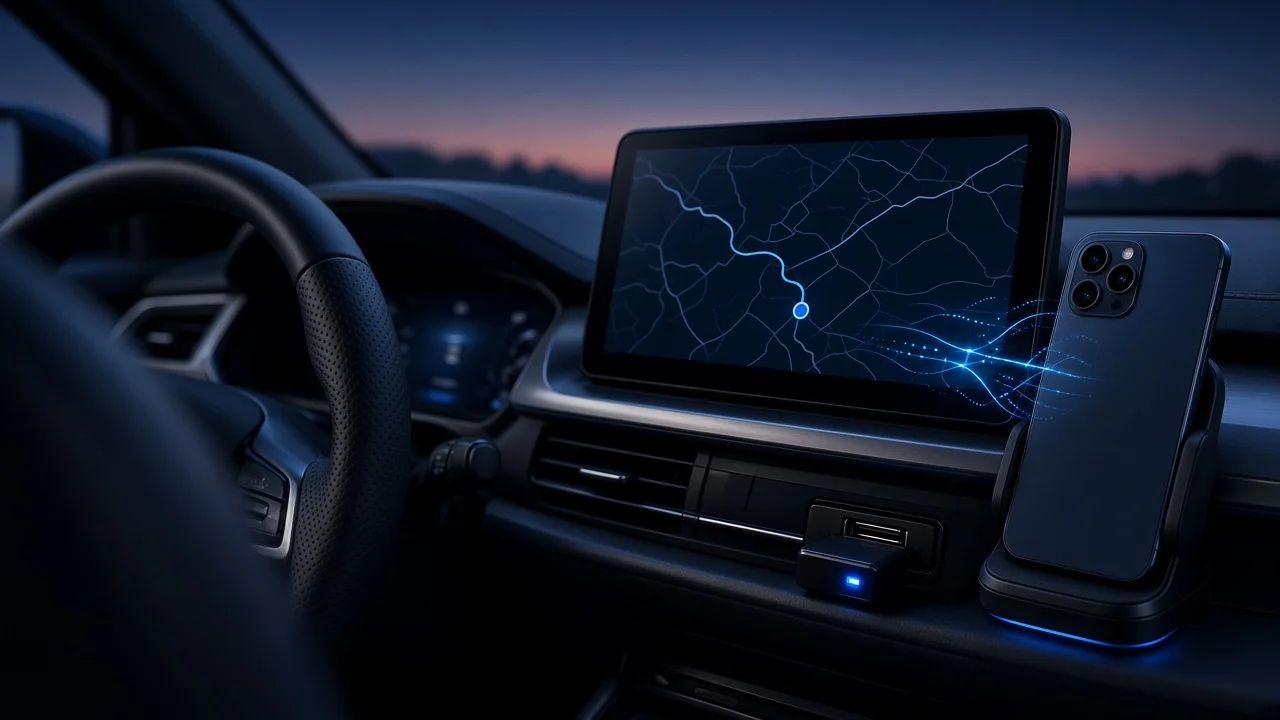
The car's infotainment system, often called the head unit, sees the adapter as if a phone were plugged in by cable. The adapter then relays that wired Android Auto session to your phone over a direct wireless link. Because the car still believes it is running wired Android Auto, the car's own Android Auto support is the foundation the whole setup depends on.
What to check before you buy
Your car's compatibility
Confirm that your specific model year, trim and market support wired Android Auto. Support can differ between trims and regions of the same model, and some vehicles gained it only through a later software update. Check that the car supports Android Auto, not only Apple CarPlay. Some adapters are sold for CarPlay only, some for Android Auto only, and some handle both. Read the product description for the exact protocol. Identify which USB port carries data. Many cars have several ports, and some only charge. The adapter must go into the port that launches Android Auto when a phone is plugged in by cable. Note the port type, USB-A or USB-C, and whether the adapter includes a cable or converter for your car. If your car already has wireless Android Auto, an adapter adds nothing.
Your phone's compatibility
Confirm that your phone supports wireless Android Auto. This depends on the phone model and its Android version; check Google's current requirements rather than relying on older lists. Check that the phone supports 5 GHz Wi-Fi, which wireless Android Auto generally relies on. Consider how you use Wi-Fi and hotspot features. While the phone is linked to the adapter, its Wi-Fi is occupied by that connection, which can interfere with using the phone as a hotspot or staying on another Wi-Fi network in the car. If several drivers share the car, check how the adapter handles more than one paired phone and how easily it switches between them.
Everyday trade-offs versus a cable
Charging: a cable charges the phone while Android Auto runs; a wireless link does not. Running navigation and streaming wirelessly can drain the battery and warm the phone, so you may want a separate charger or wireless charging pad, which adds to the total cost. Startup time: the adapter has to power up and the phone has to connect each time you start the car. Expect this to take longer than plugging in a cable. Responsiveness and audio: relaying the session wirelessly adds a step, which may introduce some delay or occasional dropouts. How noticeable this is varies by adapter, phone and car, and no measured comparisons were available for this article. Interference: crowded wireless environments or other in-car devices can affect connection stability.
Power behavior in your car
Some cars keep their USB ports powered for a while after the ignition is turned off, and some cut power immediately. This affects whether the adapter stays awake, how quickly it reconnects on a short stop, and whether it draws power while the car sits. If this concerns you, check how your car's USB ports behave before buying.
Software updates and support
Wireless adapters run their own firmware, the built-in software that manages the connection. Phone and car software updates can change how Android Auto behaves, so an adapter whose maker continues to release firmware updates is better placed to fix compatibility problems later. Check whether updates are offered, how they are installed, and whether the maker publishes compatibility information for vehicles similar to yours.
Price, returns and warranty
No verified price data was available for this article. When comparing listings, note the retailer, the date, the currency and whether the price includes shipping, tax and any needed cables or converters. A listed price is an advertised figure, not necessarily what buyers end up paying after discounts or fees. Also factor in a charger if you will need one.
Because compatibility depends on the exact combination of car, phone and software, a generous return window is one of the most useful protections. Test the adapter in your own car with your own phone over several drives, including short trips and restarts, before the return period ends. Check the warranty length and who handles claims, the seller or the manufacturer.
Using forum and community reports
Owner discussions on forums such as Reddit can reveal how a particular adapter behaves with a specific car and phone, which product listings rarely cover. They are most useful when the poster states their vehicle model year, phone model and software versions, so you can tell whether their setup matches yours. Treat single reports with caution, look for patterns across several owners, and keep in mind that a firmware update may have changed things since a post was written.
Quick pre-purchase checklist
My car supports wired Android Auto for my model year, trim and market. My car does not already offer wireless Android Auto. I know which USB port carries data and whether it is USB-A or USB-C. The adapter explicitly supports Android Auto, not just CarPlay. My phone supports wireless Android Auto and 5 GHz Wi-Fi. I have a plan for charging the phone on longer drives. The adapter receives firmware updates. The seller offers a return window long enough to test it properly.
Gaps in this guidance
This article does not rank specific adapters, quote prices or report connection times, audio delay or reliability figures, because no verified test data or pricing was available. It also cannot confirm compatibility for any individual vehicle or phone. Check your car's documentation or manufacturer information for Android Auto support, confirm current phone requirements with Google, and rely on the adapter maker's published compatibility details and a hands-on test in your own car.