Update Freelander 2 sat nav using USB
The short answer
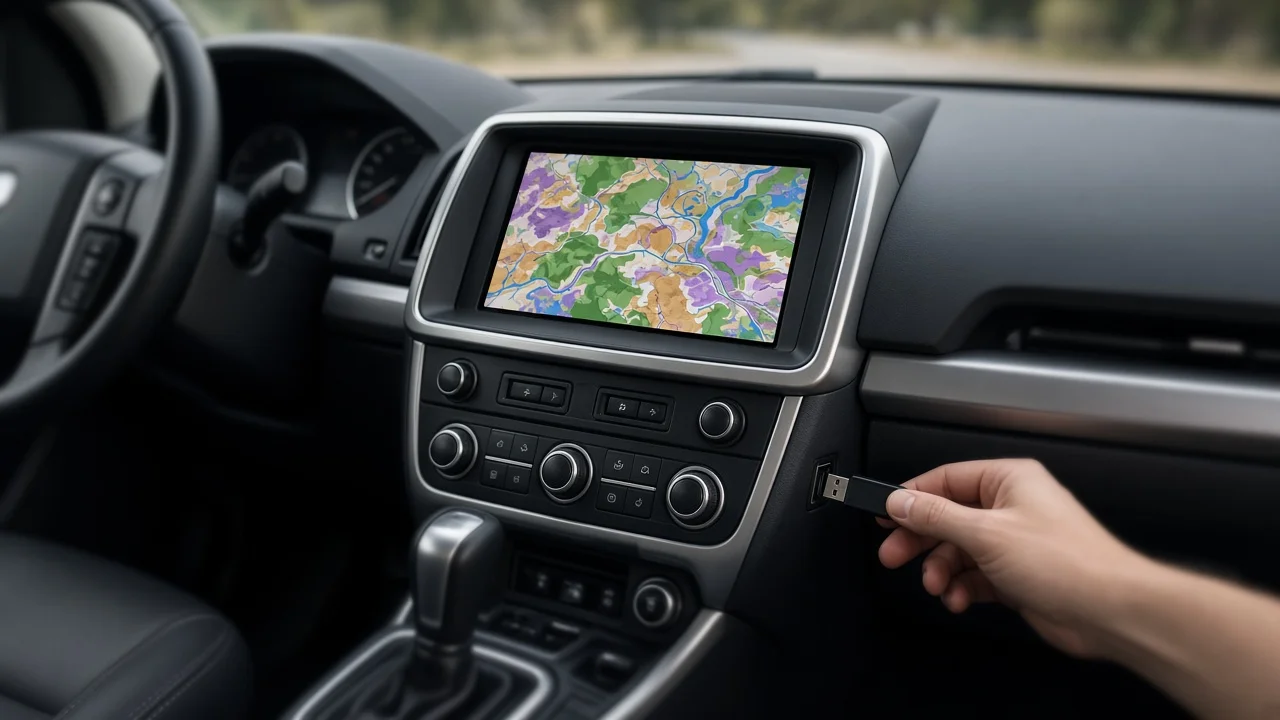
Whether a Land Rover Freelander 2 can take a navigation map update from a USB stick depends on which navigation unit the vehicle has. No confirmed evidence was available for this guide showing a single USB update procedure that applies to every Freelander 2. Treat any claim that all Freelander 2 models update through USB with caution until you have checked your own vehicle.
In the US, this vehicle was sold as the Land Rover LR2 rather than the Freelander 2. US owners searching for map update instructions or ordering update media may find more results under the LR2 name.
Why the answer depends on your vehicle
The Freelander 2 was produced over several model years, and its infotainment and navigation equipment changed during that time. Navigation was also optional or tied to trim level in some markets. As a result, two vehicles with the same model name can have different head units. A head unit is the main screen-and-controls module in the dashboard. Different head units store and update their maps in different ways.
Navigation systems from this era commonly stored maps on removable discs, memory cards or internal storage. A USB port in the car does not by itself confirm that the navigation system accepts map updates over USB. On many vehicles the USB port is intended only for playing music or connecting a phone. The supplied evidence does not confirm which storage method applies to each Freelander 2 model year or market.
How to confirm what your Freelander 2 supports
Check the navigation section of the owner's handbook or the separate navigation manual, if the vehicle has one. It should describe how maps are loaded or updated. Open the system or settings menu on the navigation screen and look for a map version or software information page. Note the details shown there. Look for a disc slot or card slot linked to navigation. This can suggest how the maps are delivered, but confirm it against the handbook. Give your VIN (vehicle identification number) to a Land Rover dealer or authorized retailer and ask which navigation unit is fitted and which update method it supports. Confirm the market version. A unit built for a different region may need different map data.
Before you load anything from a USB drive
If you confirm that your unit accepts USB updates, use map data intended for your specific system and region. Follow the documented procedure exactly. Interrupting a software or map update, or loading files meant for a different unit, can leave the navigation system not working properly. Map files from unofficial sources carry added risk, because their compatibility and contents cannot be verified.
If your system does not support USB updates, the available routes may include replacement map media or a dealer-performed update. Using a phone-based or standalone navigation device instead is another option. Availability and cost were not covered by the supplied evidence and may have changed for an older vehicle like this, so confirm them with a dealer or map supplier.
What this guide could not confirm
The supplied evidence did not include several key details. It did not cover which Freelander 2 or LR2 model years support USB map updates, or the file formats and drive requirements. Step-by-step on-screen procedures, current map versions, prices and whether updates are still being released were also missing. Your owner's documentation and a Land Rover dealer are the most reliable sources for those details.