How to Get an Open Location Code to Share Your Breakdown Location
The short answer
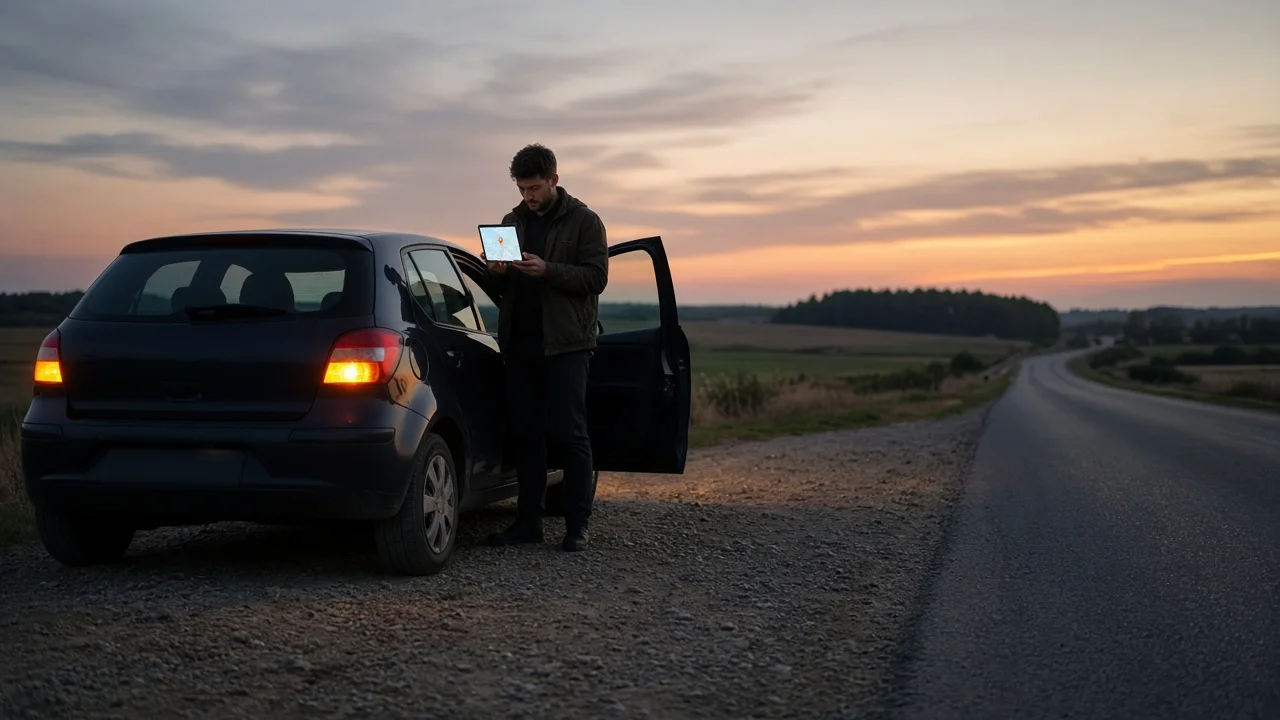
An Open Location Code, shown to the public as a Plus Code, is a short string of letters and numbers with a plus sign in it. It identifies a small area on the map, so it works on highways, rural roads and parking lots that have no street address. To get the code for where you are, open a map app that supports Plus Codes, such as Google Maps, and tap your current location marker or press and hold your position to drop a pin. The code appears in the details panel for that point. You can copy it, share it, or read it aloud to a dispatcher.
A search for an "address code" for your location can mean several things: a ZIP code, raw GPS coordinates, a Plus Code, or a code from a different service such as a three-word address. This guide covers Plus Codes. A ZIP code covers too large an area to locate a stopped vehicle. Coordinates are just as precise as a Plus Code but are longer and easier to misread over the phone.
Get to safety first
Before you start looking up codes, move the vehicle out of traffic if you safely can, turn on the hazard lights, and stay in a protected spot. If anyone is injured or the vehicle is blocking live lanes, call 911 before anything else. A location code helps responders find you faster, but it does not replace an emergency call.
How to find the code for where you are now
1) Turn on location services for your phone and for the map app. 2) Open the map and wait for the blue dot to settle. A wide, pale circle around the dot means the phone does not yet have an accurate fix. 3) Tap the blue dot, or press and hold on your exact position to drop a pin. 4) Swipe up or open the details panel. Look for a line that contains a plus sign, usually next to a grid or pin-style icon. 5) Tap the code to copy it, or use the app's share option to send it by text message.
Menu names and layouts change between app versions and differ between Android, iPhone and desktop browsers. If the code does not appear where these steps say it should, open the full details for the dropped pin. That is where it is usually listed.
How to convert a known address to a Plus Code
To find the code for a street address, search for the address in the map app and open the place details. The Plus Code is often listed there. If it is not, press and hold the exact spot on the map and read the code from the pin.
For a breakdown, the nearest address is often the wrong reference. An address can point to a building set well back from the road, the center of a large lot, or a spot on a frontage road instead of the highway. Use a pin placed on your vehicle's actual position on the road.
How to recognize a valid Plus Code
Plus Codes come in two common forms. A full code needs no extra information. A short code is followed by a town or area name that tells the receiver which region it belongs to. The general patterns are shown below, with placeholder characters.
Full code: XXXXXXXX+XX; Short code: XXXX+XX Town, State
Look for the plus sign. Every Plus Code has one. The letters come from a limited set that leaves out vowels and some easily confused characters. A code with a letter such as A, E or O is probably mistyped or is a different kind of code. A full code has eight characters before the plus sign and normally two after it. That marks an area of roughly 14 by 14 meters. Some apps add a third character after the plus sign for a smaller area. A short code must always be given together with its locality name. Without it, the same short code can match places in other regions.
Some formats look similar but are different. GPS coordinates are two decimal numbers, latitude and longitude. A three-word address uses ordinary words separated by dots. Neither one is an Open Location Code, and a dispatcher who is expecting one format may not be able to use another.
Check the code before you share it
Compare the pin with what you can see around you: the road you are on, the nearest exit, a mile marker, or a cross street. If the accuracy circle is large, wait a moment, or move away from tall structures, tunnels or deep cuts in the terrain that block satellite signals. If you are on a divided highway, make sure the pin is on your side of the road. Responders coming from the wrong direction can lose a lot of time.
How to pass the code to roadside assistance
Start by telling the dispatcher that you are about to give a Plus Code, so they know what format to expect. If you send it as text, use the full code, or the short code with its town name, so it is not misread. If you read it aloud, go character by character and say "plus" at the plus sign. Use a phonetic word for letters that are easy to mishear, such as "V as in Victor."
Then give the usual details as well: the road or highway name, direction of travel, nearest exit or mile marker, and a description of the vehicle. Do not rely on the Plus Code alone.
What this guide cannot confirm
There is no confirmed information about which roadside assistance providers, insurers or 911 centers in the US accept Plus Codes directly. Practice probably differs between organizations and regions. Ask your provider ahead of time whether they take Plus Codes, coordinates, or both. Map accuracy also depends on your phone, signal conditions and app version, so the code is only as reliable as the location fix behind it.