MSXTTLY Wireless Android Auto & CarPlay Adapter: What to Check Before You Buy
The short answer
An MSXTTLY wireless adapter is worth considering only if your car or head unit already supports wired Apple CarPlay (or wired Android Auto, if that is what you plan to use). Adapters in this category convert an existing wired connection into a wireless one. They do not add CarPlay or Android Auto to a vehicle that lacks it. If your car already offers wireless CarPlay from the factory, you most likely do not need one.
No confirmed MSXTTLY-specific details were available for this article: no verified specifications, supported-vehicle list, firmware details, prices or test results. The guidance below therefore covers what to check and why, rather than performance claims about this particular product.
How these adapters work
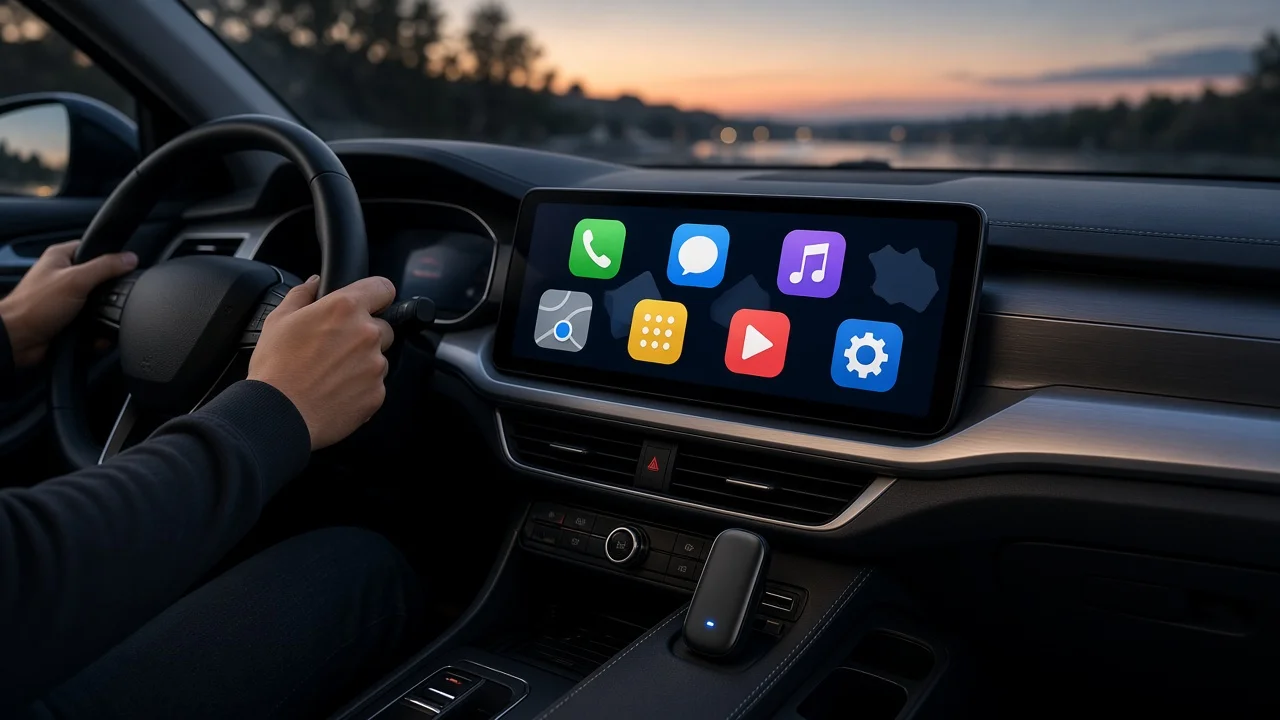
The adapter plugs into the car's USB port. To the car's infotainment system, it looks like a phone connected by cable. Your phone pairs with the adapter, typically using Bluetooth for the initial handshake and Wi-Fi for the actual CarPlay or Android Auto data. The car still runs its built-in CarPlay or Android Auto support. The adapter only removes the cable between the phone and the car.
Confirm your car supports wired CarPlay first
CarPlay support can differ between model years, trims, infotainment packages and markets for the same nameplate. A base screen may lack CarPlay while an upgraded unit in the same model year includes it. A US-market car may also differ from the same model sold elsewhere. Before buying, plug your iPhone into the car with a cable and confirm CarPlay launches. That is the most reliable test of the core requirement.
Wired CarPlay works in your car: the basic requirement is met; continue with the checks below. Your car has no CarPlay at all: a wireless adapter will not help; look at a replacement head unit or a standalone CarPlay screen instead. Your car already has wireless CarPlay: an adapter adds little unless the factory wireless connection is unreliable. Your car has an aftermarket head unit: confirm that the unit itself supports wired CarPlay, because adapter behavior can vary between head-unit brands.
What to check before buying
Vehicle compatibility: look for the seller's stated compatibility information and match it to your exact make, model, model year, trim and market. Treat a missing or vague list as an open question, not a confirmation. Which modes it supports: confirm the specific adapter handles both CarPlay and Android Auto if you need both. Some adapters in this category support only one. Phone requirements: check the minimum iOS version for CarPlay and the minimum Android version and device requirements for wireless Android Auto stated by the seller. Connector type: check whether your car's port is USB-A or USB-C, and whether the adapter includes the right cable or plug for it. The correct USB port: many cars have several ports, and only one may carry CarPlay data. Others may only charge. The adapter must go into the data-capable port, which is often marked with a phone or CarPlay symbol. Firmware updates: find out whether the seller provides firmware updates and how they are installed. Updates can affect compatibility with newer phones and software versions. Return policy: because compatibility can only be fully confirmed in your own car, a clear return window matters.
Trade-offs to expect with any wireless adapter
Phone charging: once the cable is gone, the phone no longer charges through that connection. Wireless CarPlay also uses more battery, so longer drives may require a separate charger or wireless charging pad. Connection time: the adapter has to start up and reconnect each time the car powers on, so CarPlay may take longer to appear than with a cable. Audio and touch delay: a wireless link can add a small lag to audio or screen response. How noticeable this is depends on the adapter, the car and the phone. Interference and dropouts: crowded Wi-Fi environments or a weak connection between the phone and the adapter can cause occasional disconnections. Heat and power: some cars supply limited power through the USB port or cut power to it in certain situations, which can affect stability.
Information gaps for MSXTTLY specifically
Several points could not be confirmed from the available evidence: the exact list of supported vehicles, the minimum phone software versions, the included connectors, the firmware update method, warranty terms and current pricing. Check each of these in the seller's current listing or documentation before purchasing, and verify against your car's model year and trim rather than the model name alone.
Suggested next step
Start by testing wired CarPlay in your car with a cable. If it works, identify the data-capable USB port and its connector type. Then compare those details, along with your phone's software version, with the requirements stated for the MSXTTLY adapter you are considering. Buy only from a seller whose return policy lets you send the adapter back if it does not work reliably in your vehicle.