Lyssiefeel Wireless CarPlay Adapter: What to Check Before You Buy
The Short Answer
A wireless CarPlay adapter, including one sold under the Lyssiefeel name, is generally meant for vehicles that already have factory wired Apple CarPlay. It converts that existing wired connection into a wireless one. It does not add CarPlay to a car or head unit that lacks it. Whether a specific Lyssiefeel unit works in your car depends on your vehicle's model year, market, trim and infotainment system, plus the USB port you plug it into and your iPhone. No confirmed Lyssiefeel specifications, compatibility lists, prices or test results were available for this guide. Confirm those details with the seller before buying.
How Wireless CarPlay Adapters Work
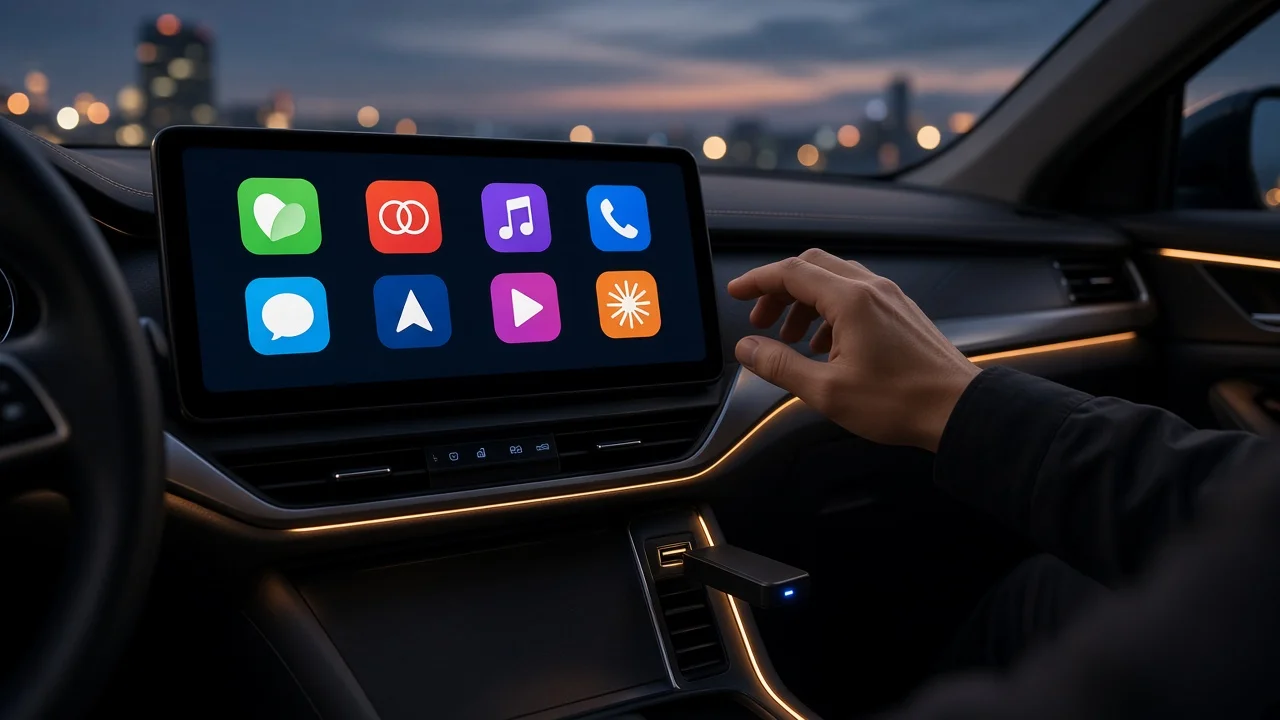
Adapters in this category usually plug into the car's CarPlay-capable USB port. The car treats the adapter as a wired iPhone. Your phone pairs with the adapter over Bluetooth, and the CarPlay session then runs over a direct Wi-Fi link between the phone and the adapter. Because the adapter sits between the phone and the car, the car must already accept a wired CarPlay connection for this setup to work.
Compatibility Checklist
Factory wired CarPlay: Confirm your exact vehicle, by model year, trim and market, supports wired CarPlay. Then test it with a cable before buying any adapter. Correct USB port: Many cars have several USB ports, and some only charge. The adapter must go into the port that launches CarPlay. Connector type: Check whether that port is USB-A or USB-C. Then check whether the adapter includes the matching cable or connector. Aftermarket head units: If your car has a replacement stereo, compatibility depends on that unit's own CarPlay support, not on the vehicle. Vehicle-specific listings: If the seller publishes a supported or unsupported vehicle list, find your model year and trim on it. Generic make-level claims are not enough. iPhone support: Your iPhone and its iOS version must support wireless CarPlay. Check the seller's stated requirement against your phone.
What to check | Why it matters | How to confirm; Factory wired CarPlay | The adapter depends on it | Owner's manual, dealer, or a cable test; CarPlay-capable USB port | Charge-only ports will not work | Plug in a cable and see which port launches CarPlay; USB-A vs USB-C | The adapter needs the right connector | Inspect the port and the product's included cables; Your exact model year and trim | Infotainment can change between years and trims | Seller compatibility list or seller support; Firmware update method | Updates may fix bugs or add vehicle support | Product documentation or seller support; Return policy | Fit can only be fully confirmed in your car | Retailer listing terms
Trade-offs Compared With Wired CarPlay
Convenience: You can leave the phone in a pocket or bag, and CarPlay connects after the initial pairing. Charging: In wireless mode the car's USB connection is not charging your phone. Plan for a separate charger or a wireless charging pad on longer drives. Startup delay: Connecting wirelessly after you start the car can take longer than plugging in a cable. Audio and touch lag: An extra wireless link can add some delay to audio, controls or call handling compared with a direct cable. Interference and heat: Wi-Fi links can drop in some conditions, and a phone running navigation and streaming wirelessly may get warm. Dependence on firmware: Behavior can change with adapter firmware updates and with iOS or vehicle software updates.
What Could Not Be Confirmed About Lyssiefeel
This guide could not verify any Lyssiefeel-specific facts. That includes the model or models sold under the name, supported vehicles, required iOS version, connector types, firmware update process, warranty terms, price, US availability and independent performance testing. Treat any claim about these points as unverified until the seller or retailer documents it for your specific vehicle.
Suggested Next Steps
1) Confirm wired CarPlay works in your car and note which USB port launches it. 2) Note your vehicle's make, model, model year, trim and whether the head unit is factory or aftermarket. 3) Check the Lyssiefeel listing or seller for your vehicle on a compatibility list, the connector type and the iPhone requirements. 4) Ask the seller about firmware updates and warranty support if the listing does not explain them. 5) Buy from a retailer with a clear return window so you can test the adapter in your own car.