USB flash drive not working in car audio system
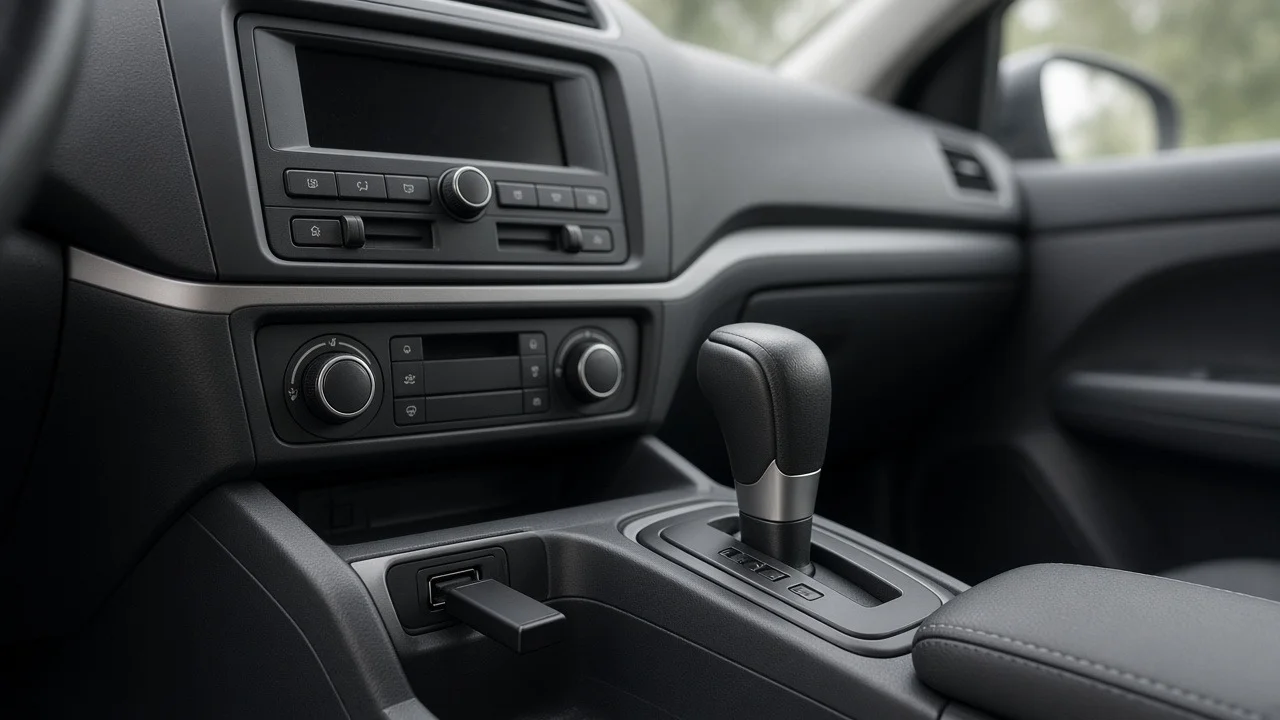
A USB flash drive that goes silent in a car audio system usually points to a mismatch between the storage device, the files it holds, and how the head unit reads that audio source. When the drive works on a computer but not in the vehicle, the vehicle integration layer is often the variable: power delivery at the port, the file structure on the drive, or a format the source unit cannot decode. Because the music may appear unchanged on a laptop, owners can misread the problem as a dead USB port. Instead, a dead drive in the dashboard is usually an interpretation problem with a discoverable cause.
Direct answer
The most common explanation is a formatting or file compatibility conflict rather than a failed component. Many head units expect a specific filesystem such as FAT32 and audio tracks encoded in widely supported formats. A drive formatted with a newer computer filesystem, or one holding protected, high-resolution, or streamed-only files, can be recognized as a device yet show no playable content. The port may also supply less current than a large-capacity drive needs, causing it to reset or disappear after the vehicle starts.
The practical first pass is to isolate the storage side before suspecting the audio system. Use a modest-capacity drive formatted to a compatible filesystem, place a small known-good MP3 or similar file at the root level, and avoid deeply nested folders during the test. If that test drive plays, the issue is the original drive, its files, or the way folders were arranged. If the test drive also fails, the same checks should move to the port, the cable or hub if present, and the source unit's USB input. Because a fault code is evidence to interpret, not proof a part has failed, vehicle-specific confirmation is needed before replacing anything.