Kincrome OBD2 and CAN Diagnostic Scanner: What to Check Before Buying
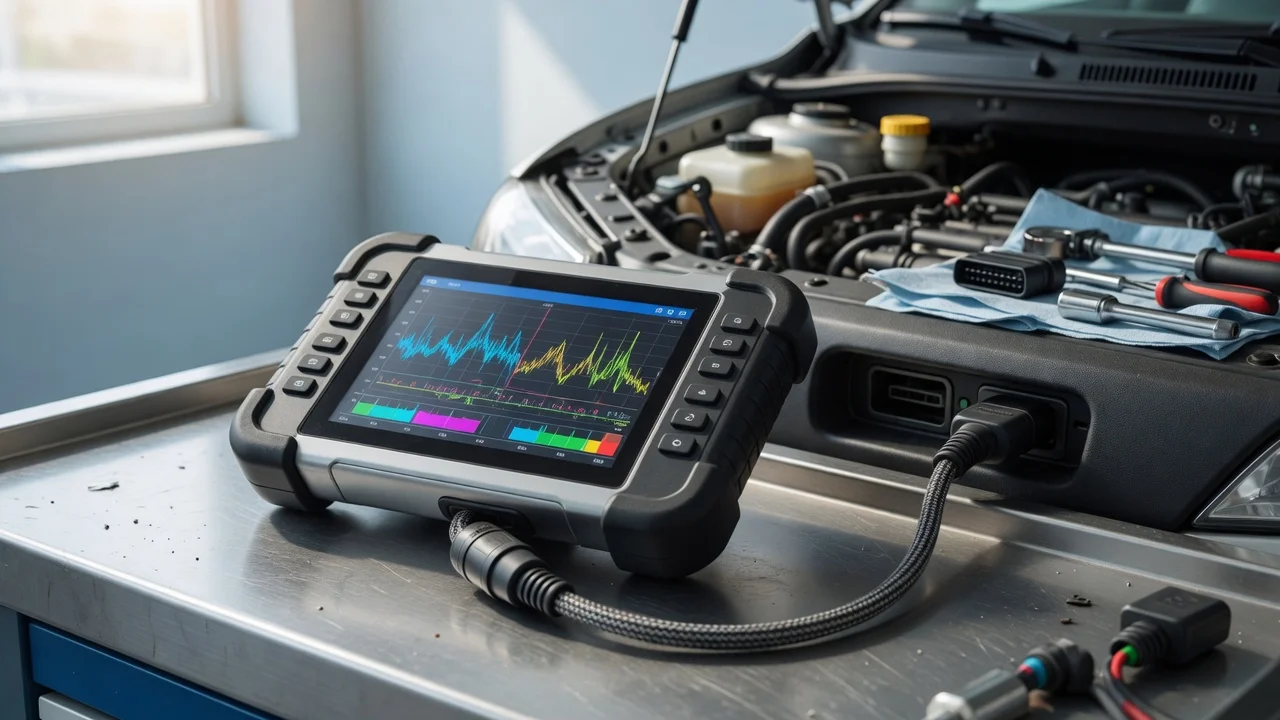
Start with the intended use
Define where and how the scanner will be used before comparing models. Think about whether the tool will stay in one workshop, move between vehicles or be used occasionally for home maintenance. Also consider the vehicle type, the age of its electronics and the kind of fault diagnosis you expect to perform. A scanner intended for clearing a check-engine light after a repair is a different requirement from a tool used for live sensor data during intermittent faults.
The environment matters too. In a busy workshop, a handheld unit that is easy to grip and read in poor light can reduce setup time. For roadside checks, a compact scanner that stores safely in the vehicle may be more practical. Identify the result you need: reading codes, viewing freeze-frame records, checking emissions readiness or monitoring engine and transmission data.
Features that matter
OBD2 refers to the standardized diagnostic connector and core data link used on many vehicles. CAN, or Controller Area Network, is one of the communication protocols used within OBD2 systems. A scanner listed as OBD2 and CAN capable is designed to work with vehicles that use those standards, but the listing alone does not describe how fast, detailed or complete the diagnosis will be.
Look for the functions you are likely to use: reading and clearing diagnostic trouble codes, displaying live data, reading freeze-frame information, checking monitor status and retrieving vehicle identification information where supported. Some scanners add battery voltage display or a code lookup function. These can be helpful, but they should be checked against the specifications rather than assumed from marketing text.
A larger display can make live data easier to follow, while a simpler screen may suit users who mainly read and clear codes. Button layout, cable length and the ability to hold the unit while working under the dashboard are practical details worth checking. No specification should be treated as a measured quality score; it only describes the stated capability.
Check compatibility
Compatibility starts with the vehicle and its diagnostic connector. Many modern petrol vehicles use an OBD2 connector, but support can vary by market, model year and engine management system. A scanner that connects physically is not automatically able to interpret every module or code from that vehicle. Check the manufacturer's stated vehicle coverage and protocol support before relying on the tool for a particular car.
If the scanner is designed for use with a smartphone app or computer software, confirm which operating systems and app versions are supported. Check whether the unit uses a wired connector, Bluetooth or Wi-Fi, and whether the phone or tablet you plan to use is listed as compatible. Power is normally drawn from the vehicle diagnostic port, but any stated power requirement should still be confirmed.
Supported formats and data access can also differ. Some tools only return generic powertrain codes, while others access additional manufacturer-specific information. If your workflow includes saving reports, printing results or exporting data, check whether those functions are documented and what file formats or app permissions they involve. Privacy and file handling should be verified as facts, not taken as promises.
Build a shortlist
Use a concrete requirements checklist to narrow the options. List the vehicles that will be diagnosed, the protocols they use and the tasks you need to perform. Then compare only the tools whose stated specifications cover those needs.
Vehicle make, model and model year are within the stated coverage; OBD2 and CAN protocols required by the vehicles are supported; Reads and clears the diagnostic trouble codes you expect to handle; Live data, freeze-frame or monitor checks are available where needed; Display, buttons and cable length suit the working position; Connection type works with the phone, tablet or computer you already use; Power source matches the intended diagnostic port and usage environment; App or software requirements are available for your operating system
Do not rely on rankings, prices or performance claims that the specification does not support. A shortlist built from the intended use and verified compatibility is easier to review, whether you are choosing a single scanner for home use or a tool for a mixed workshop fleet.