How to Choose the Best OBD2 Scanner for Your Car
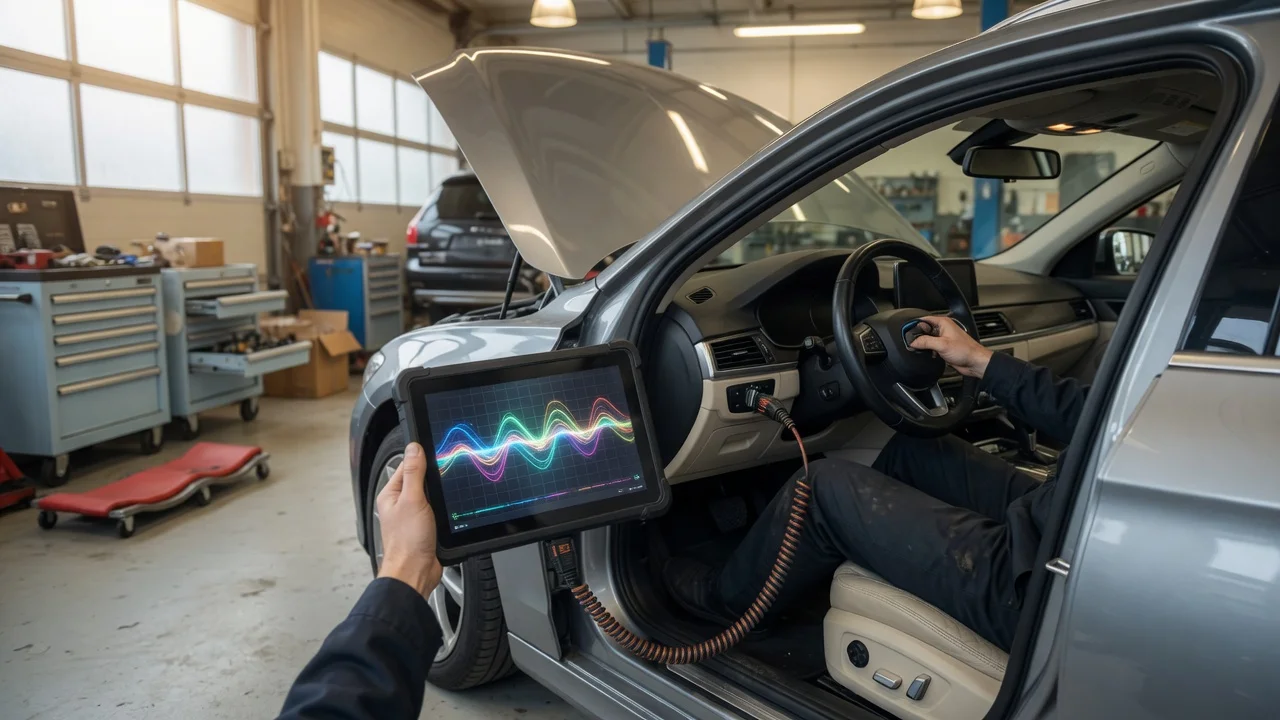
An OBD2 scanner is most useful when it matches how you actually work on a car. Before comparing tools, define whether you need a simple code reader for occasional check-engine light diagnosis or a deeper diagnostic scanner for live data, module access, or maintenance tasks. Also consider where you will use it: a handheld tool may be easier in a home garage, while a phone-connected adapter can be more convenient if you already carry a compatible device.
Start with the intended use
Think about the result you need. A basic OBD2 engine scanner can read and clear powertrain codes, but it may not reach ABS, airbag, transmission, or body modules. If you plan to use the scanner on multiple vehicles, consider a tool with broad protocol support and a familiar interface. For a do-it-yourself job such as diagnosing an emissions-related fault or checking readiness monitors, faster live-data refresh and clear code definitions can reduce guesswork.
Also think about frequency and environment. An occasional user may prefer an inexpensive dedicated tool that stays in the glovebox. A home mechanic who performs repairs may benefit from a model that supports bidirectional tests or service functions, but those functions vary by vehicle and should be confirmed for your car rather than assumed from general marketing language.
Features that matter
Focus on capabilities that change how the tool works, not just how many features are listed. Code reading and clearing are common, but diagnostic value often comes from live data, freeze frame, readiness monitor status, and the way information is displayed. A larger screen or a well-designed phone app can make sensor data easier to interpret, but screen size alone does not indicate measurement quality.
Supported protocols matter because older vehicles may use different communication standards even within OBD-II. Most modern cars sold in the United States use standard OBD-II protocols, but regional or older models can differ. Check the tool's listed protocol support against your vehicle rather than assuming all OBD2 scanners work the same.
Other practical limitations include update availability, language support, and whether the tool requires a subscription for extra functions. Some scan tools are sold as one-time purchases, while app-based interfaces may charge for expanded diagnostics or remove that option later. If you need manufacturer-specific data, such as for a GM or Chevy vehicle, confirm that the scanner exposes those data parameters instead of relying on generic powertrain information.
Check compatibility
Compatibility begins with your car's connector and protocol, but also includes the device that runs the scanner. Handheld car diagnostic tools may need no phone or computer, while Bluetooth or Wi-Fi adapters depend on a compatible operating system and app. Check whether the app supports your phone or tablet and whether the connection method works reliably with your vehicle's OBD-II port location.
Power and connector fit are easy to overlook. Most OBD2 scanners draw power from the diagnostic port, so a secure connection matters. If the port is positioned near a panel or pedal, a low-profile adapter may be easier to leave plugged in during a drive. For wired tools, the cable should allow comfortable placement without pulling on the connector.
Verify supported model coverage before buying. A scanner advertised for all cars may still have limited module access on your specific vehicle. If the tool supports manufacturer-enhanced diagnostics, check the maker's vehicle coverage list or ask the seller whether your year, model, and engine are included.
Build a shortlist
Use a short checklist based on your own situation rather than a generic ranking. List the vehicle or vehicles you need to cover, the systems you want to diagnose, and whether the tool must work without another device.
Identify the vehicle years, makes, and models you intend to scan. Confirm the OBD-II protocol and connector location for each vehicle. Decide whether basic powertrain codes are enough or if ABS, airbag, transmission, or body module access is required. Choose between a standalone handheld unit and an app-based adapter. Check phone, tablet, or computer compatibility for app-based tools. Confirm whether the tool needs a cable, Bluetooth, or Wi-Fi connection. Review the maker's stated vehicle coverage for any manufacturer-specific functions. Compare display, live data handling, and ease of clearing codes. Confirm update and subscription terms before relying on expanded features. Set a realistic budget by matching required capabilities to your primary use.
A cheap OBD2 scanner can be the right choice when your needs are limited to engine codes and basic live data. A more expensive diagnostic scanner is only better for you if its added modules, service functions, or interface actually apply to your vehicle and repair tasks. Checking these points against a shortlist helps separate useful capability from feature labels you may never use.