Autophix OM126P OBD2 Scanner: What to Check Before Buying
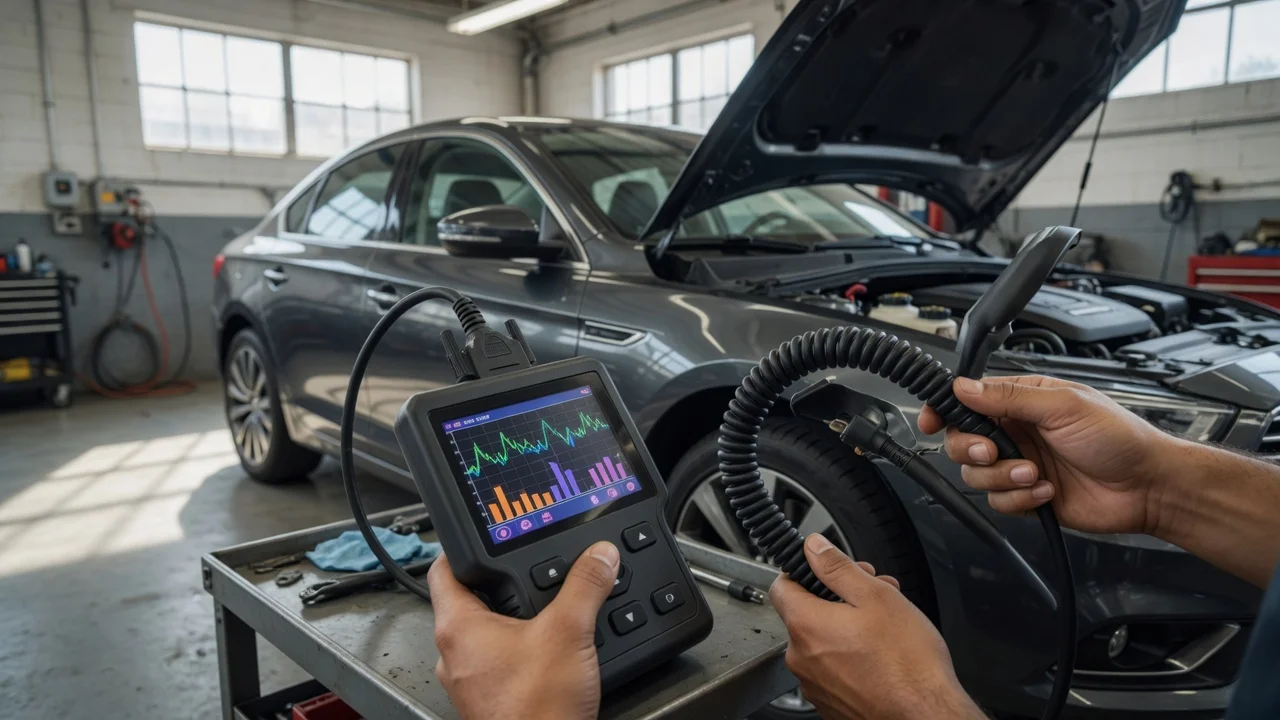
Start with the intended use
Before choosing the Autophix OM126P OBD2 scanner, be clear about where and how you plan to use it. This is a handheld diagnostic tool, so the practical requirements include the vehicle you are testing, the OBD2 port location, whether you need to read codes while driving or only when parked, and how much screen visibility you can expect in a bright or dim interior. If you also want to use it for emissions checks, battery voltage observation or live sensor data, write those tasks down first because they affect which features are useful rather than decorative.
Features that matter
For a small OBD2 code reader, the useful specifications usually include the protocols it supports, the display size and navigation method, and the data it can show. OBD2 coverage can include reading and clearing diagnostic trouble codes, viewing freeze frame data, checking emission readiness monitors and reading live data from common sensors. A specification should be treated as a declared capability, not a quality score: a listed live-data parameter does not by itself tell you how readable or responsive the display will be on your vehicle.
Cable length and button layout also matter in a tight driver footwell. Consider whether the screen is easy to angle toward you, whether contrast is adequate without backlighting, and whether controls are comfortable to use one-handed. If you are comparing this scanner with another portable reader, separate basic code reading from extra functions such as oxygen sensor data, EVAP system readiness or manufacturer-specific code coverage.
Check compatibility
Compatibility starts with the vehicle, not the scanner. OBD2 applies to many North American gasoline vehicles from 1996 onward, but coverage can vary by market, model and the electronic control unit. Confirm that the vehicle uses the standard 16-pin OBD2 connector and check what the scanner manual says about supported protocols and vehicle years before assuming universal behavior.
A standalone scanner does not depend on a phone app, but the operating requirement can still include firmware updates through a connected device or cable. If an update path is available, check the supported computer or phone system and whether the connection requires additional software or account registration. Power normally comes through the OBD2 port, so a separate battery supply is not the main concern, but a low vehicle battery or damaged port can affect operation.
Build a shortlist
A short requirements checklist is more useful than a long feature list. Confirm each point with the seller or manufacturer documentation rather than relying on a product image:
The vehicle year, fuel type and market are within the scanner's stated OBD2 coverage. The display shows enough characters for the diagnostic data you need without excessive scrolling. The cable reaches the OBD2 port while the screen remains readable from the driver position. Required protocols and emission readiness functions are listed for your vehicle class. Any update method works with a computer or device you already have. You understand which privacy or data-handling consequences apply if the tool connects to an app or shares vehicle data.
Do not treat unverified driver coverage or broad protocol labels as a substitute for checking your specific vehicle. If a seller cannot confirm a needed function, leave it off the shortlist until the compatibility statement is available. The goal is to buy a scanner that fits the diagnostic task you actually perform, not the most heavily specified device.