Kincrome OBD2 and CAN Diagnostic Scanner: What to Check Before Buying
Start with the intended use
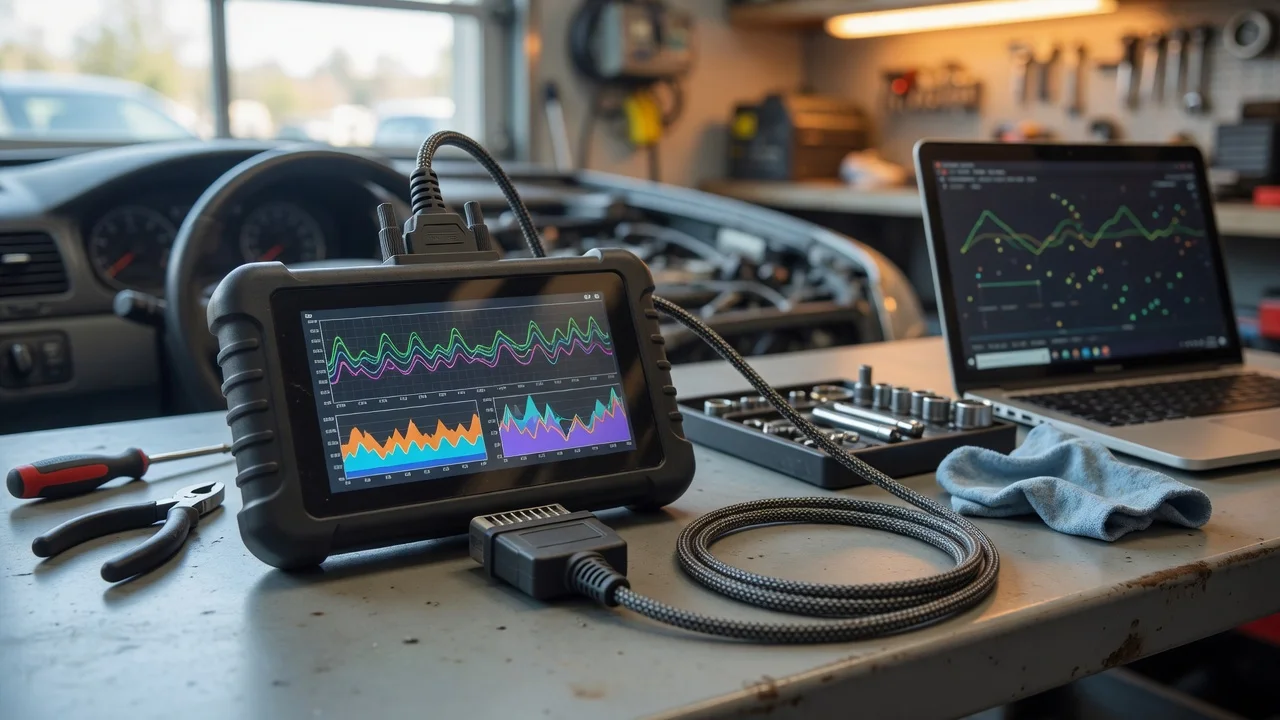
Before choosing a Kincrome diagnostic scanner, define the vehicle you need to inspect and the job you want to complete. A device built for OBD2 systems connects through the standard diagnostic port and works with engine control functions on many petrol and diesel vehicles. If the product also lists CAN support, check whether that capability matters for your vehicle, especially for newer models that rely heavily on CAN bus modules. Decide whether you only need to read and clear fault codes, or whether you also expect live data, freeze frame information and readiness checks. The result you need will determine whether a basic code reader is enough or whether a more capable scan tool is required.
Features that matter
The most important feature is the set of diagnostic tasks the scanner performs. Reading stored fault codes and clearing the check engine light are common baseline functions. Useful additions include viewing live engine data, retrieving freeze frame data captured when a fault occurred, and checking emissions readiness monitors. The display also affects usability: a screen that fits several lines of data reduces scrolling, while a smaller display may be adequate for basic code retrieval. Consider the supplied cable length and whether the connector shape suits access to the OBD2 port in your cabin, because some ports are tucked under the dashboard and are easier to reach with a slim plug.
Pay attention to how the device is powered and how it reports information. Many OBD2 scan tools draw power from the vehicle connector, so they need no separate battery or charger. Confirm whether the model stores codes after it is disconnected, or whether the information disappears as soon as the ignition is switched off. For handheld use, check the menu structure and button layout rather than assuming that more menu items mean better coverage. A scanner may list many parameters while still allowing only one value to be displayed at a time.
Check compatibility
Compatibility is not the same as a universal promise. OBD2 coverage applies to vehicles that follow the relevant emissions standard, but a scanner may not unlock manufacturer-specific systems such as airbag, ABS, body control or transmission modules. If you need those systems, look for a tool that explicitly names them. One-way communication with the engine ECU may be sufficient for storing and clearing basic codes, while bidirectional control or module scanning usually requires a more advanced device.
Protocol support determines whether the scanner can talk to a particular vehicle. OBD2 vehicles communicate over several protocols, including ISO 9141-2, KWP2000, SAE J1850 and CAN. A scanner that supports OBD2 and CAN is not automatically guaranteed to support every older protocol or every manufacturer implementation. If the product is used across a workshop fleet, match the scanner against the specific makes, models and production years in that fleet. Connector type is generally standard, but the software behind it is what varies.
For tools that connect to an app, also confirm the operating system and connection method. Some scan tools pair over Bluetooth or Wi-Fi, while others use a USB or dedicated cable. A phone app may require a current version of iOS or Android. Treat privacy and file handling as facts to verify: before using an app, review the permissions it requests and how logs, vehicle data or account information are stored. No connection method is inherently private, and diagnostic data may reveal vehicle identification details.
Build a shortlist
Use a concrete requirements checklist before comparing models. First, record the vehicle make, model, model year and fuel type. Next, list the systems that must be covered: engine, transmission, ABS, airbag, body modules or emissions readiness. Then decide the required output: fault code reading only, live data, freeze frame, or graphing. Note the preferred connection and power source, and whether the tool must work without a phone or laptop.
Narrow the field by matching those requirements to the scanner descriptions. A shortlist should show where a device satisfies a requirement, where it is unclear, and where it is not supported. Unsupported manufacturer-specific coverage is often the main reason a scanner that reads engine codes still cannot diagnose a particular warning light. Do not rely on a single specification number as a quality score. Check the wording around vehicle coverage and system access, and keep the focus on whether the tool performs the job you defined at the start.