How Did Car Radios Become Connected Displays?
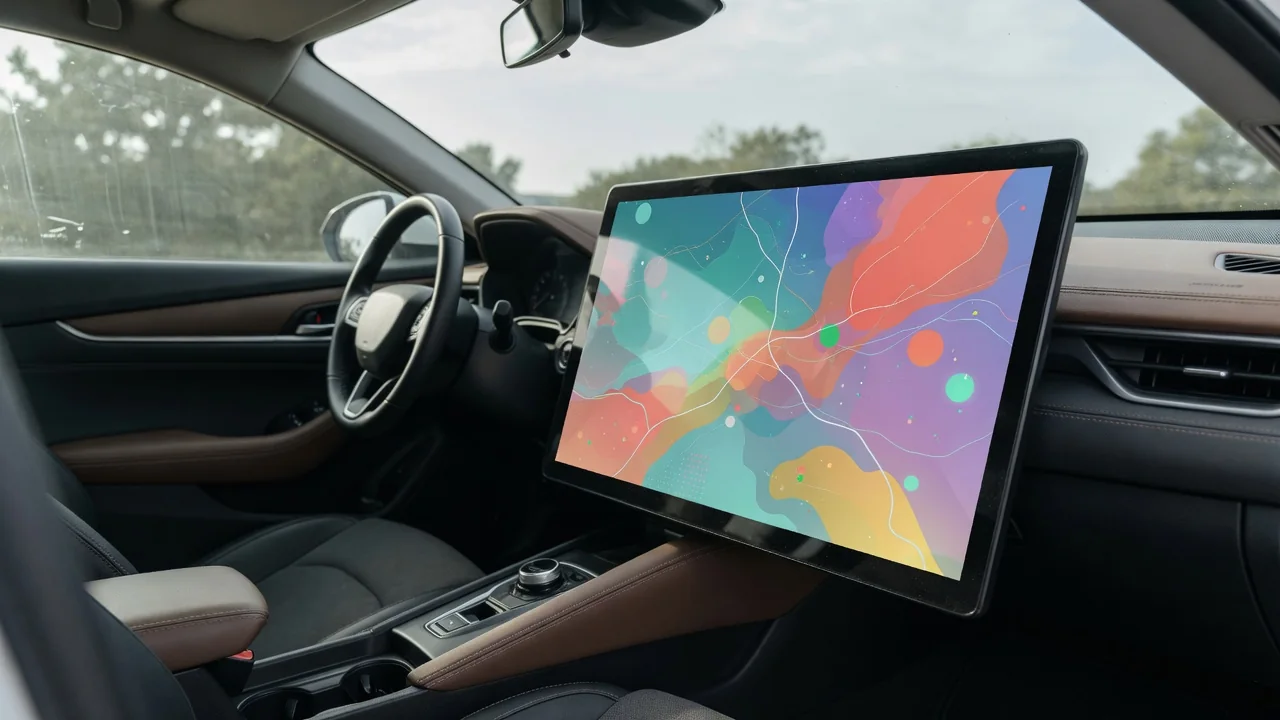
Asking how did car radios become connected displays is really asking how a single-purpose receiver turned into the dashboard's main computer. The change happened in steps: broadcast audio came first, then personal media, then screens, and finally the phone itself. Each step left traces you can still spot in older and newer vehicles, and understanding them makes modern infotainment far less mysterious.
Audio sources
The earliest car radios did one job: pull AM broadcasts from an antenna and push them through a single speaker. FM reception followed, bringing clearer sound and stereo, and the head unit stayed a tuner with a dial and a few preset buttons. What listeners heard depended entirely on which stations reached the car, so the audio source lived outside the vehicle and the driver simply chose among whatever signals happened to be in range.
Personal media changed that relationship. Tape decks, then compact disc players, let drivers carry their own music, and later auxiliary jacks and USB ports let a portable player or flash drive feed the stereo. Bluetooth streaming removed the cable, and satellite and digital broadcast options widened the choice of stations. You can read a vehicle's era from its dashboard: a cassette slot, a disc slot, a small jack, or no physical media at all. Which of these sources appear varies by model year, trim and market.
Screens
Screens arrived for a practical reason: more sources meant more information to show. A segmented readout that displayed a frequency could not list track names, folders or contacts, so dot-matrix and then small color displays took over. Navigation pushed things further, because a map needs real area and resolution. Once a screen large enough for maps sat in the center stack, it made sense to route the audio controls, the clock and the reversing camera image through the same panel.
Touch input then replaced many buttons, which let designers rearrange functions through software rather than by retooling a faceplate. Some vehicles keep physical knobs for volume and tuning, others rely on a rotary controller or touchpad on the console, and others move nearly everything onto glass, including climate settings. Screen size, orientation and responsiveness differ widely, even between trims of the same model, so a base version and a top version can feel like different generations of technology despite sharing a dashboard shape.
Privacy and updates
A broadcast radio knew nothing about its listener. A connected display can hold a synced phone book, call history, text messages, saved destinations and account logins, and some systems send usage or location data over a built-in cellular modem. That matters most when a car changes hands, is returned from a lease or is rented. Most systems offer a way to delete paired phones and restore factory settings, though the menu location and what the reset actually erases depend on the manufacturer.
Updates are the other consequence of becoming a computer. An old tuner worked the same on its last day as its first, whereas connected units can receive new software that fixes bugs, changes menu layouts or adds features. Some vehicles download these over the air, while others need a dealer visit or a USB file, and older units may stop receiving support entirely. Checking the settings menu for a software version and update option shows which approach a particular car uses, and the owner's manual confirms the details.
Everyday Use and Observations
In daily driving, the biggest shift is phone projection. Systems such as Apple CarPlay and Android Auto let the handset run the apps while the dashboard acts as a display and touch surface, so maps, music and messages look familiar in any compatible car. The built-in software still handles the radio tuner, vehicle settings and camera views. Drivers often notice themselves switching between two interfaces, one belonging to the car and one belonging to the phone, each with its own voice assistant.
Small observations reveal how a given system is built. Whether projection needs a cable or works wirelessly, how long the screen takes to wake after starting the car, and whether audio resumes where it stopped all differ between vehicles. Steering wheel buttons may control the phone's assistant with a long press and the car's own with a short one. Occasional dropped connections often trace to a worn cable, a dirty port or outdated phone software rather than to the head unit, so simple checks are worth trying first.
Limits and Next Steps
Connected displays have limits that the old radio never faced. Streaming and live traffic depend on mobile coverage and a data plan, so a remote road can silence a service that an AM or FM signal would still reach. Features tied to subscriptions or to a cellular network generation can lapse as the car ages. Screens also demand attention, and many systems lock out typing or certain menus while moving, which is a deliberate safeguard rather than a malfunction.
For owners of older vehicles, the path forward depends on how the original unit is integrated. Where the stereo is a standalone box, an aftermarket receiver with phone projection may be an option; where the screen also runs climate controls or vehicle settings, replacement is far more involved and deserves professional advice specific to that car. For anyone shopping, pairing a phone during a test drive, trying the voice commands and asking how software updates are delivered reveals more than any feature list on a window sticker.