Honda bluetooth add new device
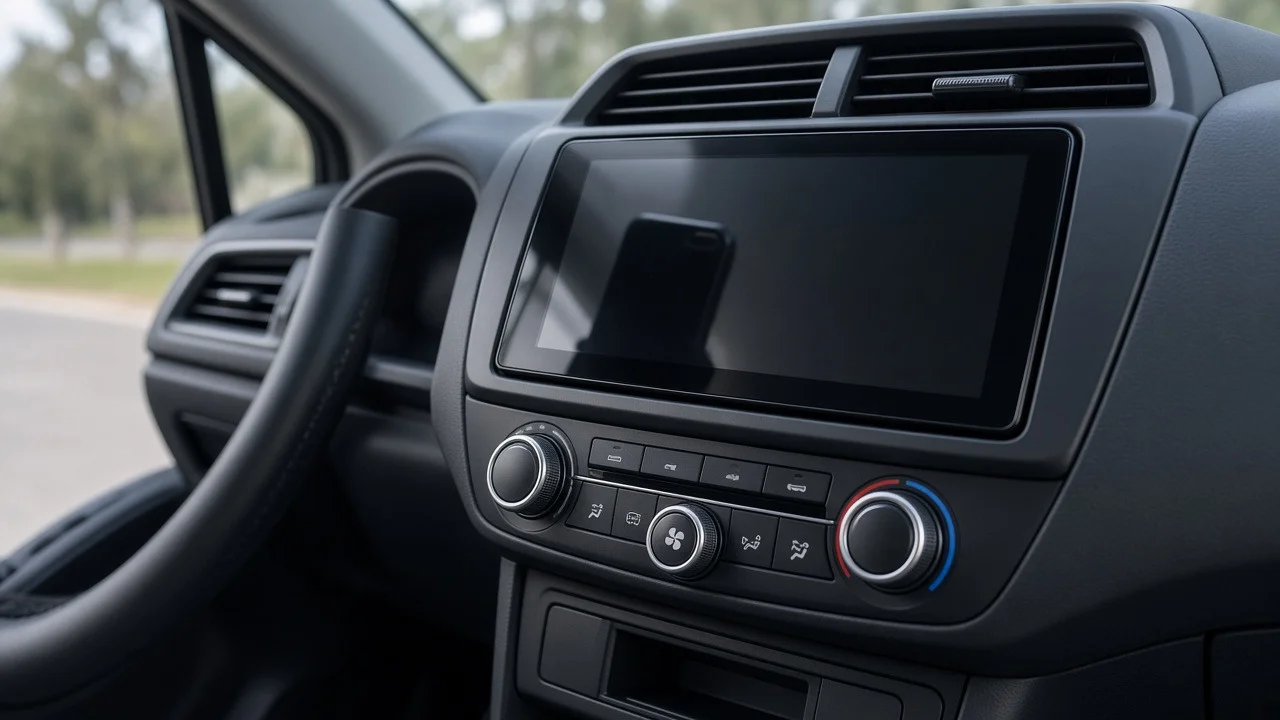
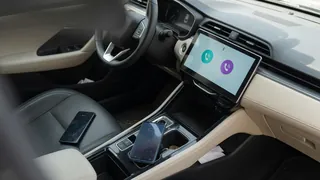
Adding a new Bluetooth device to a Honda changes how the infotainment system treats a phone, tablet, or interface adapter that has never been paired. The process creates a recognized connection profile, but it is not always a simple one-tap action. Connection settings, software compatibility, and vehicle integration can affect whether the radio discovers the phone, whether the phone accepts the pairing request, and whether steering wheel interface controls continue to work afterward. Drivers who understand the pairing sequence and the common connection limits are better able to distinguish a normal pairing delay from a problem that needs a different approach.
Essential answer
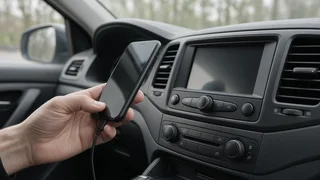
The direct answer is that a Honda Bluetooth add new device action is performed through the audio or infotainment system’s phone or Bluetooth connection settings, with the phone also placed in a discoverable state. The vehicle begins in device pairing mode, searches for nearby Bluetooth signals, and displays available devices. Depending on the generation of the display audio system, the driver may need to confirm a passkey on both the radio and the phone. The essential task is not simply connecting a wire; it is creating a secure wireless association that the vehicle can recall for later ignition cycles.
The scope of this process also includes qualification that materially changes the result. Older systems may ask the driver to use the phone to initiate the connection after selecting the vehicle’s Bluetooth name, while newer systems may require the phone to accept a prompt generated by the radio. Device pairing can also be interrupted if the phone is already connected to another accessory or if the Honda’s Bluetooth memory contains the previous phone profile. Software compatibility between the phone’s operating system and the vehicle’s infotainment version influences whether contact sharing, audio streaming, and hands-free controls are available after pairing. In each case, the goal is successful vehicle integration, not only a temporary visual confirmation on the screen.