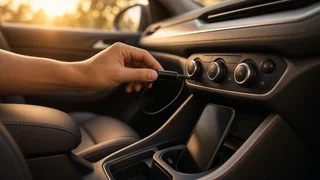
How to Add Bluetooth to an Old Car Stereo
The short answer
You can almost always add Bluetooth to an old car stereo. Which method works depends on what inputs your radio already has. A Bluetooth adapter is a small receiver that pairs with your phone and passes its audio to the stereo through an existing connection. It can plug into an auxiliary (aux) jack, a USB port, a cassette slot, a rear connector meant for a CD changer or satellite radio, or it can broadcast over an unused FM frequency. If none of these suit you, you can replace the radio itself, called the head unit, with an aftermarket model that has Bluetooth built in.
Two conditions change the answer. First, check whether you want hands-free calling or only music streaming. Many simple adapters stream music only. Call audio needs a microphone and an adapter that supports the hands-free calling profile. Second, check how integrated the factory radio is with the rest of the car. In many newer older vehicles, the radio also controls chimes, climate settings, steering-wheel buttons or amplified speakers. In those cars, replacing it takes extra interface parts, and keeping the factory unit with an adapter may be simpler.
Options, from simplest to most involved
Method | What it needs | Typical trade-offs; FM transmitter | A power outlet and a working FM tuner | No wiring. Sound quality depends on finding a clear frequency, and interference is common in cities. Many models include a microphone for calls. Cassette adapter (Bluetooth type) | A working tape deck | No wiring. Quality depends on the deck's condition. Call support varies by model. Aux-input Bluetooth receiver | An aux jack on the radio or one that can be added | Usually clearer than FM. Calls need a model with a built-in or external microphone. USB-connected adapter | A radio USB port that accepts audio devices | Not every factory USB port supports this. Some ports only charge or only read storage drives. OEM-port adapter | A rear CD-changer, satellite or auxiliary connector matched to the vehicle | Plugs in behind the radio and can show track info or work with steering-wheel controls on some vehicles. Fitment is specific to make, model and year. Replacement head unit | A radio opening of a standard size, or a fitting kit, plus a wiring harness adapter | The most complete result, with integrated calling and a proper microphone. It costs the most and takes the most work, and may need extra interfaces in integrated cars.
How to choose for your car
Look at the front of the radio for an aux jack, USB port, tape slot or a label naming an auxiliary or changer input. Check the owner's manual or the radio's model number to find out which inputs it supports, including hidden rear connectors. Decide whether you need calls or only music. If you need calls, choose a device that clearly states hands-free call support and comes with a microphone. If you want to keep the factory look or steering-wheel controls, search for an adapter listed for your exact make, model, year and radio type. If the radio is a standard single-DIN or double-DIN size (the two common aftermarket head-unit sizes) and is not tied into other vehicle functions, a replacement head unit is a practical route.
General installation steps
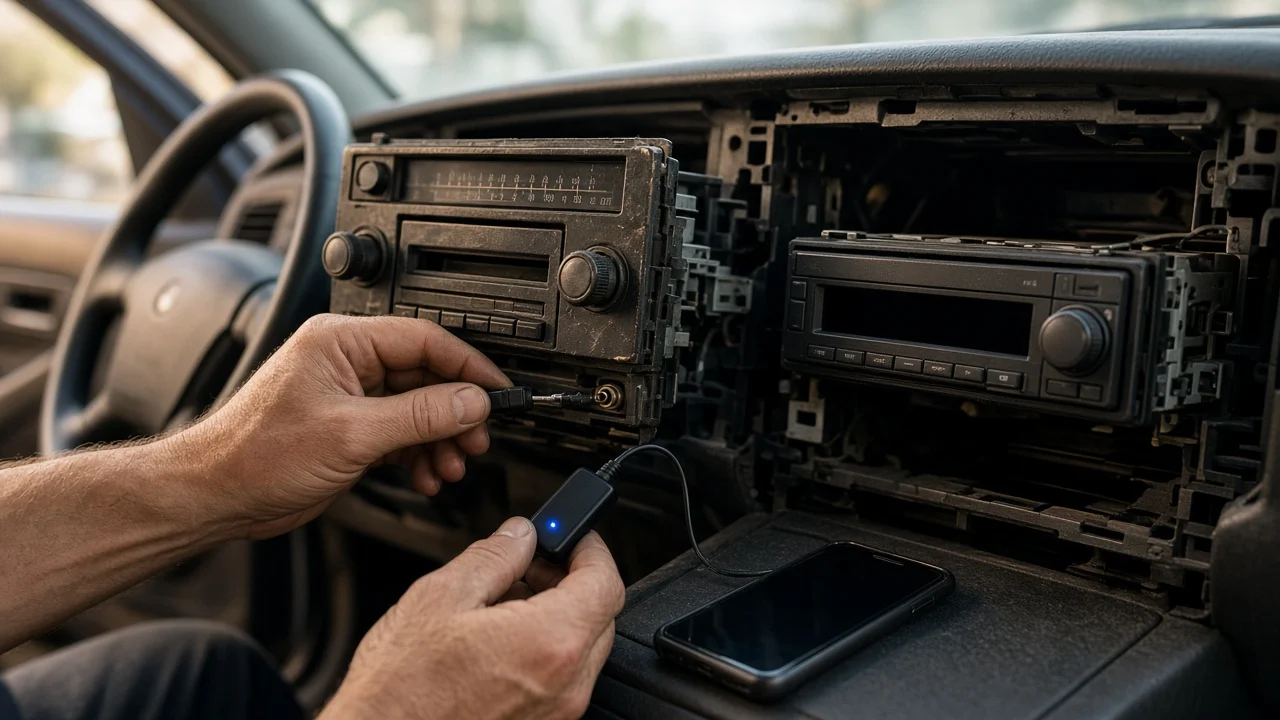
Plug-in options (FM transmitter, cassette adapter, aux or USB receiver): connect the device, power it, set the radio to the matching source or FM frequency, then pair your phone in its Bluetooth settings. OEM-port adapter: turn off the ignition, remove the trim and radio using the correct tools or the vehicle's service procedure, connect the adapter to the matching rear port, route the microphone if one is included, then reinstall the radio. Replacement head unit: disconnect the battery if the vehicle's procedure calls for it, remove the old radio, connect the new unit through a harness adapter rather than cutting factory wires, add any antenna or steering-control interfaces needed, mount the microphone, then reassemble. If the radio has an anti-theft code, find it before you disconnect power. Some factory units lock until the code is entered.
Checking the result
Play music and check the volume, clarity and both left and right channels. Make a test call while parked. Ask the other person whether your voice is clear, and check that you can hear them through the speakers. Check whether the phone reconnects on its own after the car is turned off and restarted. Look for hum or engine whine. With aux or USB adapters, this often points to a ground-loop problem, and a ground-loop isolator can fix it. If you installed an OEM-port adapter or a new head unit, check that steering-wheel controls, chimes and other functions tied to the radio still work.
Limits and gaps in this guide
This guide does not include verified prices, product specifications or model-specific fitment data. Whether an adapter or replacement radio fits your car depends on its make, model year, market and trim, so confirm compatibility for your exact vehicle before you buy. Rules on using a phone while driving vary by US state. Hands-free equipment may help you comply, but check your state's current requirements rather than assuming any setup is allowed.